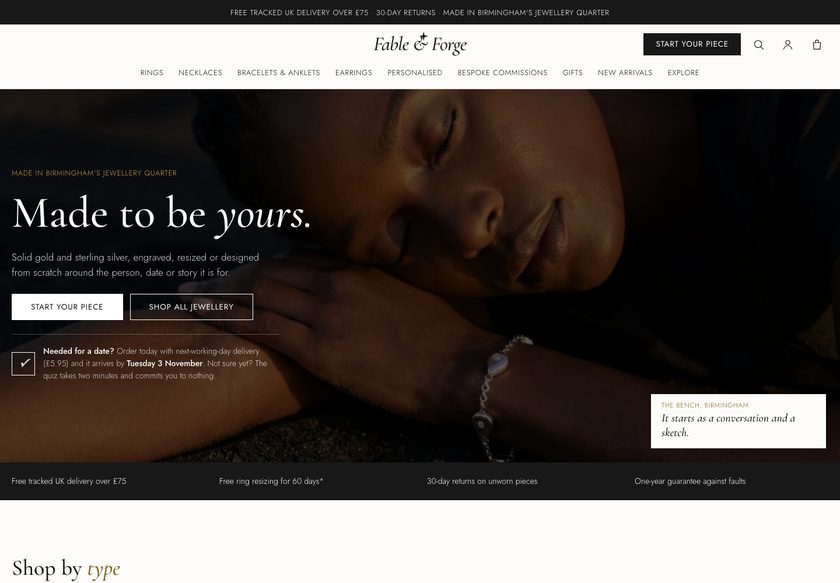
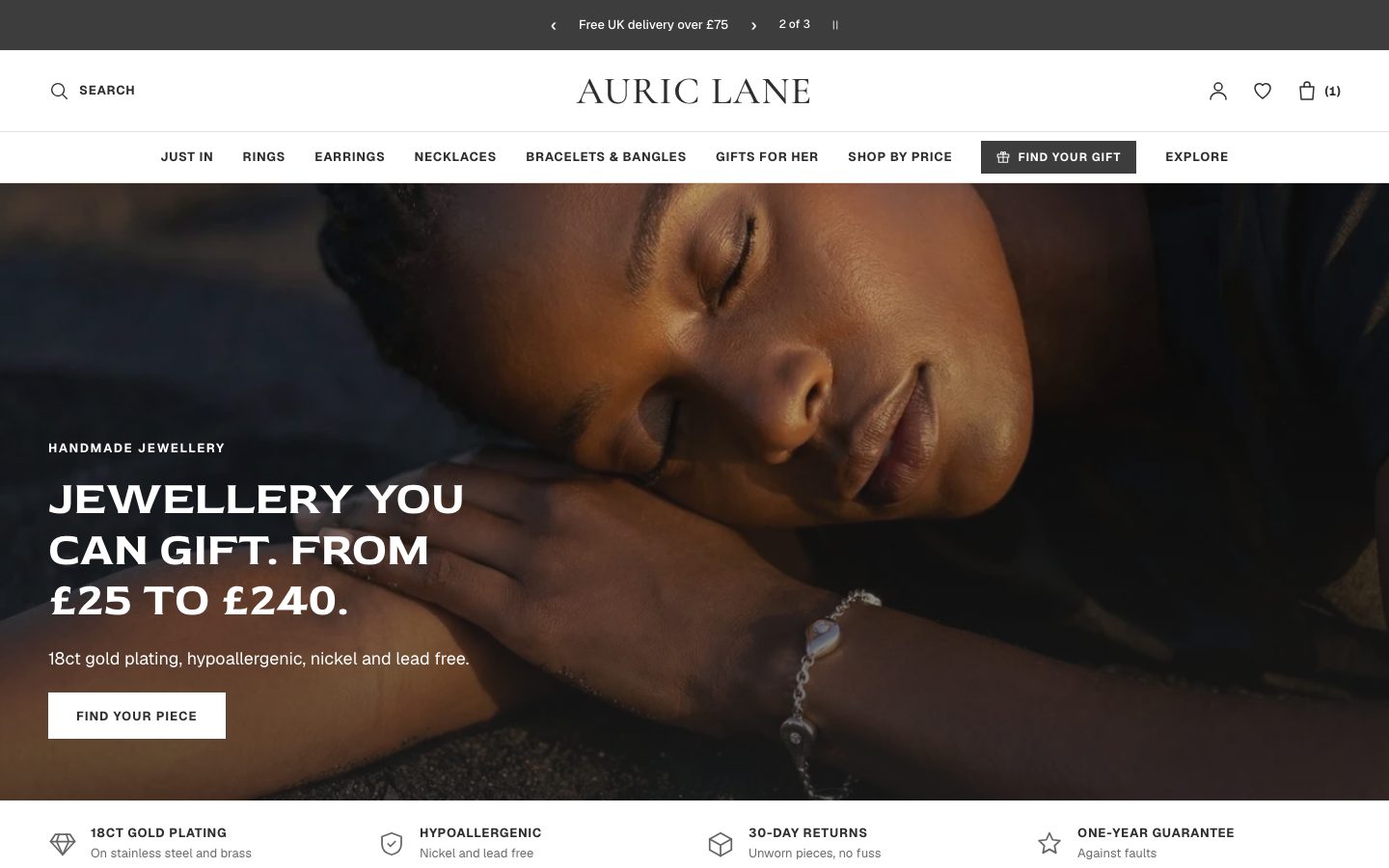

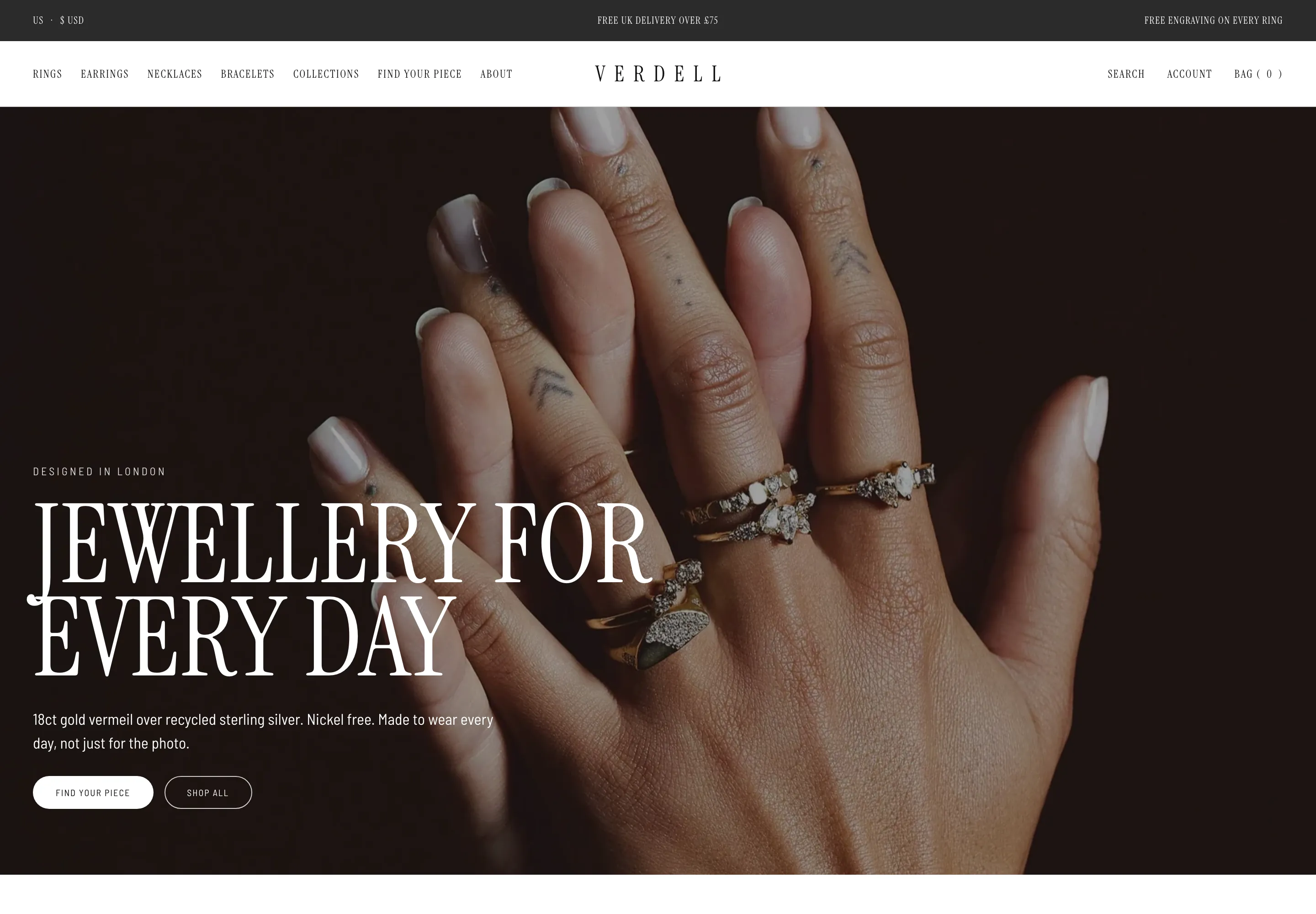
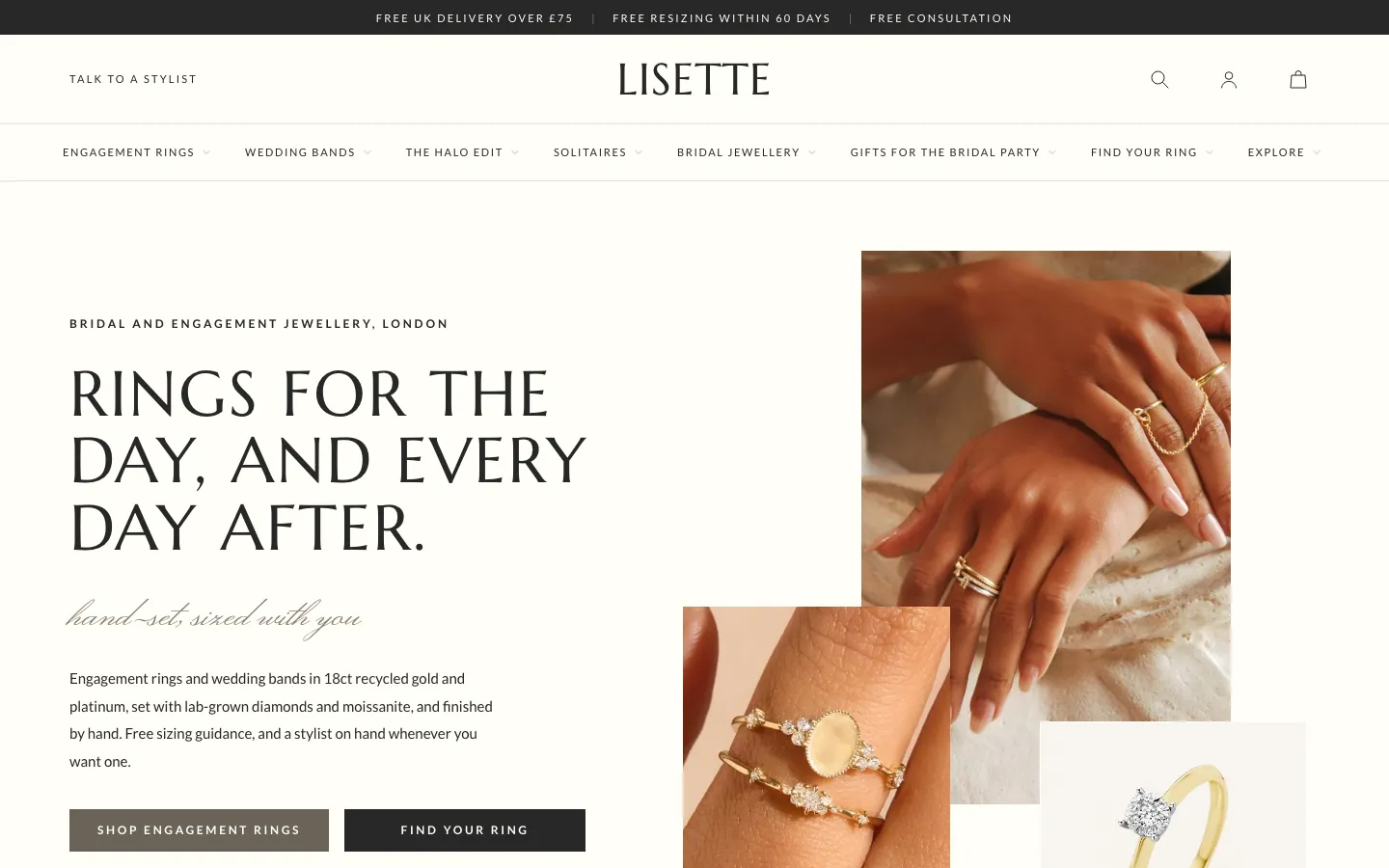
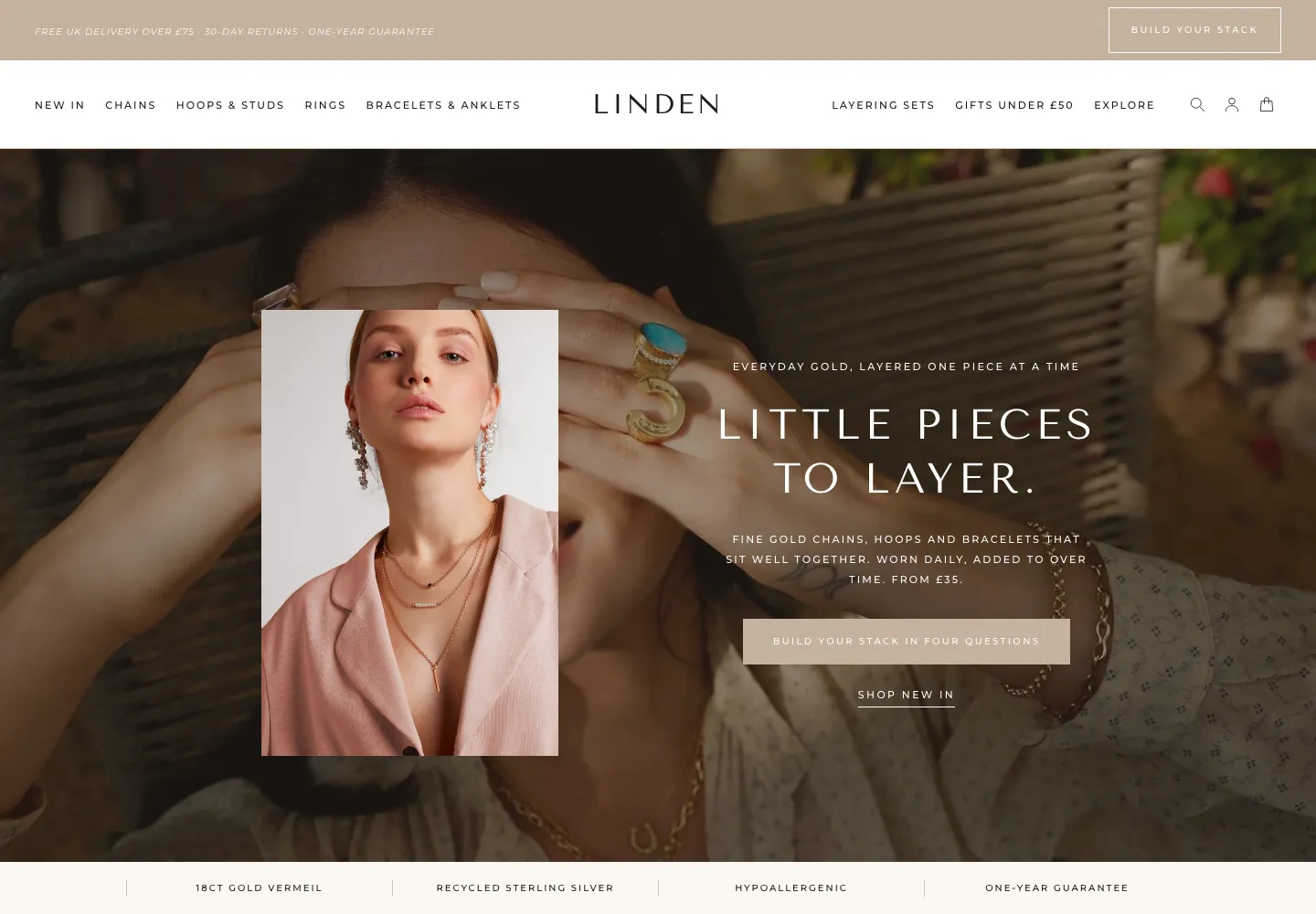
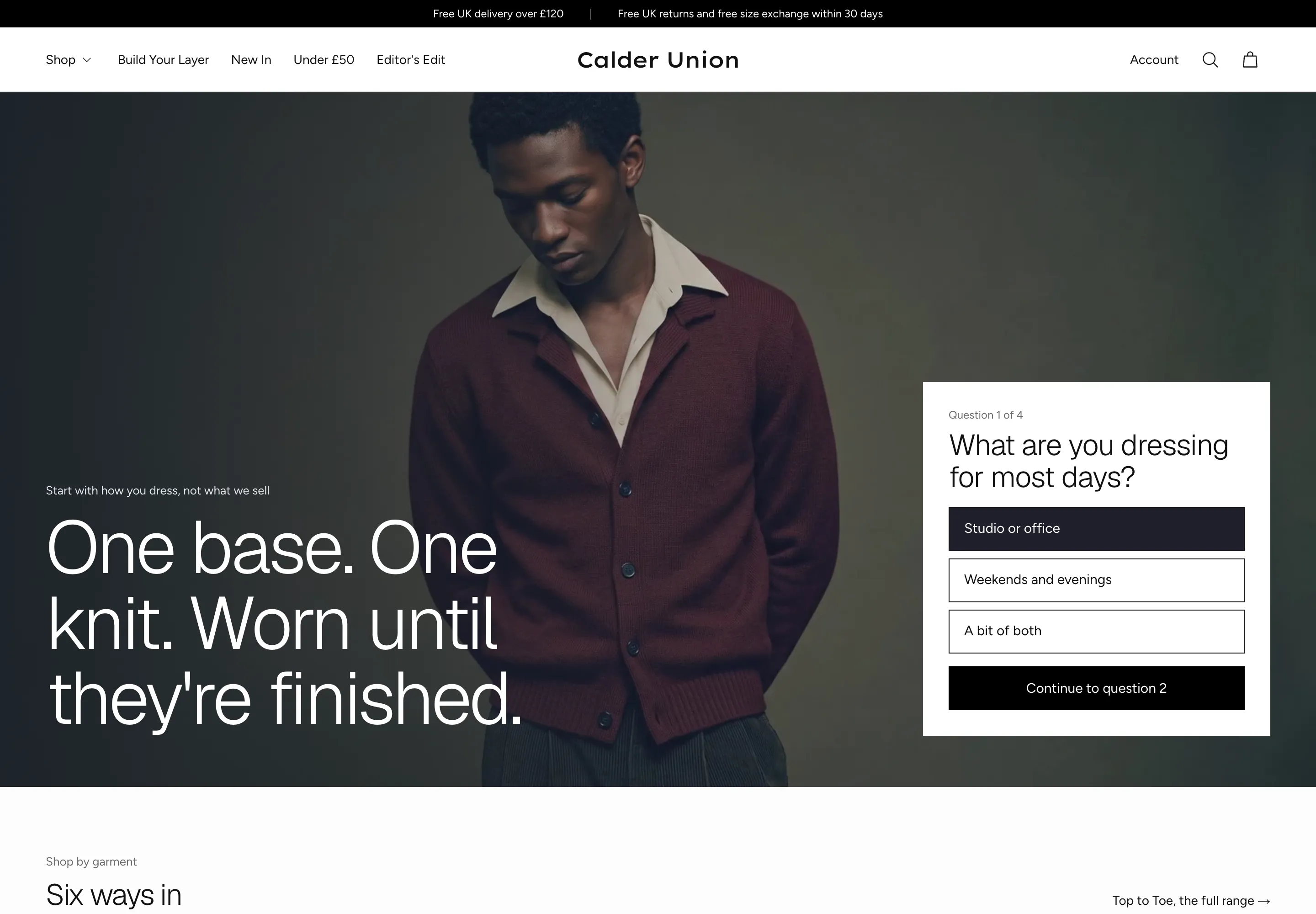
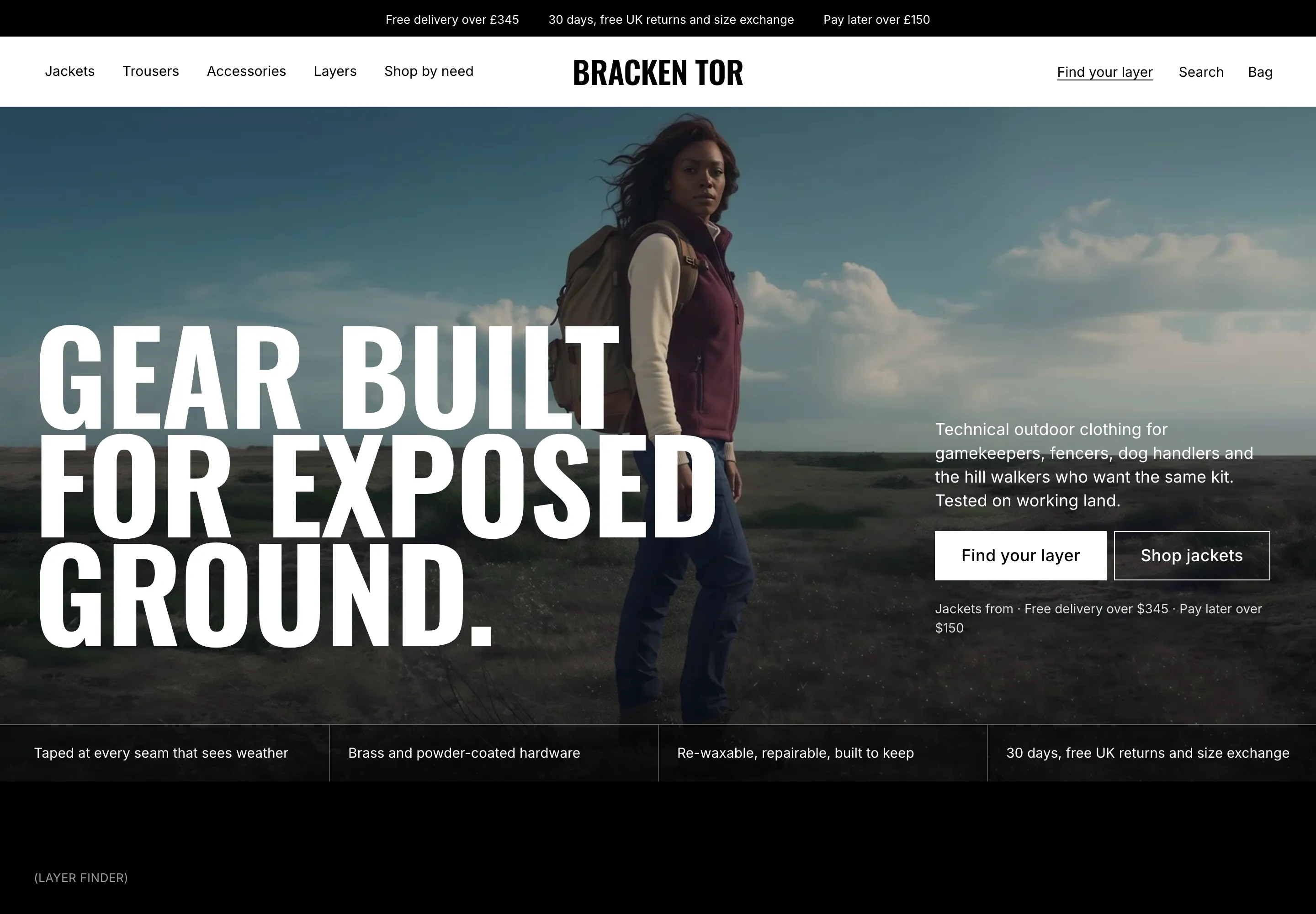
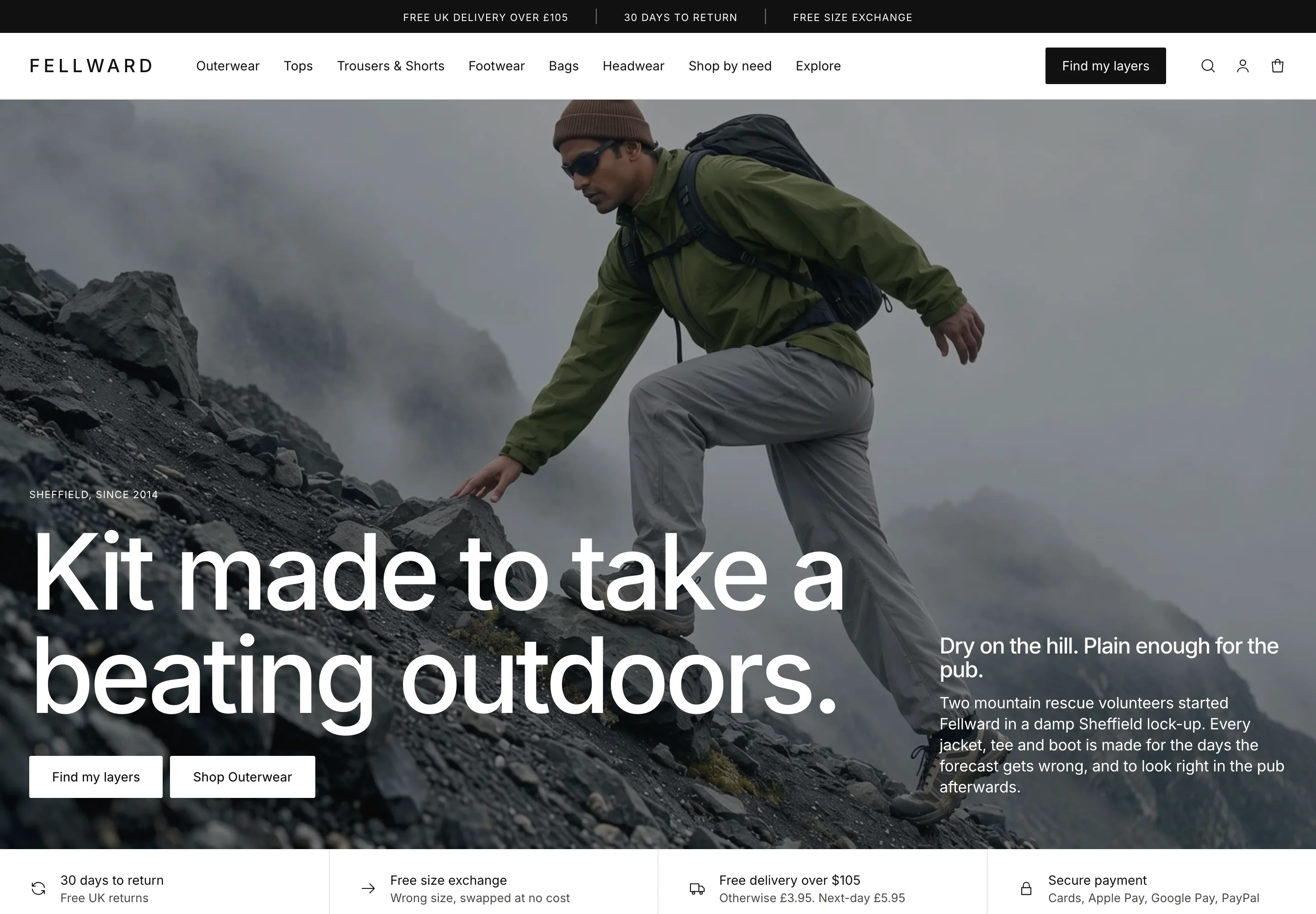
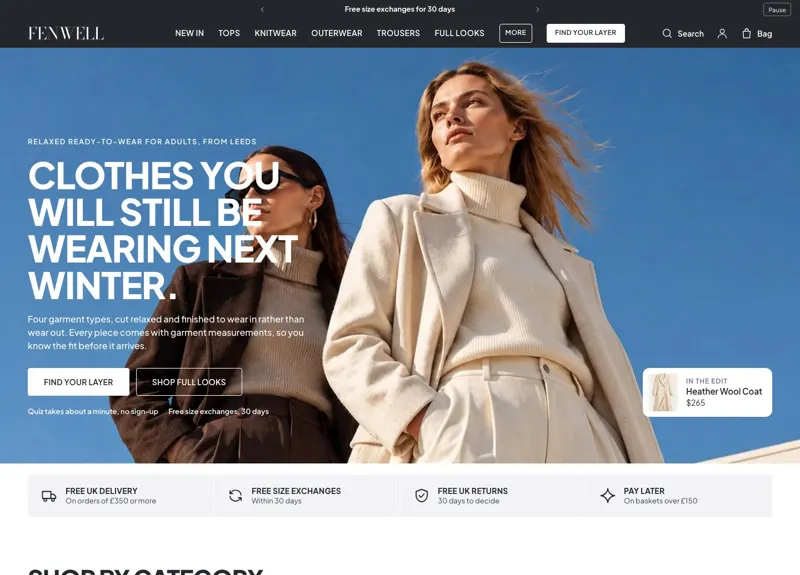
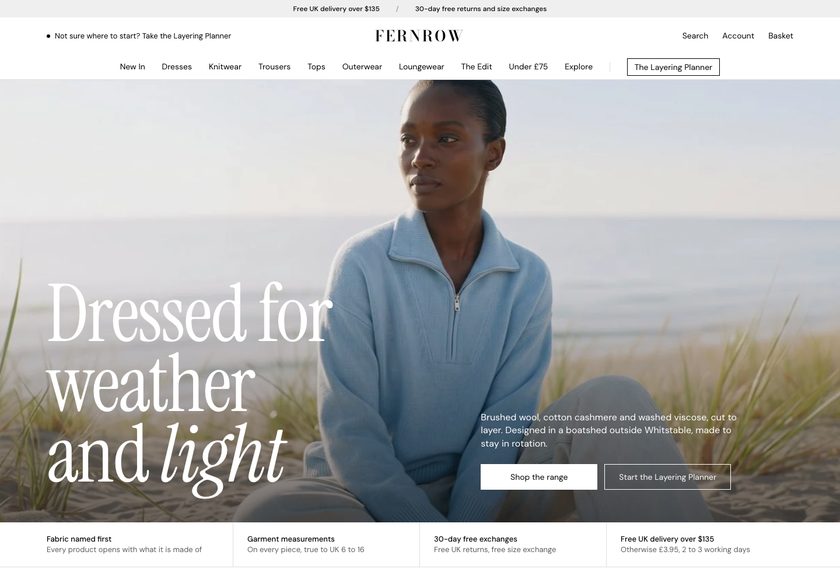
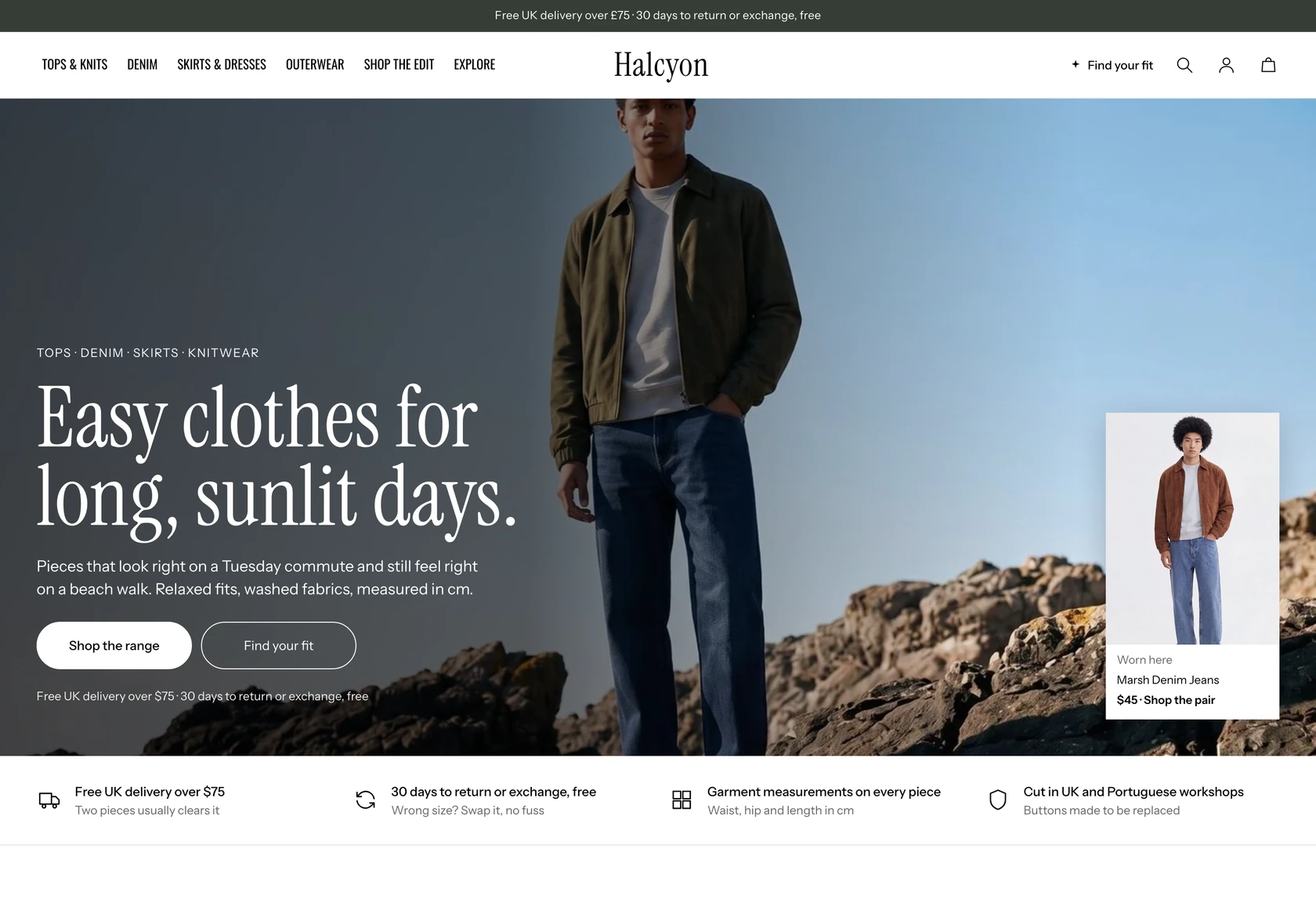
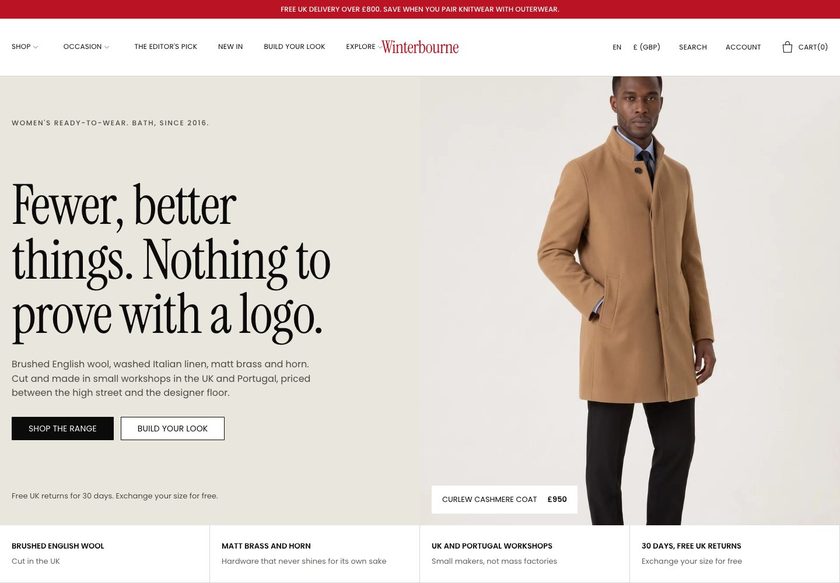

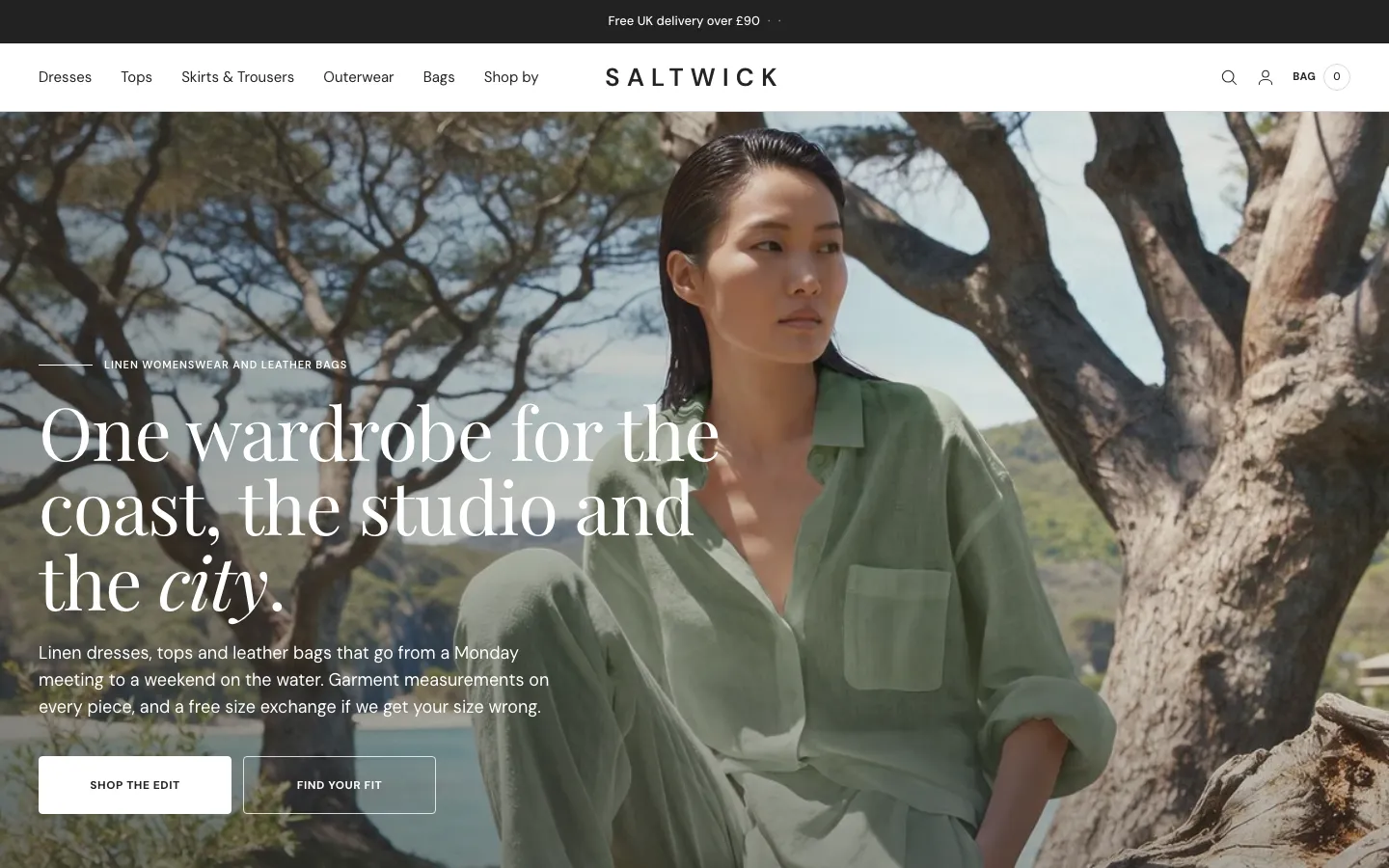
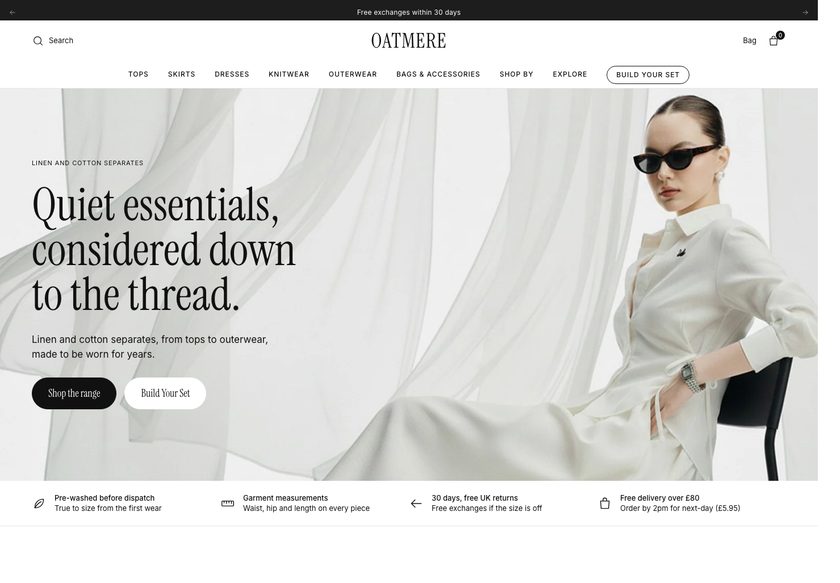
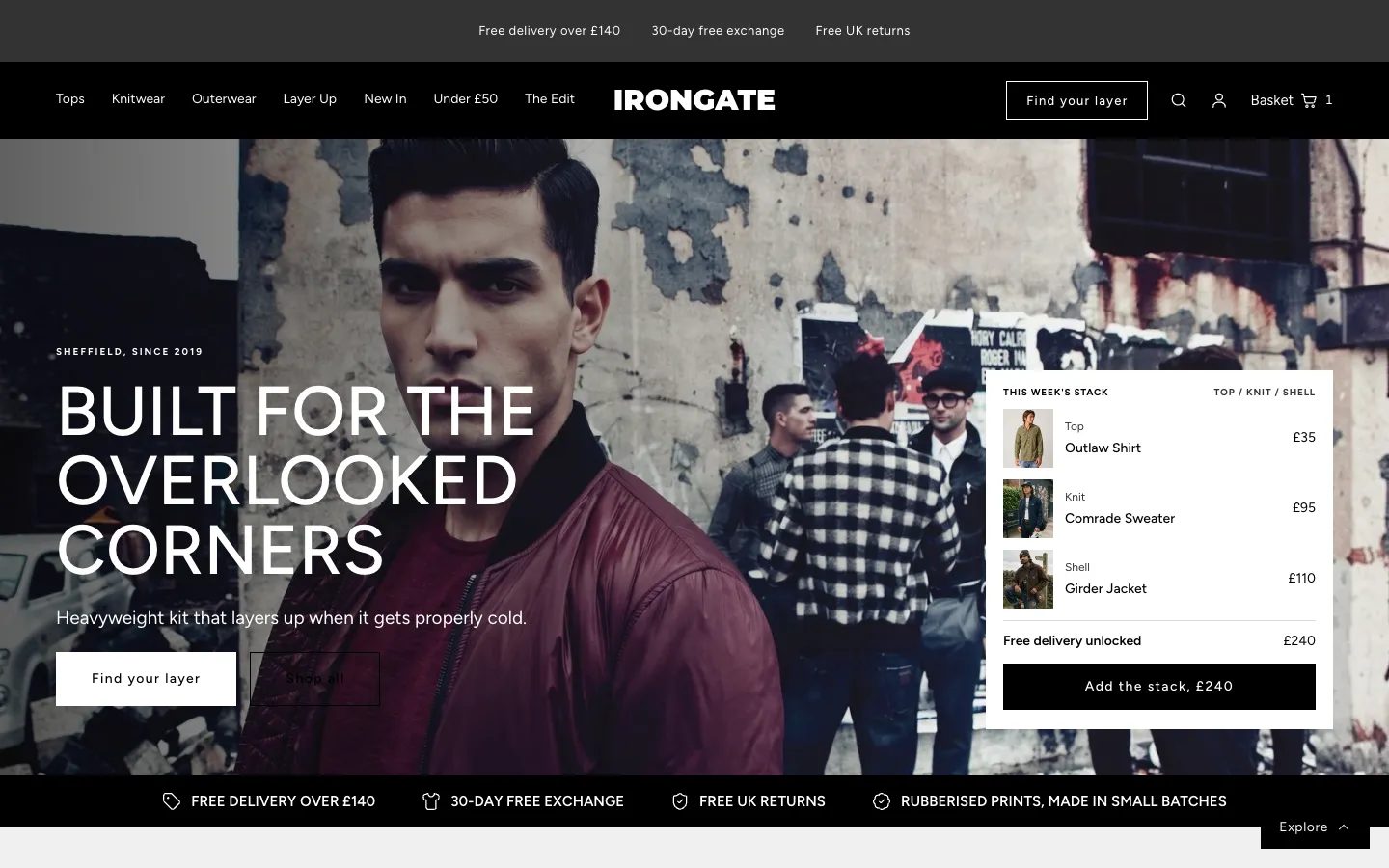
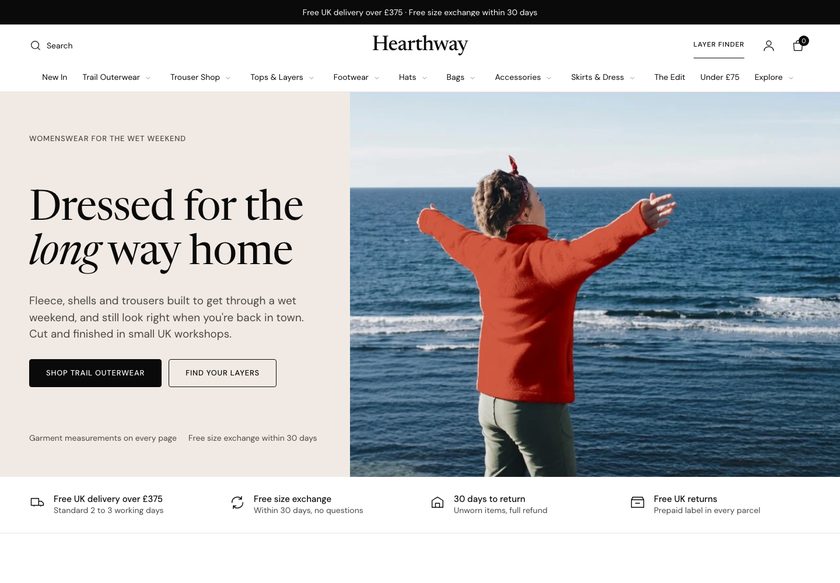
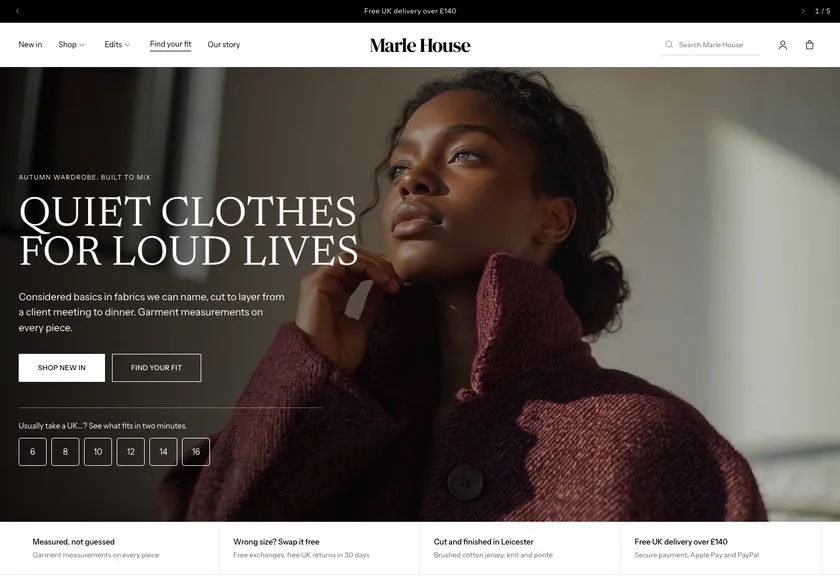
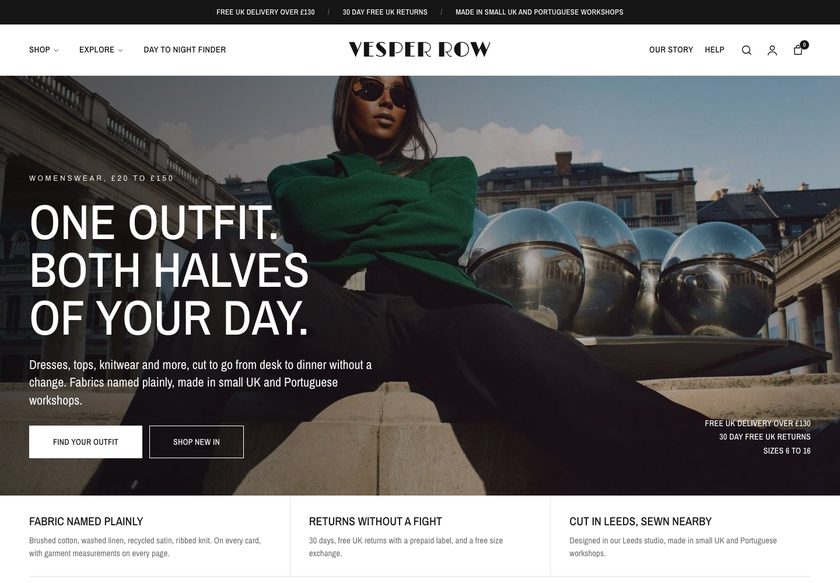
Outdoor shoppers ask what to wear underneath. Fellward answers it on the page.
A Shopify theme for jackets, base layers, trousers, footwear and accessories. A Layer Planner builds a base, mid and shell kit with a total, and fit, fabric and delivery progress sit beside the buy button.
Demo password: convertica · Download from £350 or have us set it up · No monthly theme fee

Someone opens a shell jacket, reads the price and still does not buy.
The jacket looks right. The questions that stop the purchase are not about the jacket, and the shopper does not ask you: they leave the tab open and drift away.
A theme that only shows products leaves every one of those unanswered. Fellward answers all four, in the store, before they leave.
A Layer Planner that builds the whole kit.
Outdoor buyers rarely buy one garment. They build a base, a mid and a shell. Fellward puts that question at the centre of the store.
- Layer Planner: a guided page that asks questions (four on the demo) and ends on a suggested base, mid and shell kit with a total and an add-to-basket action
- A Layer System bundle under the product, built from pieces you tag as base, mid or shell
- Planner bands on the home page and in the basket that point shoppers to the planner
Fit and size, explained next to the size buttons.
Fit is the quiet reason a clothing order never happens. Fellward puts a fit line, a size guide and a comparison on the product.
- A fit line and a delivery estimate beside the buy button, set per product or as a default in the section
- A size-guide link on the product that opens a size chart, and a Size guide page with measurement tables
- A product comparison that sets a piece beside the ones it could be confused with, read from product fields
Fabric and weather, explained where the shopper is deciding.
Technical clothing is priced for what it is made of. Fellward gives fabric and weather room on the pages that matter, so the price has a reason.
- A fabric section on each product and a product story section
- Weather picks and a fabric rail on the collection page, and a guided picker on Collection V3
- A Fabric guide page and a Layering guide page with a weather table
Delivery progress that follows the shopper through the store.
A shopper close to the free-delivery line will often add a piece. Fellward shows how far they are, in the places they are looking.
- A free-delivery bar that counts down in the announcement bar, on the product, in the basket drawer and on the basket page, from one amount in Theme settings
- A suggestion in the basket drawer that appears only when the piece is available, not already in the basket and worth enough to close the gap
- A Delivery and returns page, and assurance tiles beside the buy button
Outdoor kit is bought in layers. Fellward shows what goes together.
A base under a mid, a shell over both. The theme offers the pairing where the shopper is already deciding.
Layer System bundle
Pieces tagged base, mid and shell shown together under the product, with a total.
Layer Planner
A guided kit suggestion with a total and an add-to-basket action.
Quick add and quick view
Choose from a product card without leaving the page. Both are theme settings.
In the basket
Free-delivery progress, a suggestion that closes the gap, an order note and the express checkout buttons Shopify provides.
It should look like your brand, not like everyone who bought the same theme.
Pick the opening that suits your range, then recolour the whole store from one dropdown.
An opening picture, a trust strip, shop by category, a Layer Planner band, need cards and a product rail. Suits most stores.
A hero with facts, a marquee, a collection list, a tabbed rail and shop the look. Suits a wide range.
A hero with chapter links, chapters, a planner band and the journal. Suits shops that tell a story by activity.
Twelve palettes, one click
The Fellward default, ten alternatives and a Custom option. One bundled typeface (Inter) or your choice from the Shopify font library, and a custom CSS field in Theme settings.
Everything is a section. Move it, add it, hide it.
You run a store, not a web agency. Fellward is built so you can change what you need in the theme editor and never touch code. Prefer not to? We can set it all up for you.
- 102 sections, 90 of them you can add to any page, each with its own spacing
- 206 settings in 20 groups: colour, type, cards, buttons, basket, delivery and more
- Real copy and demo content already in place, so a new store never opens empty
- A Theme Guide that walks you through each step
The parts you can't see, done properly.
Ready to be found
Titles, descriptions, canonical links and social-share tags on every page, one H1 per page, breadcrumbs, and structured data for the organisation, site search, breadcrumbs, FAQs and articles.
Light on the page
Page-specific CSS and JavaScript, no framework and one self-hosted font. The only outside request is Google Analytics, and only after the visitor accepts consent and you enter an ID.
Built for everyone
A skip link, visible focus, labelled fields and reduced-motion support. Automated scans of the demo found no violations; a person has not yet tested it with a keyboard or screen reader, so we make no conformance claim.
Plays well with apps
92 sections accept app blocks, and no app is required. Specific apps have not been tested for this release.
What you would otherwise piece together from apps and custom work.
On many themes each of these is an extra app or a developer's afternoon. In Fellward they are part of the theme. A few things honestly are not, and we say which.
| Feature | In Fellward |
|---|---|
| Layer Planner and Layer System bundle | Built in |
| Fit line, size guide and product comparison | Built in |
| Fabric guide, Layering guide and weather table | Built in |
| Free-delivery progress | Built in |
| Colour palettes, three home layouts | Built in |
| Lookbook and Gift guide pages | Built in |
| Fault report and repair steps page | Built in |
| Product reviews | Written by you; no review app included |
| Collection filters | Shopify’s own filters, drawn by the theme |
| Wishlist | Needs an app; the product card has a place for one |
| Customer account pages | Hosted by Shopify |
All 28 page designs, shown.
Real captures of the live demo store, at desktop and phone width. Click any screenshot to see the whole page.
- You sell jackets, base layers, trousers, footwear or accessories for hill, trail and weather use.
- Your shoppers need help choosing a layer, a fabric or a set of pieces.
- You want fit, fabric and delivery progress on the product without an app.
- You want a calm, photograph-led look you can edit without code.
- Designed customer-account pages. Shopify hosts those.
- More than one language out of the box. Fellward ships in English.
- A review-collection app, wishlist or loyalty scheme out of the box. Those need apps.
- A very large catalogue with advanced filtering beyond Shopify's own.
Two ways to get it. Choose how much you want us to do.
Try the live demo first (password convertica). Then download the theme and set it up yourself, or have us set it up on your live store.
You install it and set it up yourself, with the Theme Guide beside you.
- The complete theme: 35 templates, 102 sections
- The Theme Guide with a quick start
- Updates and bug fixes included
- You set up your store, fields and collections
We set Fellward up on your live store, so it is ready to take orders.
- Everything in the download
- We review your store first
- We create the custom fields your products need
- We create your collections
- We set up your buying paths
- Everything else needed to go live
Questions store owners ask
Do I need a developer to set it up?+
No. Everything is changed in the Shopify theme editor. The Theme Guide walks you through the steps, and the demo store shows how each page is set up. If you would rather not, our £1,000 set-up does it for you on your live store.
Will it work with the products I already have?+
Yes. Some features read extra product details, such as fabric, fit line, layer role and comparison, from product metafields. The guide lists them and shows how to fill them in. Where a field is empty, that part falls back to the section's own setting or stays out of the way.
Can I change the homepage later?+
Yes. All three home layouts ship in the theme, and every section can be added to any page, so you can switch or mix them without rebuilding.
Does it include product reviews?+
Reviews are written by you. They appear from review blocks you edit, or from a reviews app block you add. Nothing is published until you add it. The theme does not collect or moderate reviews, and no review app is included.
Will it sell more for me?+
We will not promise a number, because results depend on your products, prices and traffic. What Fellward does is remove common reasons shoppers hesitate, with fit, fabric and delivery progress on the product and a planner that builds a kit.
What do I need to set up in Shopify?+
Set your store currency, enter your free-delivery amount in Theme settings, add your filters in Search & Discovery, and fill in the fabric, fit and layer-role fields on your products if you want those parts shown.
What does the £1,000 set-up include?+
We review your store, create the custom fields your products need, create your collections, set up your buying paths, and do everything else needed to go live. The theme is included.
Do you write the words and make the images?+
No. Copywriting and image generation are not included in either option. You bring your own words and photos, and we place them in the theme.
Can I use it on more than one store?+
No. One licence covers one Shopify store. It cannot be used on any other store, including other stores owned by the same person or business. If you need Fellward on another store, buy another licence.
What does support cover?+
Updates and bug fixes are included with both options. Customisation and feature requests are quoted separately. Write to hello@converticastudio.com.
See it with your own eyes, then make it yours.
Tell us where it goes
Send your details and we email you the payment details. Once paid, we send the theme file to install on your store.
Thank you, we have it.
We will email with the payment details. Once you have paid, we send the theme file to install on your store.