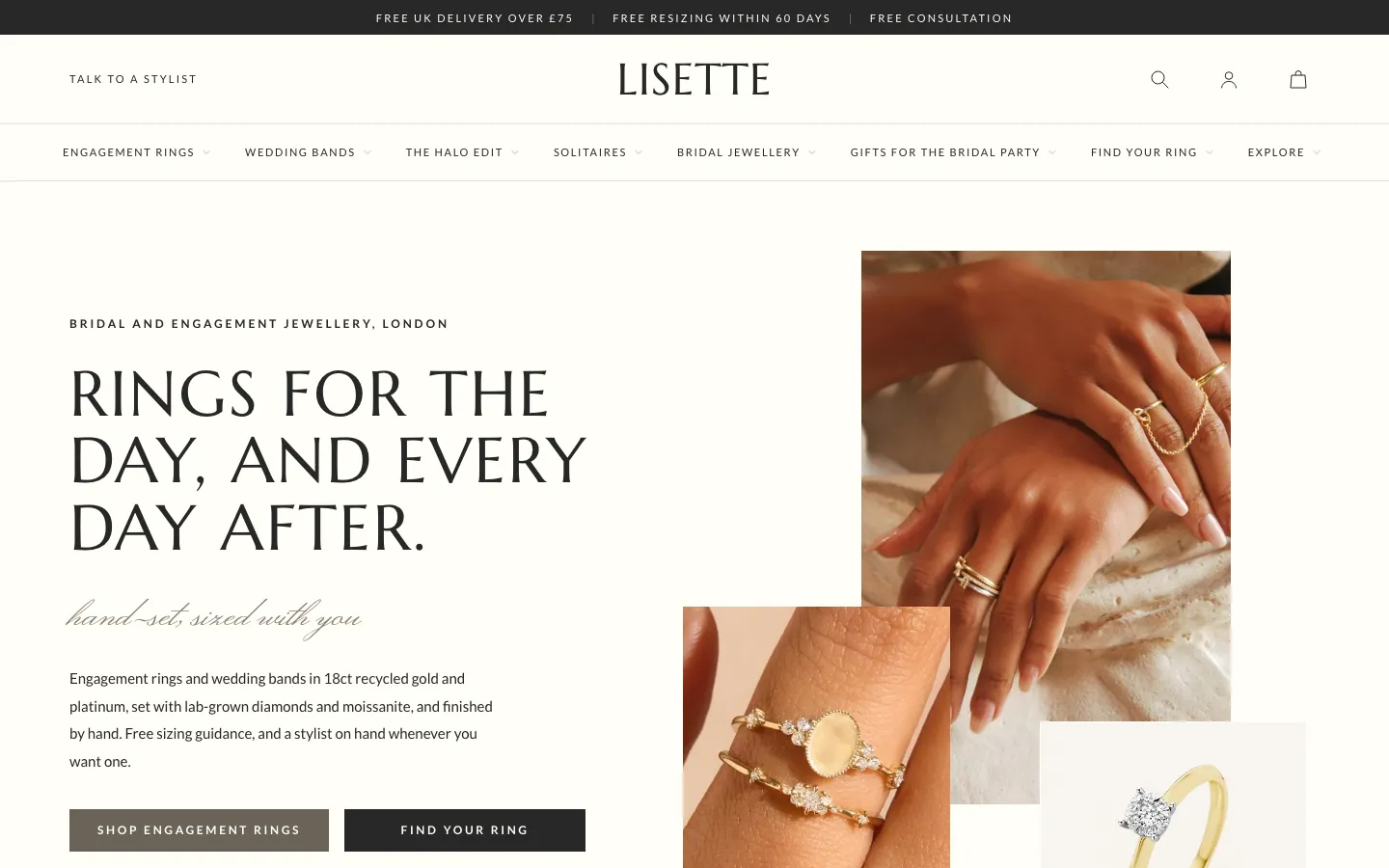
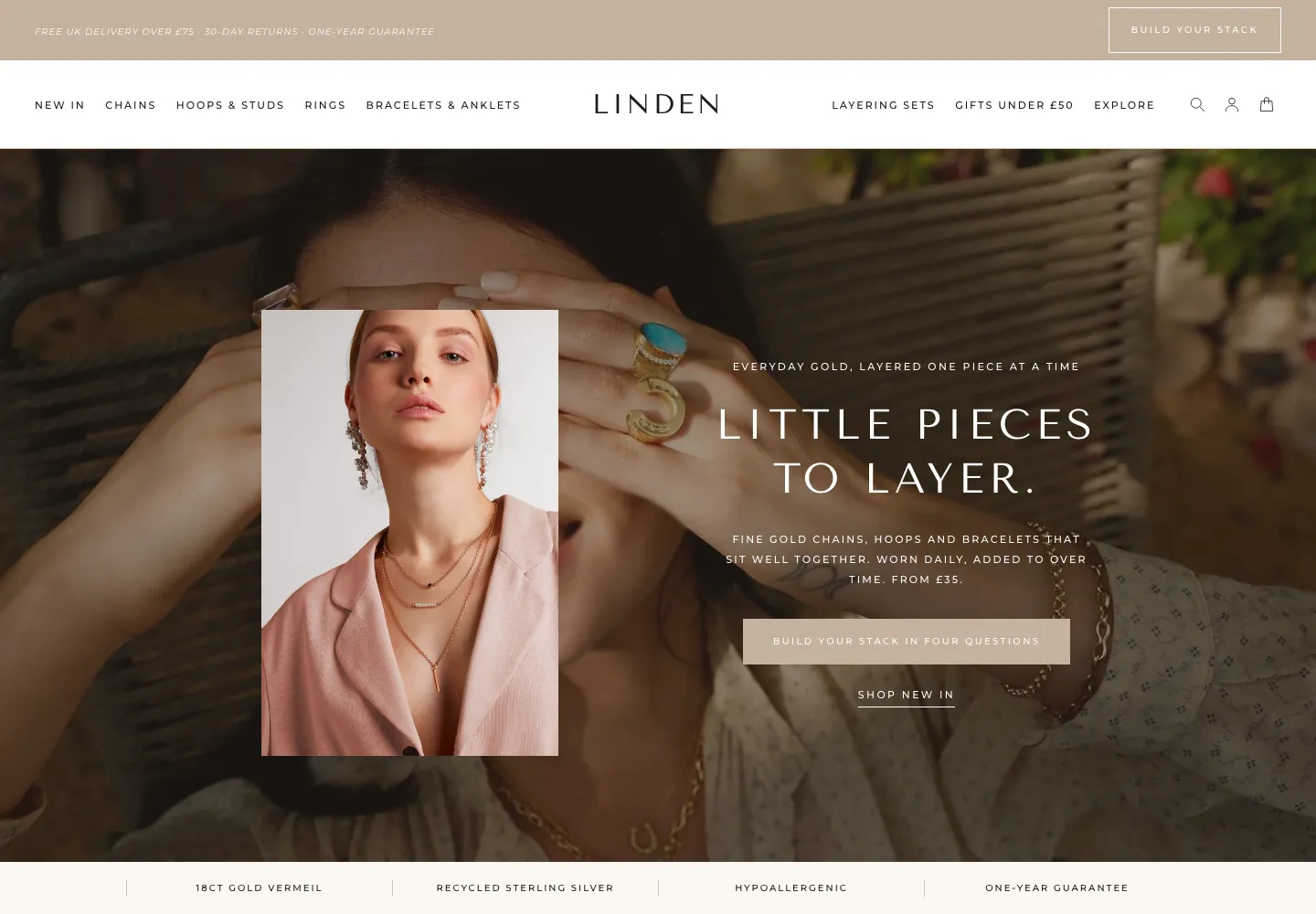
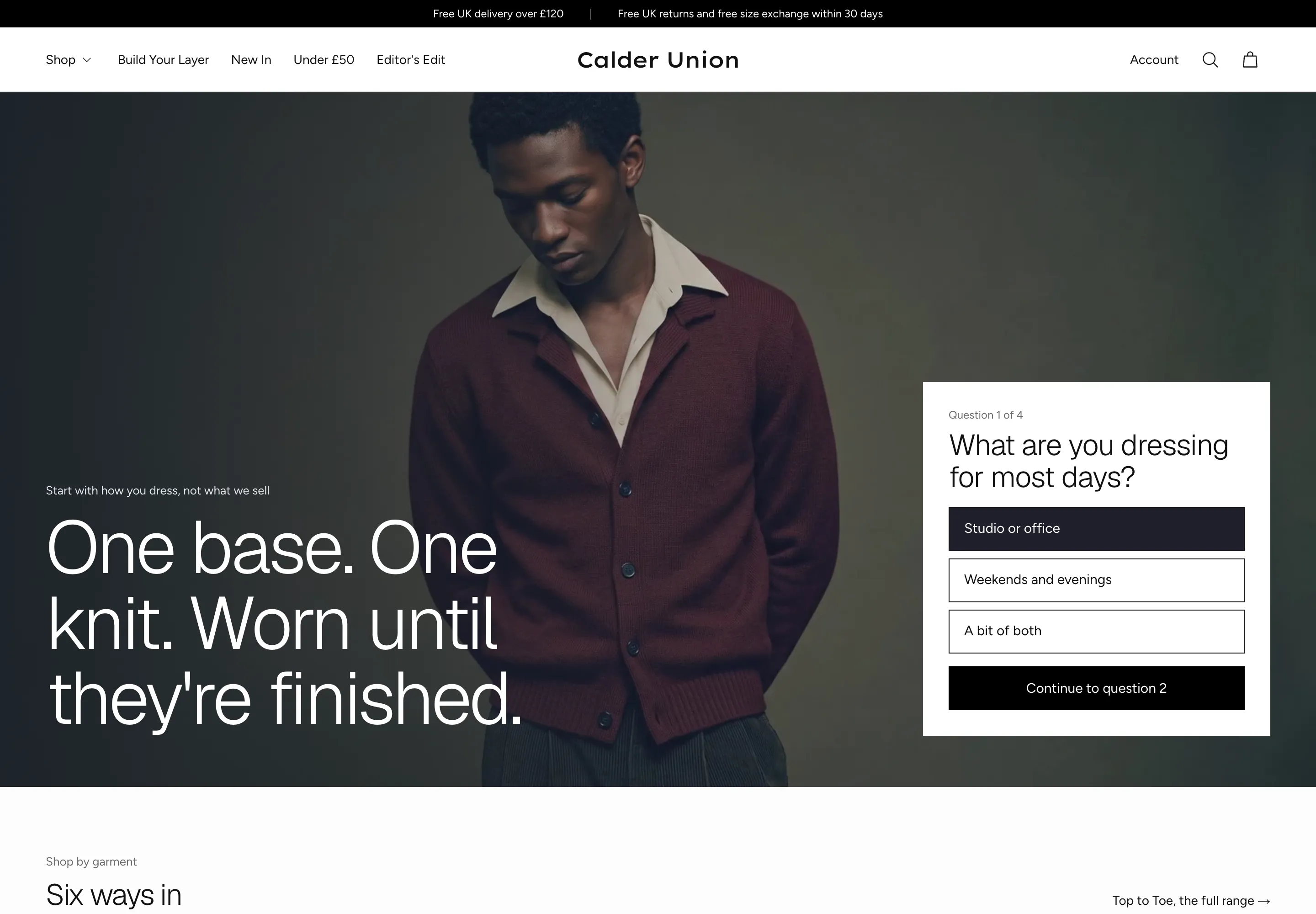
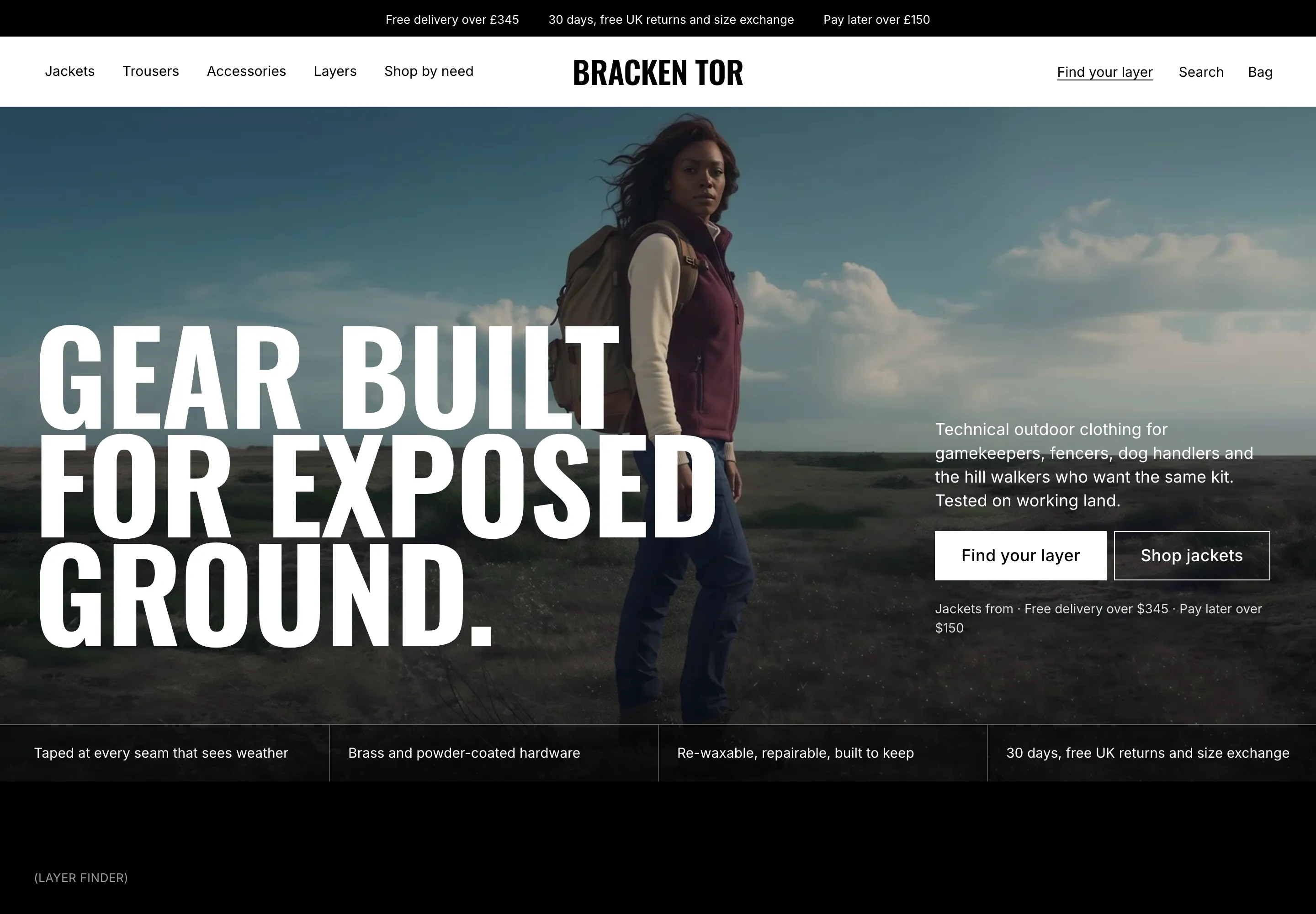
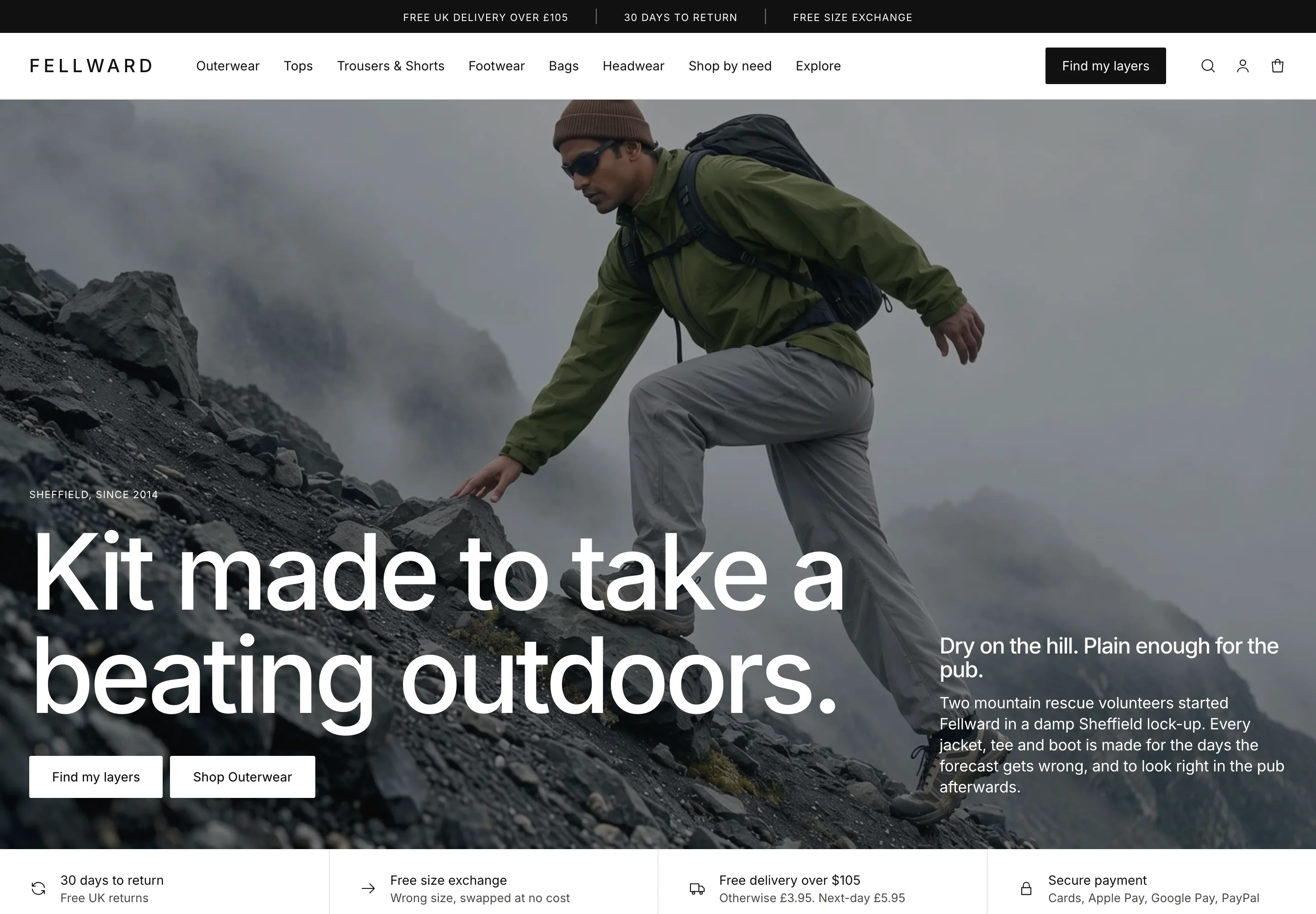
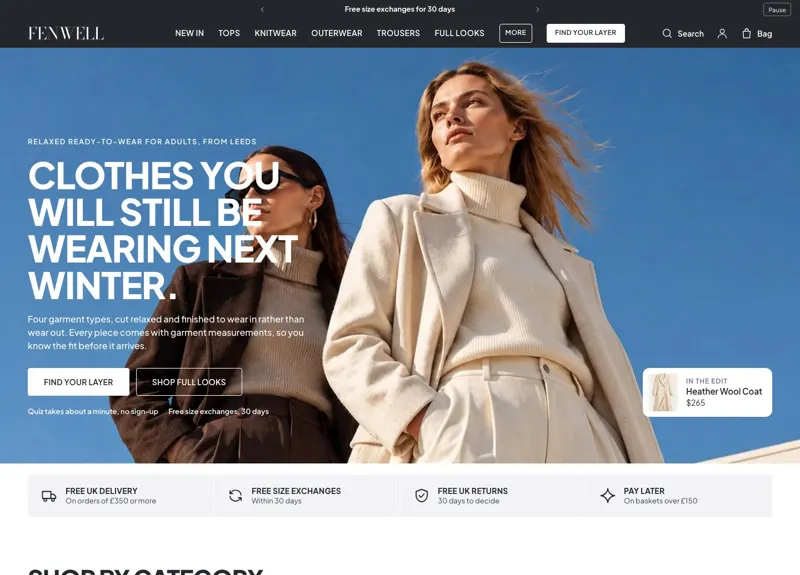
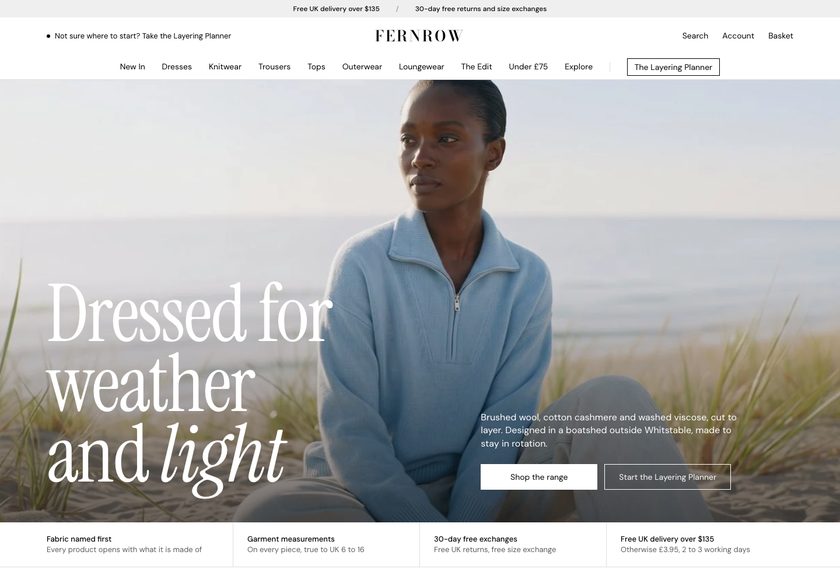
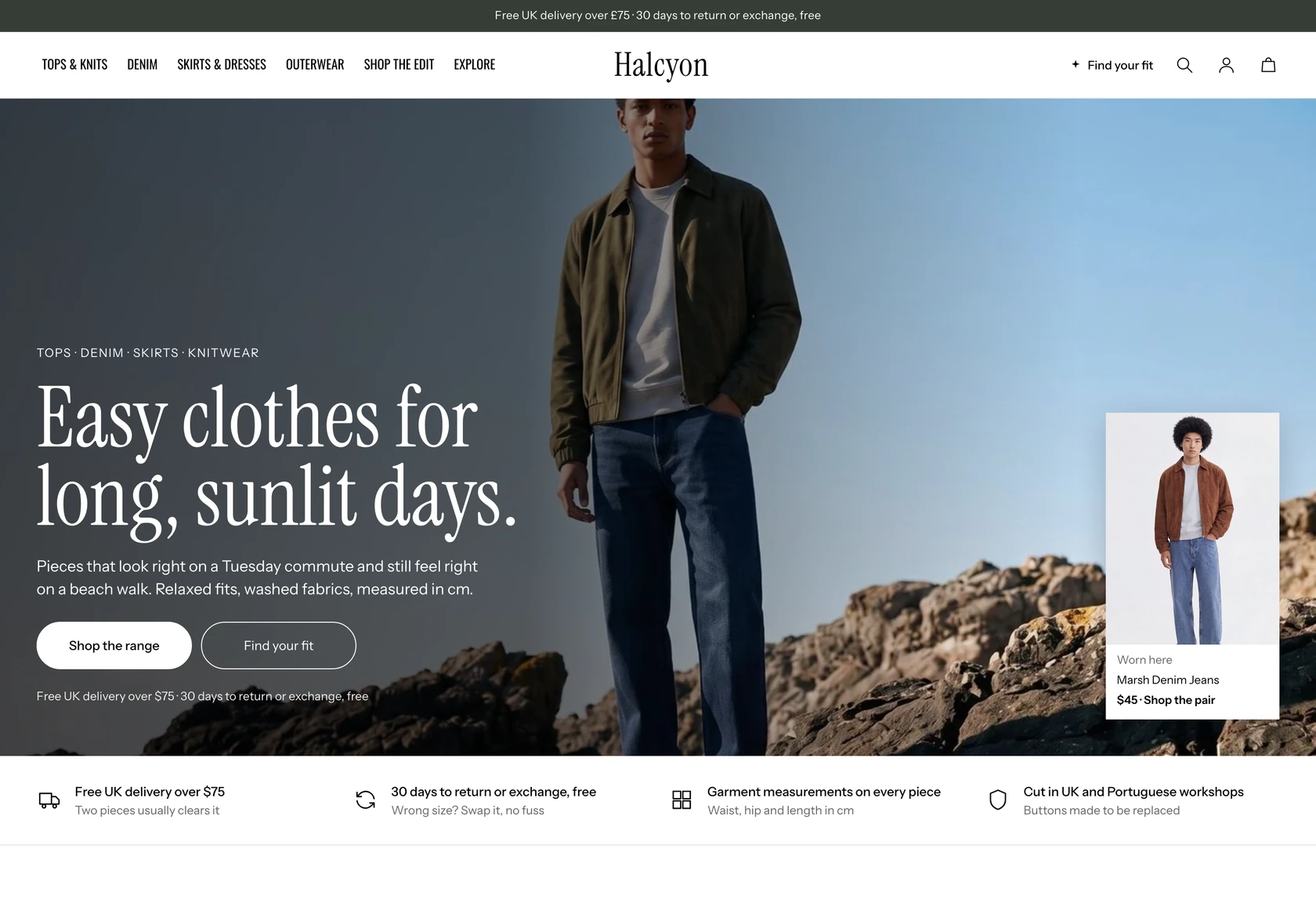
Layers get bought when the shopper knows how they stack. Irongate shows them.
It answers the questions that stop a layering purchase, right on the page: will the shell fit over the knit, how warm is it, what goes with it, what does delivery cost. Your tops, knitwear and outerwear get the confidence they deserve.
Demo password: convertica · Download from £350 or have us set it up · No monthly theme fee
Buying layers online is a leap of faith, and shoppers feel every part of it.
Your customer loves the shell in the photo. Then the questions start, and they do not ask you, they just leave the tab open and drift away.
A theme that only shows products leaves every one of those unanswered. Irongate answers all four, in the store, before they leave.
Measurements, a fit scale and a size guide, where shoppers choose a size.
Layers sit on top of each other, so a size label alone does not settle it. Irongate prints a garment measurements table beside the size buttons, shows fit on a scale on the standard product page, and has a size guide page for the rest.
- A garment measurements table per size in the buy box, read from a product field and left out when the field is empty
- A Feedback and fit section on the standard product page, with fit, warmth and fabric-weight scales and written feedback
- A size guide page with an intro, size tables and a closing band
Warmth on a scale, and a finder that recommends stacks.
Warmth is the question a size chart never answers. Irongate shows a warmth scale on the product page and has a Layer Finder quiz that recommends stacks from a few questions.
- A warmth scale beside the fit and fabric-weight scales, and a warmth line that cards, filters and the finder read from each product’s own field
- A Layer Finder page with up to four questions, up to twelve recommended stacks and up to eight shell add-ons, matched in the browser
- A layer finder band on the default homepage, with temperature cards
A stack to add in one step, pairings and a bought-together band.
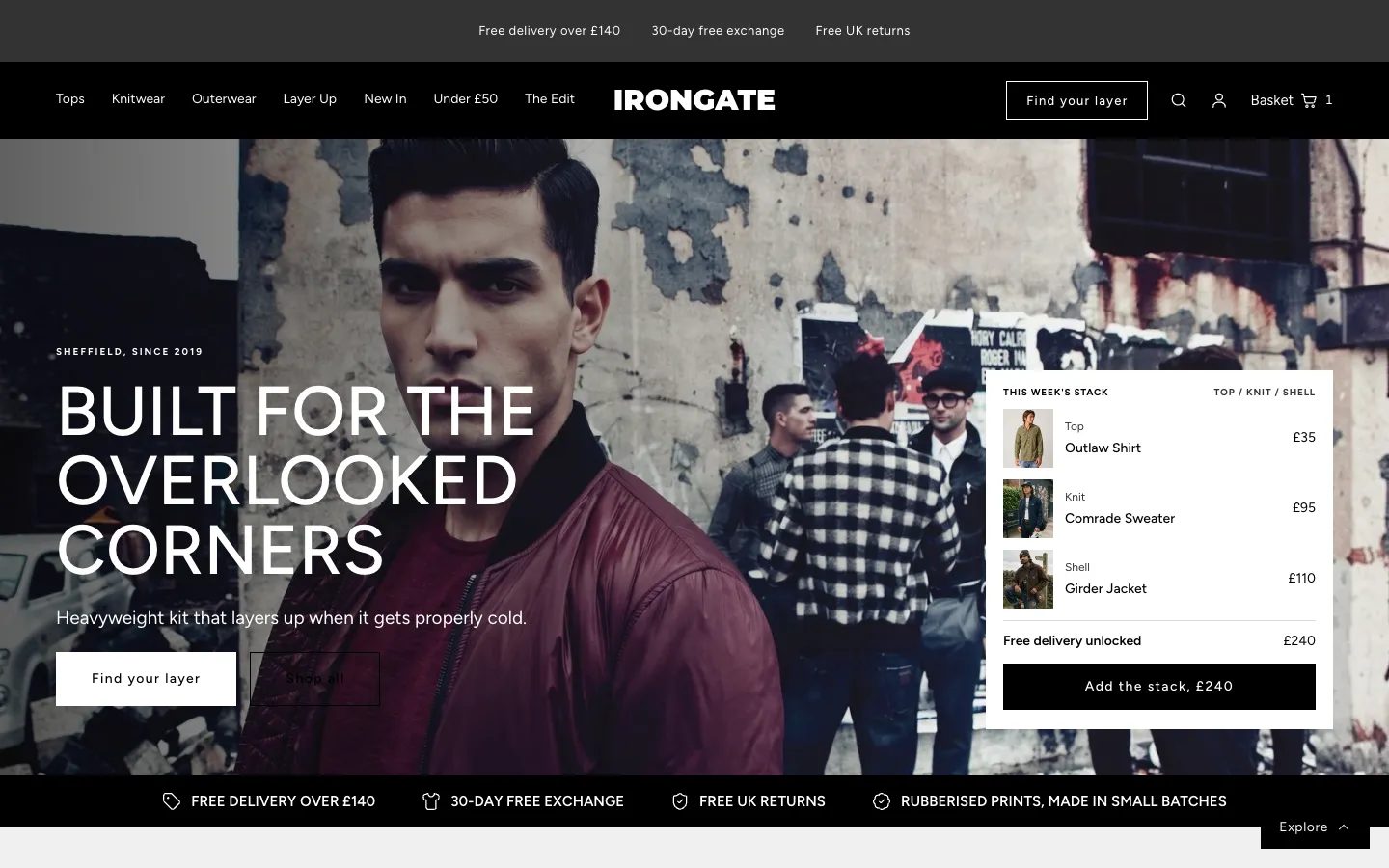
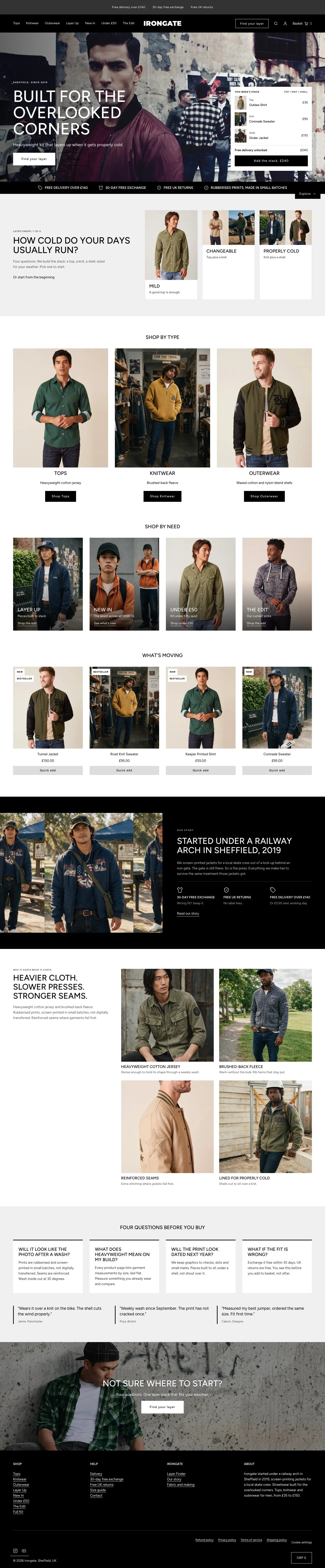
Layering means more than one piece. The default homepage opens with a stack a shopper can add in one step, and the product pages pair each piece with what goes under or over it.
- A homepage hero with a stack of pieces and a single button that adds the whole stack, with the total on it
- Complete-the-layer pairings, also-bought, more-of-this-kind and recently viewed rails around the buy box
- A bought-together band on Product V2, and a layered stack picker on Collection V3
Free delivery, shown in the basket as it is earned.
Shoppers hesitate when they cannot see the total. Irongate prints delivery wording and trust cards before the add button, and shows free-delivery progress in the basket.
- A free-delivery progress bar in the basket, against a threshold you set once in theme settings
- Delivery wording in the buy box, with delivery dates worked out in the browser from the delivery range you set
- A basket drawer in three layouts and a full cart page, each with an order note, optional gift wrap and suggested pieces
Layers rarely stop at one piece. Irongate shows what goes together.
A knit under the shell. A second piece to reach free delivery. A stack in one step. The theme suggests them where the customer is already deciding.
Layer Finder quiz
Up to four questions end in recommended stacks, with optional shell add-ons.
Add the stack
The default homepage hero adds a whole stack in one step and shows the total.
Complete the layer
Pairings, bought-together and also-bought rails sit around the buy box.
In the basket
Free-delivery progress, an order note, optional gift wrap and suggested pieces.
It should look like your brand, not like everyone who bought the same theme.
Pick the opening that suits your range, then recolour the whole store from one dropdown.
Hero with a basket-ready stack, trust strip, layer finder, shop by type and need, what is moving, origin story, why it costs, four questions and a closing banner. A good start for most shops.
Collection rail, new in, stacks, what is moving, feature tiles, a comparison and questions. Suits a wider range.
A guided hero, manifesto, a stack builder, the making, label checks and customer feedback. Suits a story-led launch.
Twelve palettes, one click
The Irongate black and white default, ten alternatives and a Custom option. Fonts can be changed in the Typography settings.
Everything is a section. Move it, add it, hide it.
You are a maker or a small brand, not a web agency. Irongate is built so you can change what you need in the theme editor and never touch code. Prefer not to? We can set it all up for you.
- 85 sections you can add to any page, with 90 presets; 83 of them have their own padding and 83 an app block slot
- 208 settings in 20 groups: colour, type, basket behaviour, cards, header and more
- A container width you set for the whole theme or for one section, in pixels or percent, with backgrounds that stay full width
- A Hero section with four presets, video from a hosted file, YouTube or Vimeo, and a Custom section for your own HTML
- A Theme Guide that walks you through each step
The parts you can't see, done properly.
Ready to be found
Canonical and social-share tags on every page, and 21 kinds of structured data, including Product, Offer, FAQPage and BreadcrumbList, so search engines can read your range. A local schema check over 72 live routes found no errors; Google’s own tools were not run.
Light on the page
Deferred scripts, preloaded fonts and no third-party requests by default. Lab-tested on a throttled phone profile, the largest thing on screen appeared in 2.23 seconds on the home page, 1.91 on a product page and 2.05 on a collection. Those are lab numbers on our demo store, not a promise for yours.
Built for everyone
A skip link, visible focus rings, reduced-motion handling, right-to-left support and 44-pixel tap targets by default. An automated accessibility scan of 32 pages found no violations. Keyboard, screen-reader and zoom checks in a real browser are still to be done, and we claim no conformance level.
Plays well with apps
App-block slots in 83 of the 85 sections you can add, so a review app or any other app block can go where you need it. The basket drawer hosts none. Google Analytics 4 works with your own ID.
What you would otherwise piece together from apps and custom work.
On many themes each of these is an extra app or a developer's afternoon. In Irongate they are part of the theme. A few things honestly are not, and we say which.
| Feature | In Irongate |
|---|---|
| Size guide page with an intro, size tables and a closing band | Built in |
| Garment measurements table in the buy box | Built in |
| Fit, warmth and fabric-weight scales with written feedback | Built in |
| Layer Finder quiz that recommends stacks | Built in |
| Free-delivery progress and suggested pieces in the basket | Built in |
| Complete-the-layer pairings and a bought-together band | Built in |
| Quick view and quick add on product cards | Built in |
| Basket drawer in three layouts and a full cart page | Built in |
| Predictive search across products, collections, articles and pages | Built in |
| Hero section with four presets, including video, and a Custom HTML section | Built in |
| Twelve colour palettes, three home layouts, three collection layouts, four product layouts | Built in |
| Product reviews | Reviews you store against each product, or your review app’s block |
| Collection filters | Shopify’s own storefront filtering, drawn by the theme |
| Gift cards | Page included, switched on in your store |
| Wishlist | A setting for a heart on cards, off by default; it needs an app to do anything |
| Languages | English is included; add translations. There is a long-translation mode and a right-to-left switch |
| Customer account pages | Hosted by Shopify |
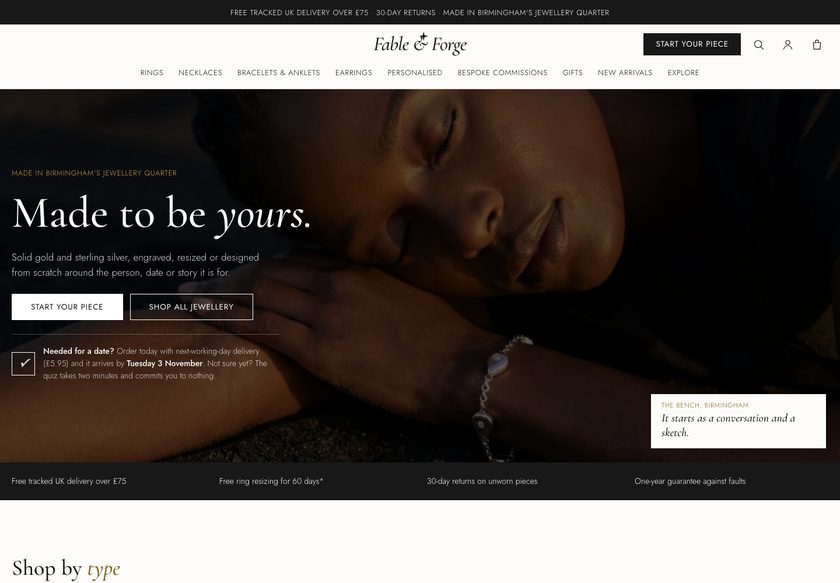
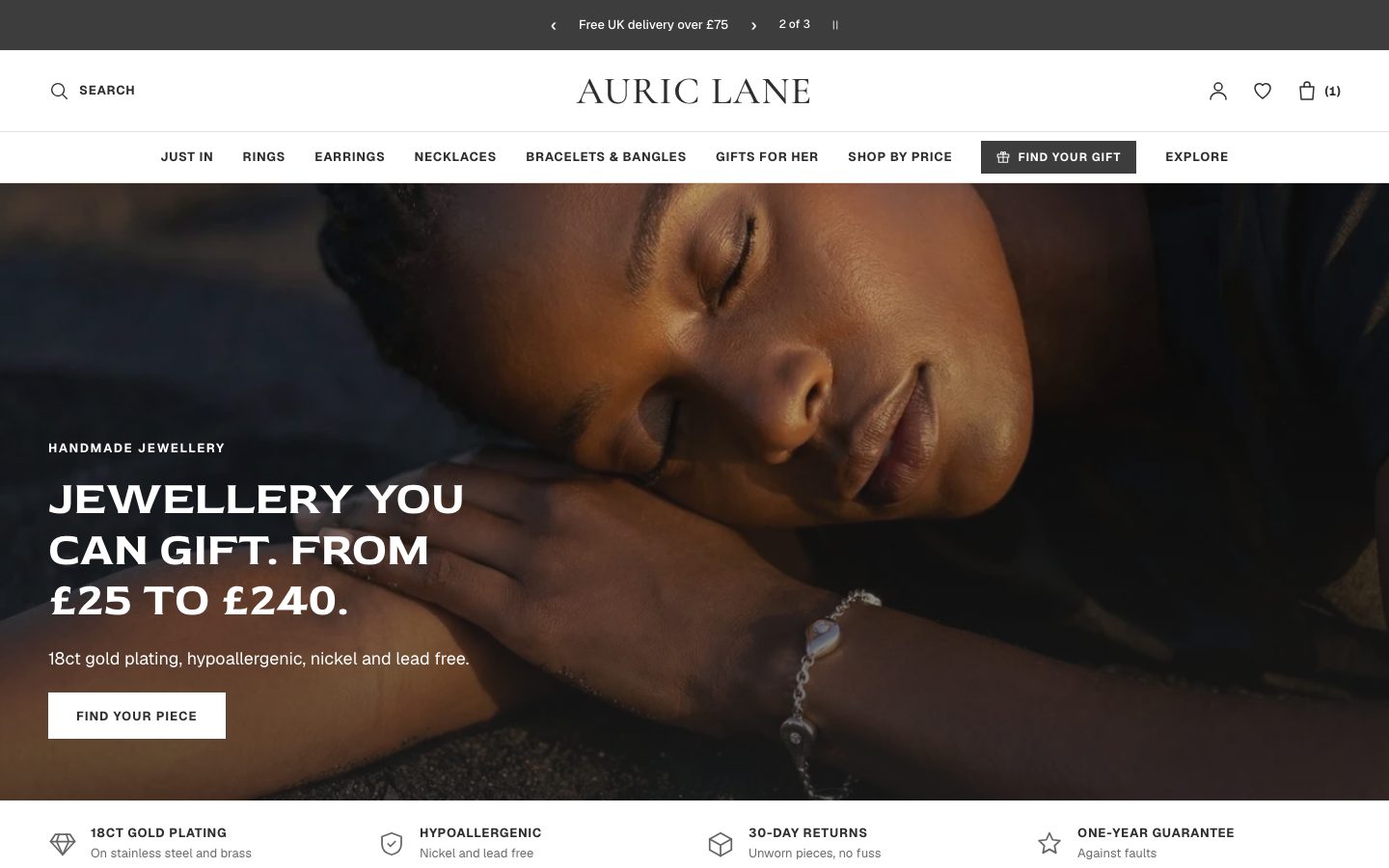
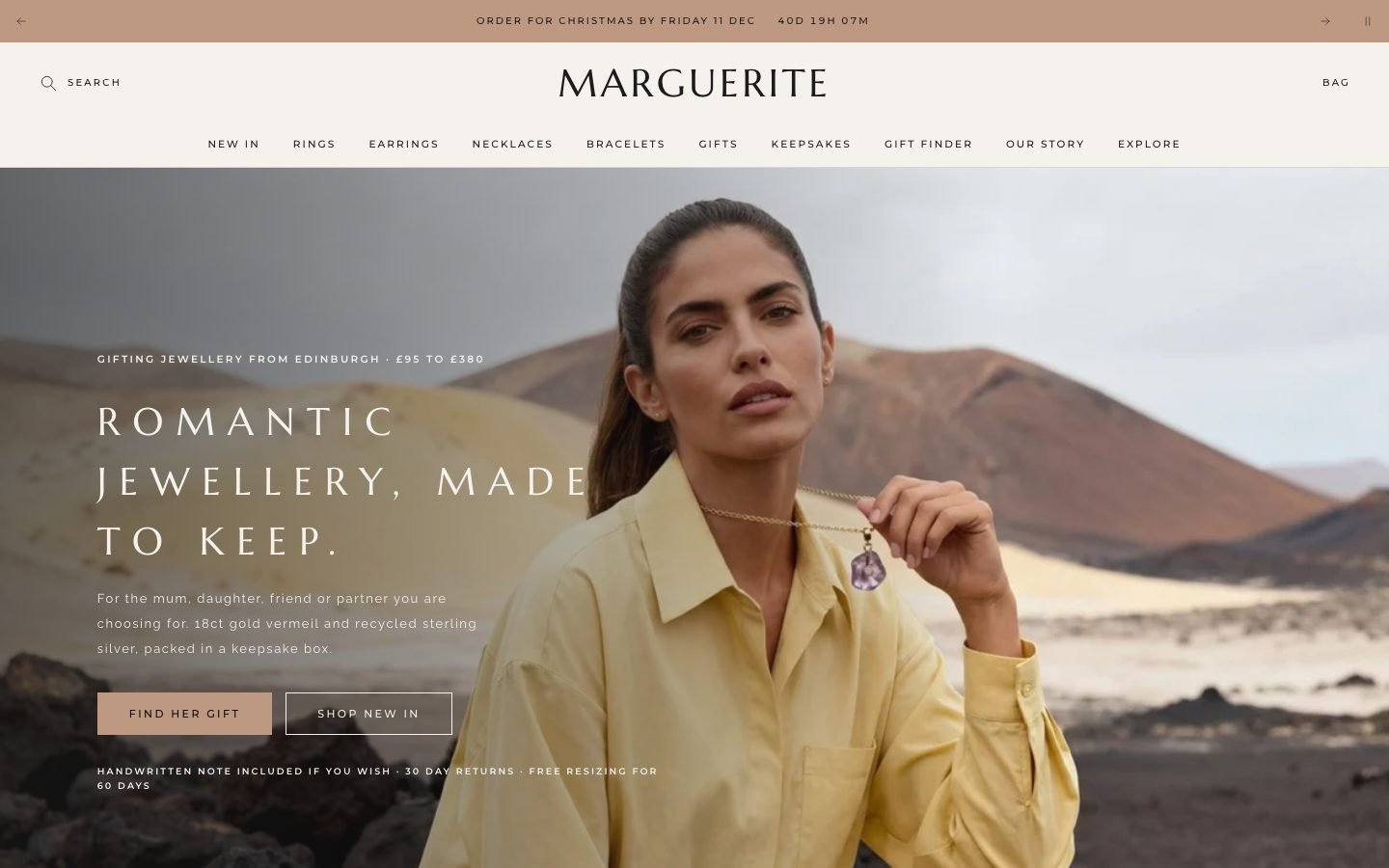
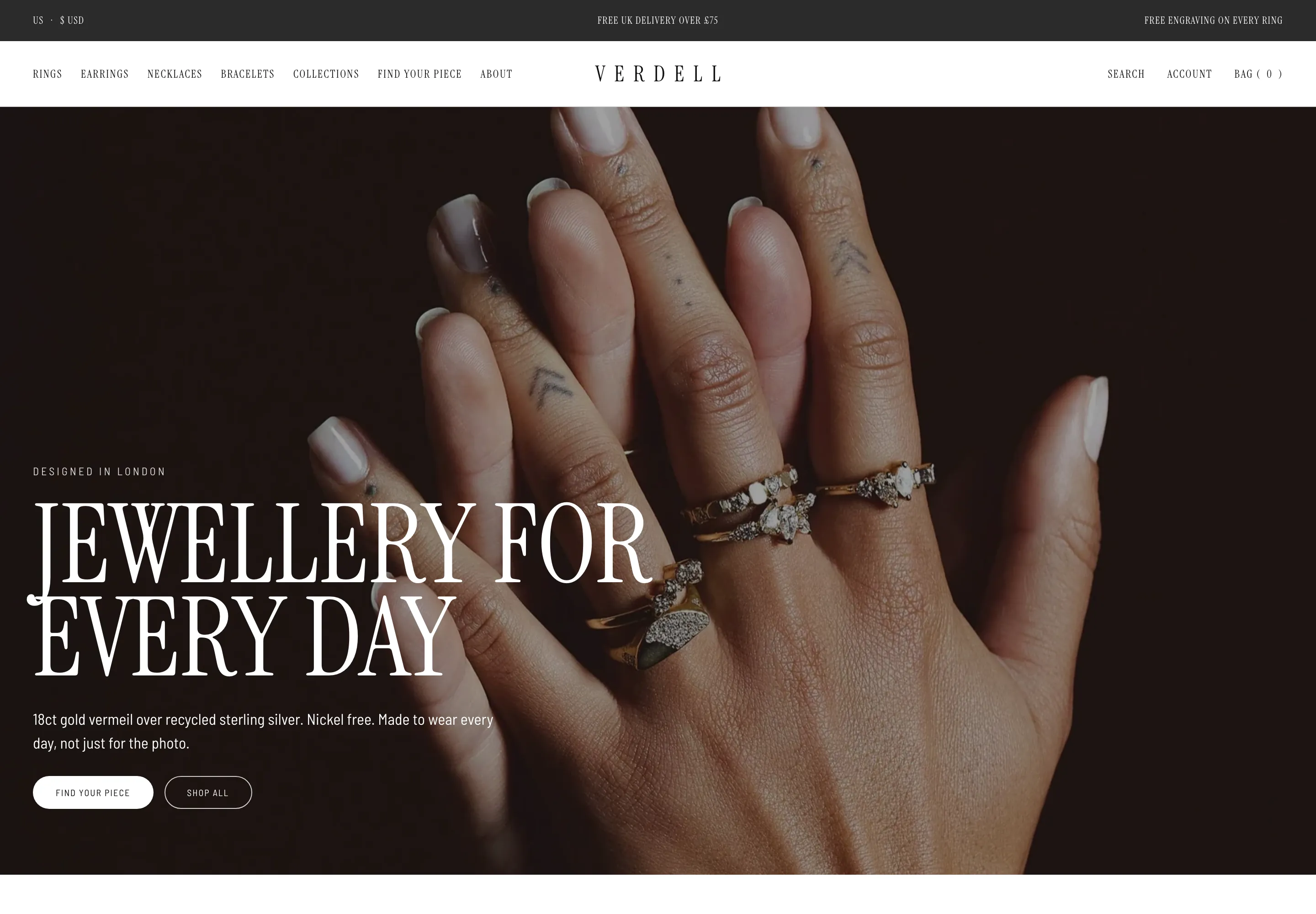
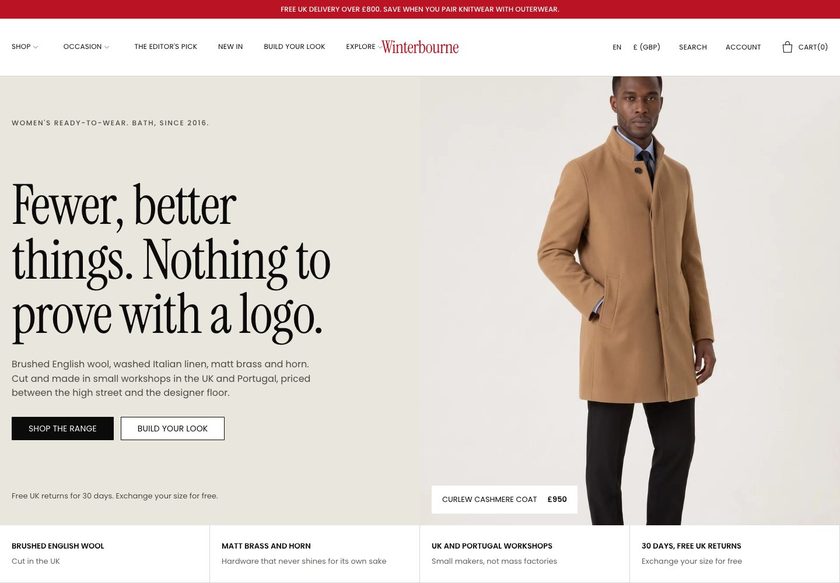
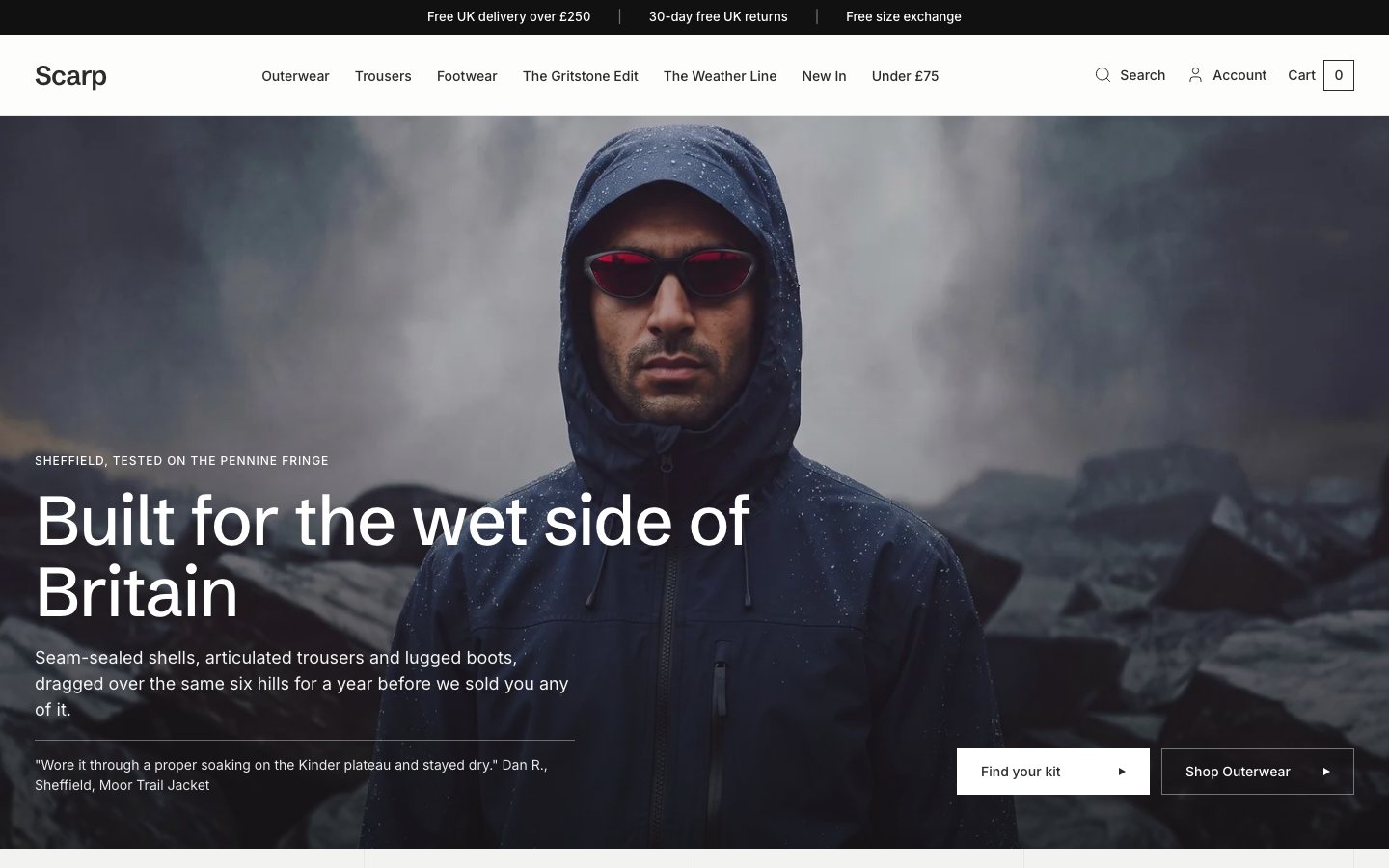
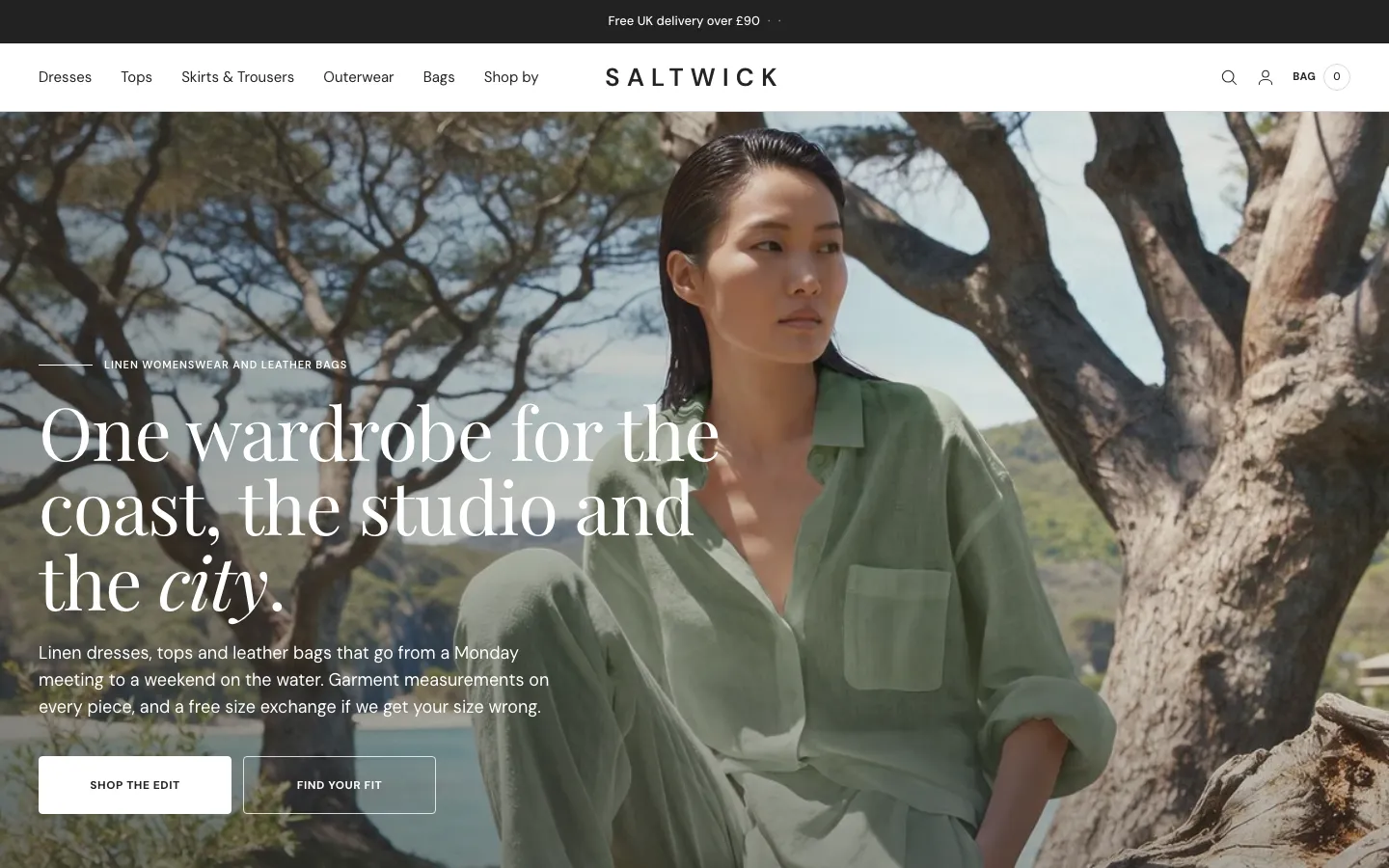
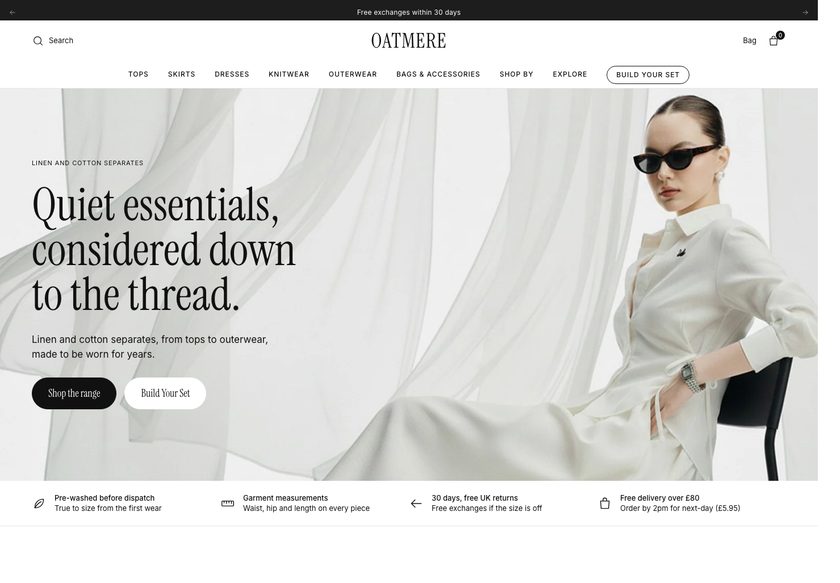
All 23 page designs, shown.
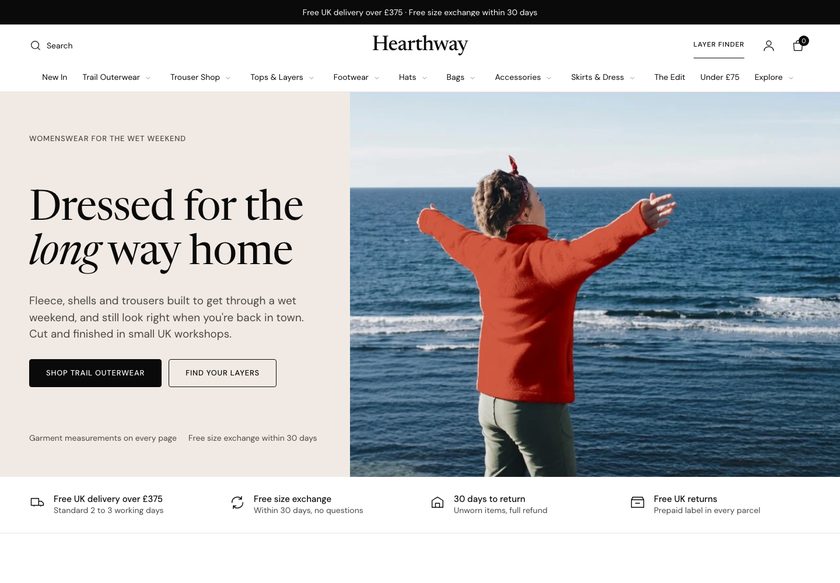
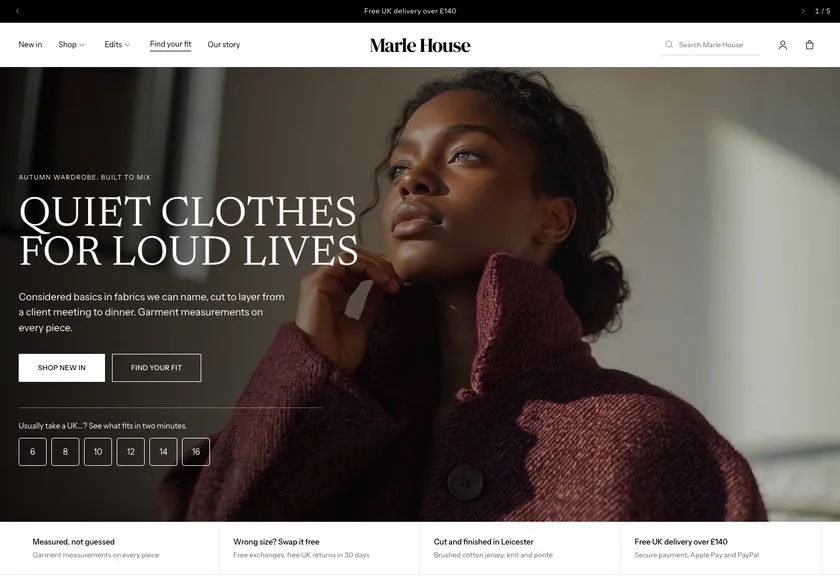
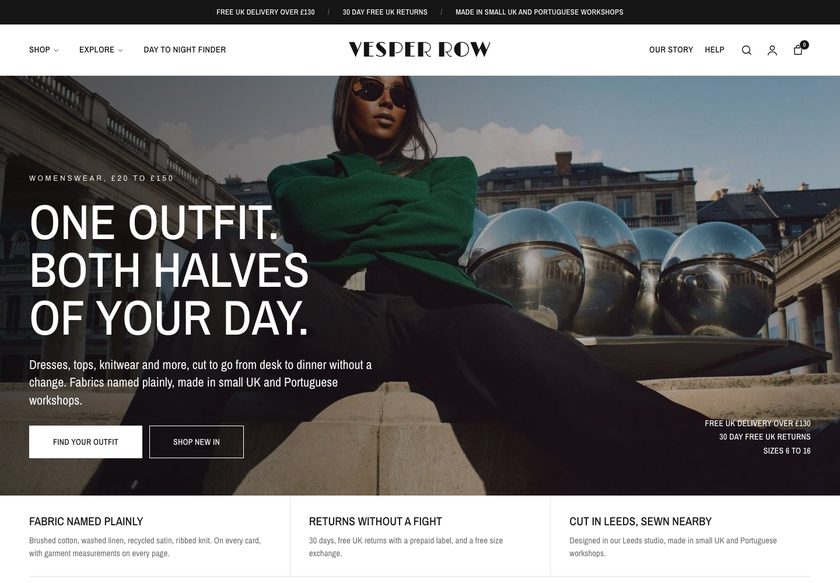
Real captures of the live demo store, at desktop and phone width. Click any screenshot to see the whole page.
- You sell tops, knitwear or outerwear in sizes such as XS to XXL.
- Your customers ask how a piece fits, how warm it is and what goes with it.
- You are an independent brand, or an agency building for one, that edits in the theme editor.
- You want a black-and-white, square-cornered look that you can recolour from 12 palette entries.
- Designed customer-account pages. Shopify hosts those.
- A store with no sized apparel. Irongate is built around a Size option.
- A review-collection tool or a working wishlist. Those need an app.
- More than one language out of the box. Irongate ships in English.
- Wording in a currency other than pounds without editing it. The sample wording is written in pounds.
Two ways to get it. Choose how much you want us to do.
Try the live demo first (password convertica). Then download the theme and set it up yourself, or have us set it up on your live store.
You install it and set it up yourself, with the Theme Guide beside you.
- The complete theme: 28 templates, 105 sections
- The Theme Guide with a quick start
- Updates and bug fixes included
- You set up your store, fields and collections
We set Irongate up on your live store, so it is ready to take orders.
- Everything in the download
- We review your store first
- We create the custom fields your products need
- We create your collections
- We set up your buying paths
- Everything else needed to go live
What buyers say about Irongate
A great base for our next drop
We are using the editorial product layout for the launch story and the standard layout for our core range. Everything feels like one brand even though the pages serve different purposes.
Love the built-in recommendations
Showing what goes under a shell and what can be worn over a knit is much more relevant than a generic related-products row.
Clear information, fewer distractions
The fit, fabric and delivery details are easy to find, and the page still feels minimal. That balance is hard to get right.
The theme editor is approachable
There are plenty of controls, but the presets keep things manageable. We only adjusted what mattered to our brand.
Thoughtful collection pages
The layered stack picker gives people a useful way into the range. It is more interesting than another endless grid.
Works well with our photography
Big images, restrained typography and flexible feature sections. The clothes remain the focus.
Better than a generic fashion theme
The warmth guidance, fit scale and layer recommendations are specific to the way our customers shop. That is what sold us.
A strong starting point
We had a branded storefront up quickly, then refined the product details over the following week. The included presets saved a lot of layout decisions.
Good attention to accessibility
The visible keyboard focus and reduced-motion handling are welcome details. It is reassuring to see them considered in the base theme.
Really nice for capsule collections
We can present a small set of pieces as a complete outfit while still letting people shop each item separately. That flexibility matters for our drops.
A polished cart without extra clutter
The basket drawer has the features we actually use: notes, suggested items and free-shipping progress. Nothing feels bolted on.
Easy to maintain after launch
Adding new products is mostly a matter of filling in the right measurements and warmth fields. The presentation then stays consistent.
The quiz is a nice discovery tool
We configured a few questions around weather and preferred fit, then matched the answers to stacks. It gives shoppers a starting point without making the site feel complicated.
Very flexible sections
We moved the layer finder higher on the homepage and swapped the story section for a collection rail. It took minutes, not a development ticket.
Our knitwear looks fantastic
The layouts leave room for texture shots and detail photography. The fabric information also sits where shoppers expect it.
The delivery information is clearer
Showing delivery wording near the add button and progress in the basket removes a lot of uncertainty from the shopping flow.
A good fit for an independent label
We wanted a store that looked considered but was still practical for two people to maintain. The editor controls and presets make that possible.
Quick view is genuinely handy
People can check a piece without losing their place in the collection. Small detail, big improvement to browsing.
Exactly what our catalogue needed
Our collection is built around layering, so showing which items work under and over each other is important. Irongate makes that relationship obvious on both collection and product pages.
Love the colour palettes
We started with the default monochrome look, then tested the rust palette for our autumn collection. Both looked polished without needing a designer to tweak every section.
The size guide is easy to follow
Good tables, clear labels and no unnecessary clutter.
One-step stack shopping
We put a tee, knit and shell together in the homepage hero. It is a much clearer way to introduce our layering concept.
Great product storytelling
The longer product page lets us explain why a jacket is made a certain way, then brings the customer back to the practical fit information. It works well for pieces with more of a story behind them.
Simple, fast-feeling storefront
Pages feel light and the design stays focused on the clothes. We have not needed to pile on extra widgets.
The three homepage options helped
We tried all three before settling on the merchandising layout. Being able to switch direction without rebuilding was a big plus.
A solid theme for outerwear
Warmth and fabric-weight scales are exactly what we needed. Those are the questions customers ask us most.
Plenty of room to grow
We started with a tight collection of outerwear and tees, but the different collection layouts mean we can expand into knitwear without redesigning the site. The search and filters also help keep a larger catalogue manageable.
Layer pairings feel natural
The complete-the-layer suggestions make sense for our collection. They feel like styling advice rather than a random upsell.
Looks great on phones
Quick add and the product cards feel natural on mobile. Very happy with it.
Helpful for a small team
The guide walked us through the product fields and shipping setup. Once those were in place, changing sections was straightforward.
The product templates are excellent
We use the compact layout for basics and the story-led one for limited pieces. It is nice not having to force every product into the same presentation.
Good balance of style and practical features
There is a lot here beyond the visual design. Fit, warmth, fabric weight, pairings and delivery information all have a clear place. We spent time filling in the product fields and it was worth doing because the pages now answer questions that our previous store left open.
Fits our streetwear brand
Sharp corners, bold type and plenty of breathing room. Exactly the direction we wanted.
Really thoughtful cart design
The free delivery progress indicator is clear without being distracting. I also like that we can suggest another layer inside the basket.
A much better mobile experience
Our old theme made the size guide hard to find on a phone. This layout keeps the important information close to the buying controls and the product photos still look great.
Easy to customise
We did the entire first pass in the Shopify editor. No code needed.
The stack button is a great touch
We sell overshirts, tees and jackets that are meant to be worn together. Being able to show a complete look and its total price on the homepage makes the range easier to shop.
Measurements right beside the size options
Having garment measurements in the buy box is such a sensible detail. Customers can compare sizes without opening another page.
Clean design, clever details
The black and white styling works beautifully with our product photography. We changed a few colours and were ready to start adding products.
Love the Layer Finder
Really useful for helping people put an outfit together. Setup was simpler than expected.
Finally a theme that understands layering
The warmth scale and fit notes make it much easier to explain how our shells work over heavier knits. We used to bury that information in long descriptions.
Questions store owners ask
Do I need a developer to set it up?+
No. Sections, blocks and 208 settings cover the supported workflows, all in the Shopify theme editor, and a Custom section accepts your own HTML if you want it. The Theme Guide walks you through the steps. If you would rather not, our £1,000 set-up does it for you on your live store.
Will it work with the products I already have?+
Yes. It is built around a Size option and an optional colour option. A few features read extra product details such as fit, warmth, fabric and measurements from product fields (the theme reads 18 in all, listed in the guide). A product without them still renders and leaves out the lines that depend on them.
Can I change the homepage later?+
Yes. All three home layouts ship in the theme as separate templates, each edited in the theme editor, so you can start with one and move to another without rebuilding the theme.
How does the Layer Finder work?+
You set up to four questions, up to twelve recommended stacks and up to eight shell add-ons as blocks, and pick the products in the theme editor. Recommendations are matched in the browser from the product data on the page; nothing is sent anywhere.
Does it include product reviews?+
Irongate shows the reviews you store against each product, or your review app’s block (a Reviews source setting chooses). It does not collect shopper reviews itself. The reviews on the demo store are demonstration data.
Can I sell gift cards?+
Yes, once gift cards are switched on in your Shopify store. The theme provides the gift card page.
Does it have a wishlist or customer account pages?+
There is a setting for a wishlist heart on product cards; it is off by default and does nothing without an app. Customer accounts are hosted by Shopify, so the theme ships no account pages.
Will it sell more for me?+
We will not promise a number, because results depend on your products, prices and traffic. What Irongate does is answer common reasons shoppers hesitate over layered clothing, with measurements, fit, warmth and fabric-weight scales, a Layer Finder, pairings and free-delivery progress in the basket.
Which languages and currencies does it support?+
English is included, with a long-translation mode and a right-to-left switch for translations you add. Prices always come from your store currency, but the sample wording is written in pounds, so edit it if you sell in another currency.
What do I need to set up in Shopify?+
Set your store currency, switch on gift cards if you want them, add your refund and exchange terms in Settings > Policies, set shipping rates that match your free-delivery threshold, and fill in the product details the theme reads. The Theme Guide quick start lists them.
What does the £1,000 set-up include?+
We review your store, create the custom fields your products need, create your collections, set up your buying paths, and do everything else needed to go live. The theme is included.
Do you write the words and make the images?+
No. Copywriting and image generation are not included in either option. You bring your own words and photos, and we place them in the theme. The sample photographs in the theme are demonstration pictures, so replace them with images you own.
Can I use it on more than one store?+
No. One licence covers one Shopify store. It cannot be used on any other store, including other stores owned by the same person or business. If you need Irongate on another store, buy another licence.
What does support cover?+
Updates and bug fixes are included with both options. Customisation and feature requests are quoted separately. Write to hello@converticastudio.com.
See it with your own eyes, then make it yours.
Tell us where it goes
Send your details and we email you the payment details. Once paid, we send the theme file to install on your store.
Thank you, we have it.
We will email with the payment details. Once you have paid, we send the theme file to install on your store.