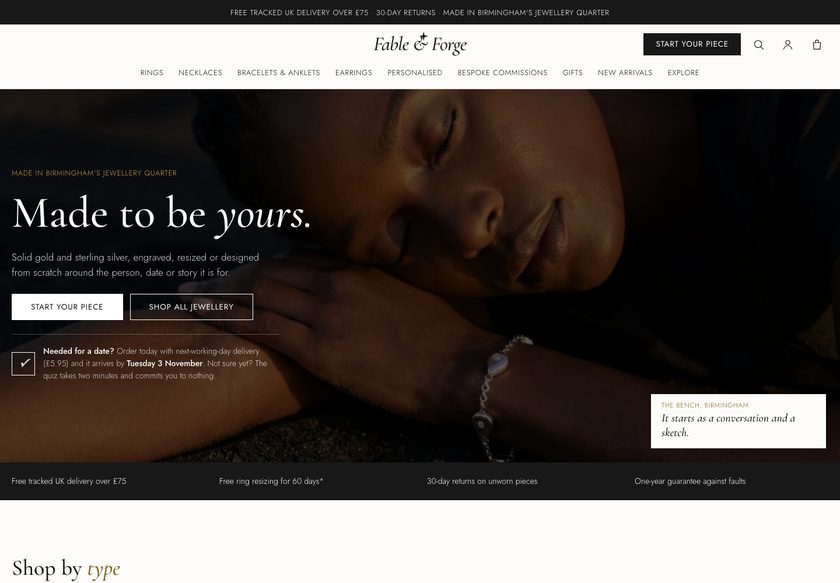
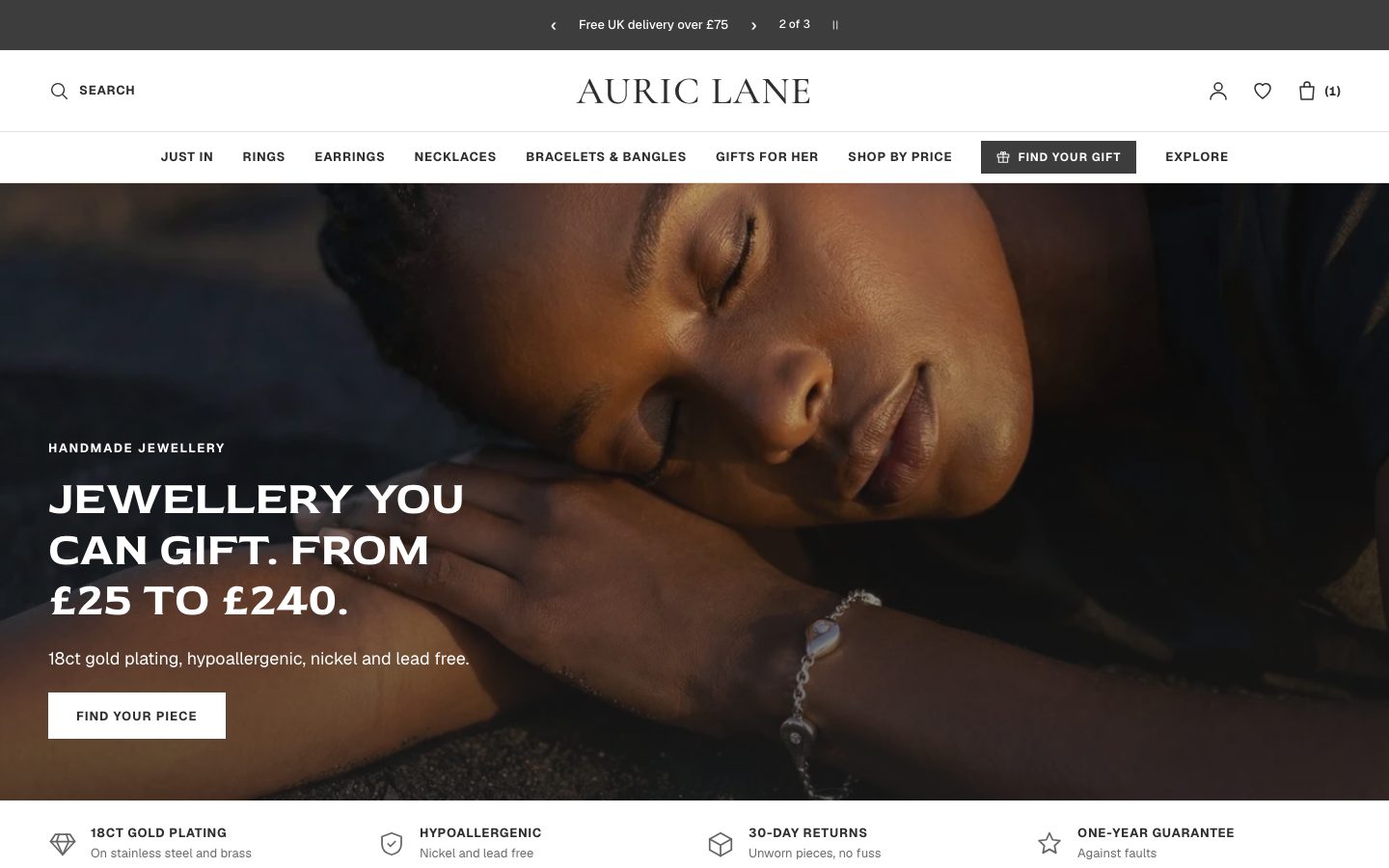
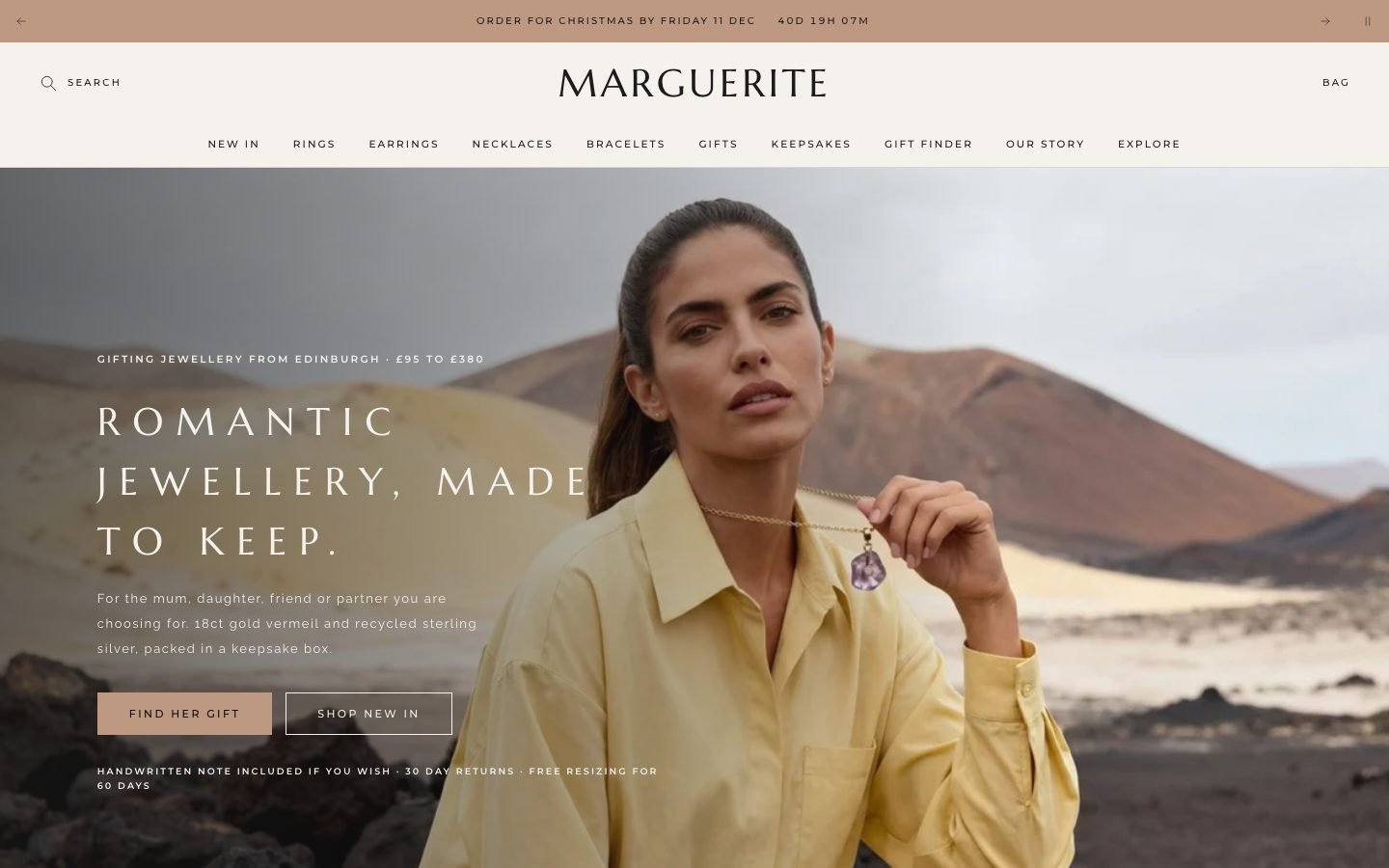
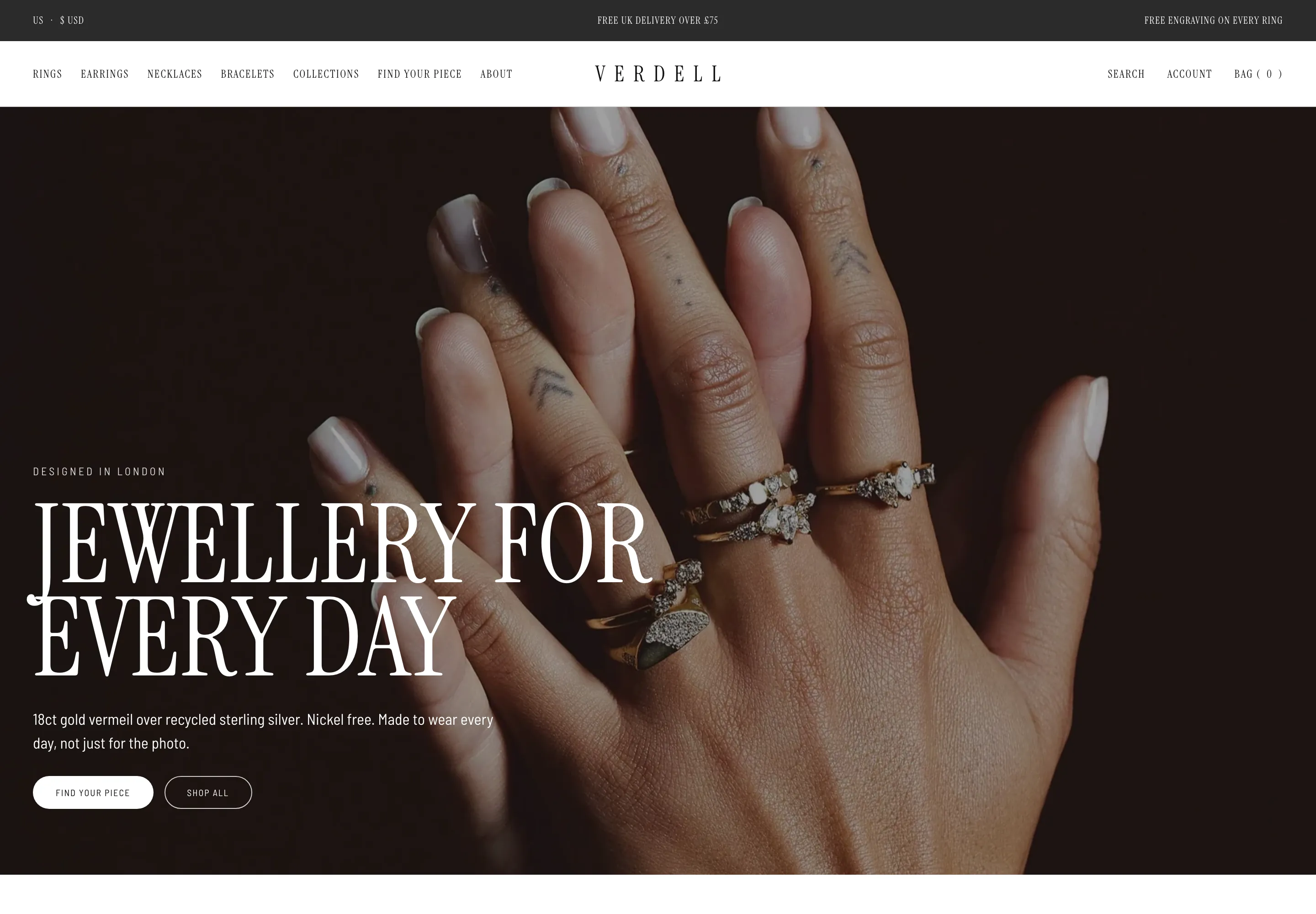
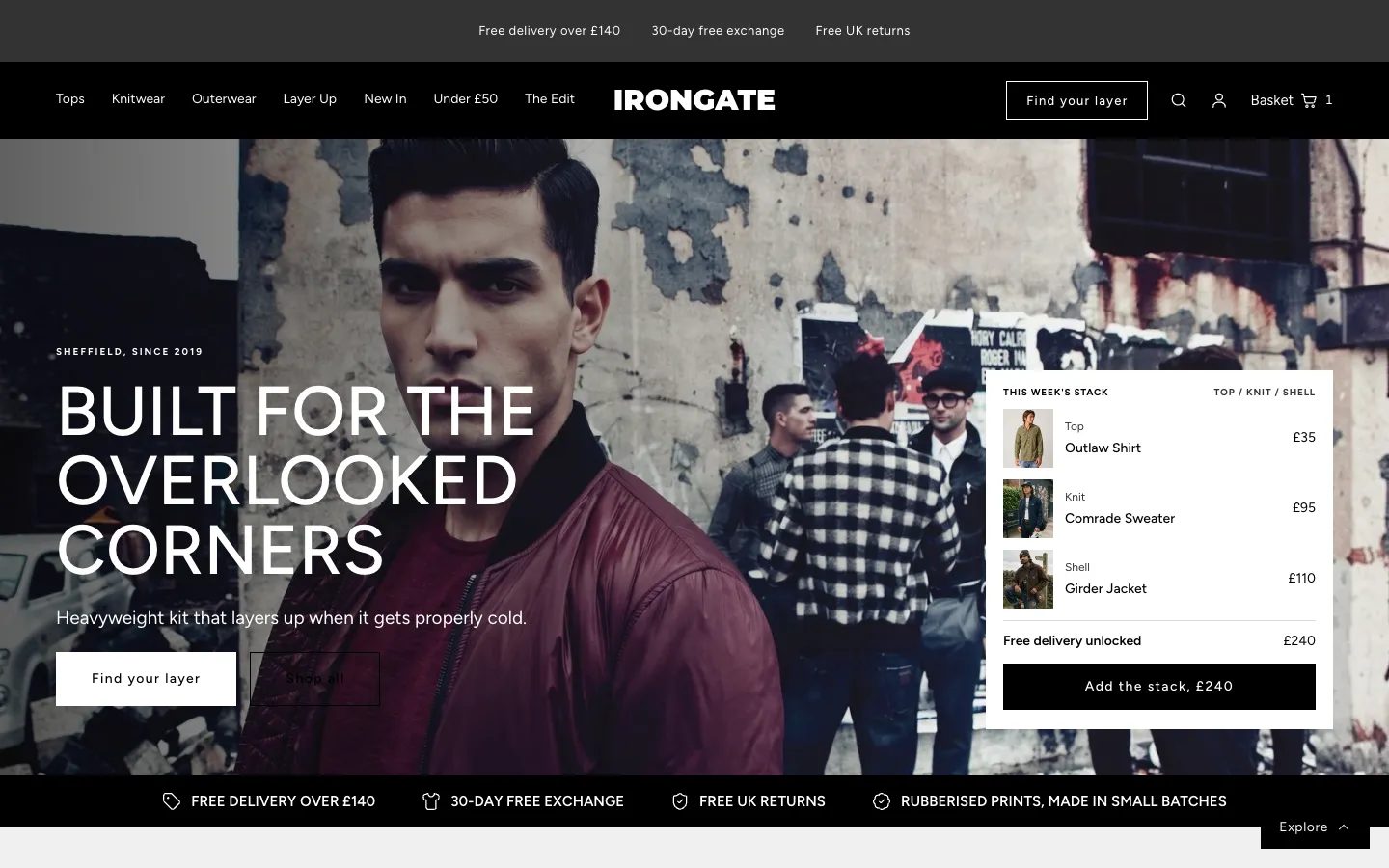
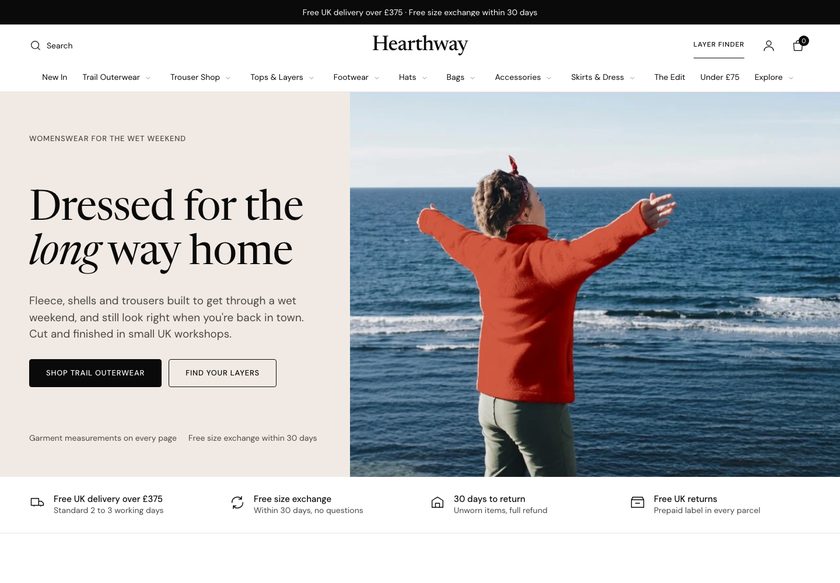
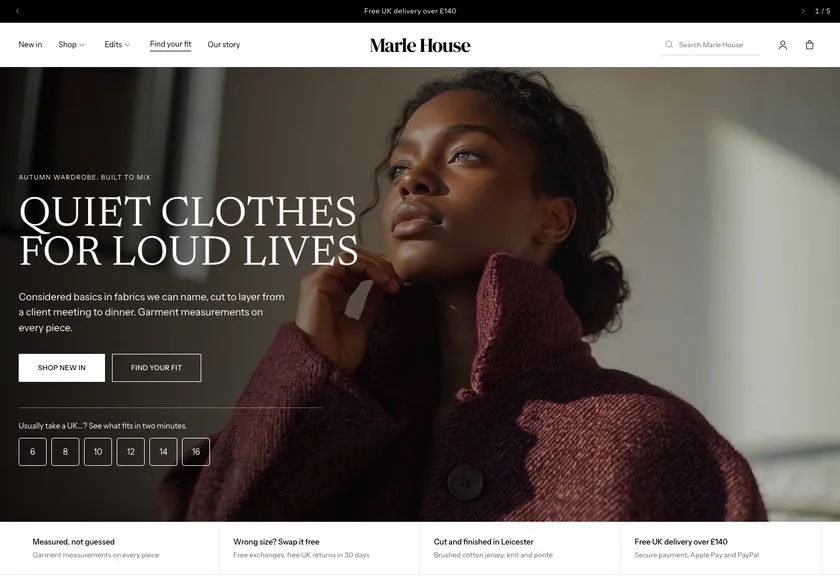
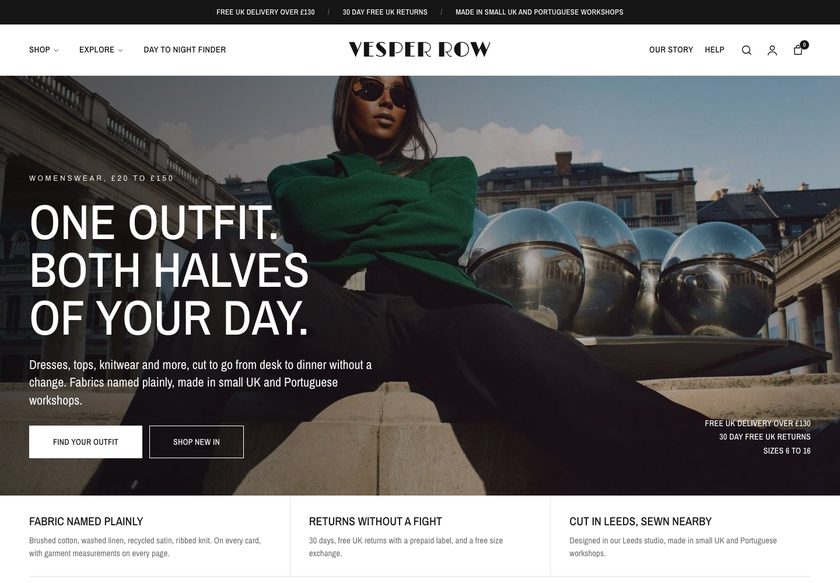
Tell shoppers which weight to buy, what size to take, and what goes with it.
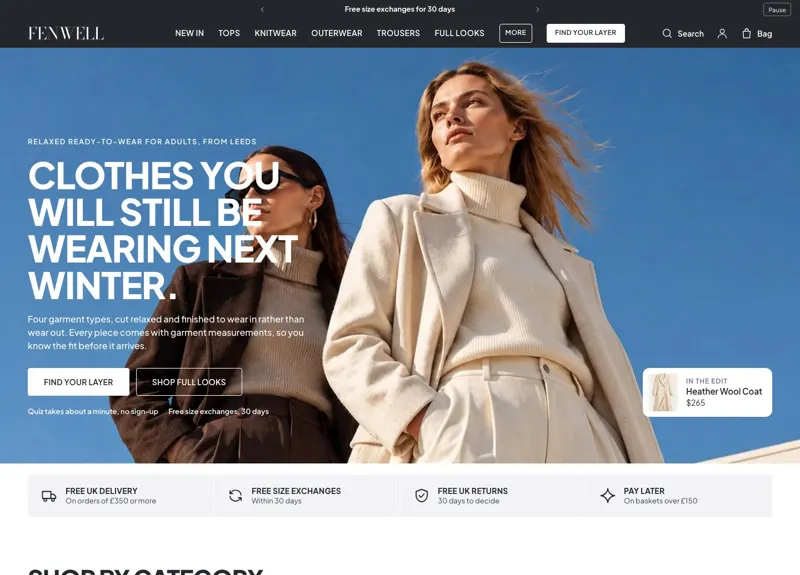
Fenwell is a theme for shops that sell coats, knitwear, tops and trousers. It has a weight guide, a Layer Finder, four product page layouts, a size guide and a bag drawer with a free-delivery bar. You edit all of it in the Shopify theme editor.
Demo password: convertica · Download from £350 or have us set it up · No monthly theme fee

A shopper studies a coat, then closes the tab.
The fabric looks right. The questions that stop the order are about weight, size, what to wear it with and the cost of getting it home, and the shopper does not ask you: they leave the tab open and drift away.
A theme that only shows products leaves every one of those unanswered. Fenwell answers all four, in the store, before they leave.
Weight, explained before the shopper commits.
A coat or a knit is bought for the season it will carry. Fenwell shows light, mid and heavy weights on the page where the shopper is deciding, so the choice feels informed.
- A weight guide section that explains light, mid and heavy, with a link for each
- Weight cards you can place inside a collection page
- A guided collection layout with shape tiles and use chips that narrow the range
Size and fit, answered beside the button.
Relaxed clothing is bought for how it sits as much as for the body. Fenwell puts size help where the shopper is choosing, so the size choice is made with the facts in view.
- A Size guide page with centimetre and inch views, edited as blocks
- A fit scale in the buy box, with tips for shoppers between two sizes
- Sizes that are sold out can offer a notify-me email link
A layering suggestion, offered where the shopper is deciding.
A coat is only half of the answer. The theme pairs pieces on the page, and a question-by-question finder ends on the pieces that suit.
- Layer Finder: a page of questions that ends on recommended pieces you choose, plus a teaser band on the homepage
- A pair-it band on the product page that adds the real prices together
- A coat-and-knit pair section, a product set and a comparison table
Delivery progress and instalment wording, from your own settings.
Cost surprises end baskets. Fenwell shows how close the bag is to free delivery and keeps the instalment line out of the way until you switch it on.
- A bag drawer in three layouts and a bag page, with a free-delivery bar whose threshold you set
- Add-ons, an order note and gift options in the bag
- Pay-later wording is a switch, off by default; turn it on only when Shop Pay Instalments is enabled on your store
Clothing is bought in outfits. Fenwell shows the whole look.
A coat needs a knit, a knit needs trousers. The theme offers the pairing where the shopper is already deciding, and gives you several ways to show a look.
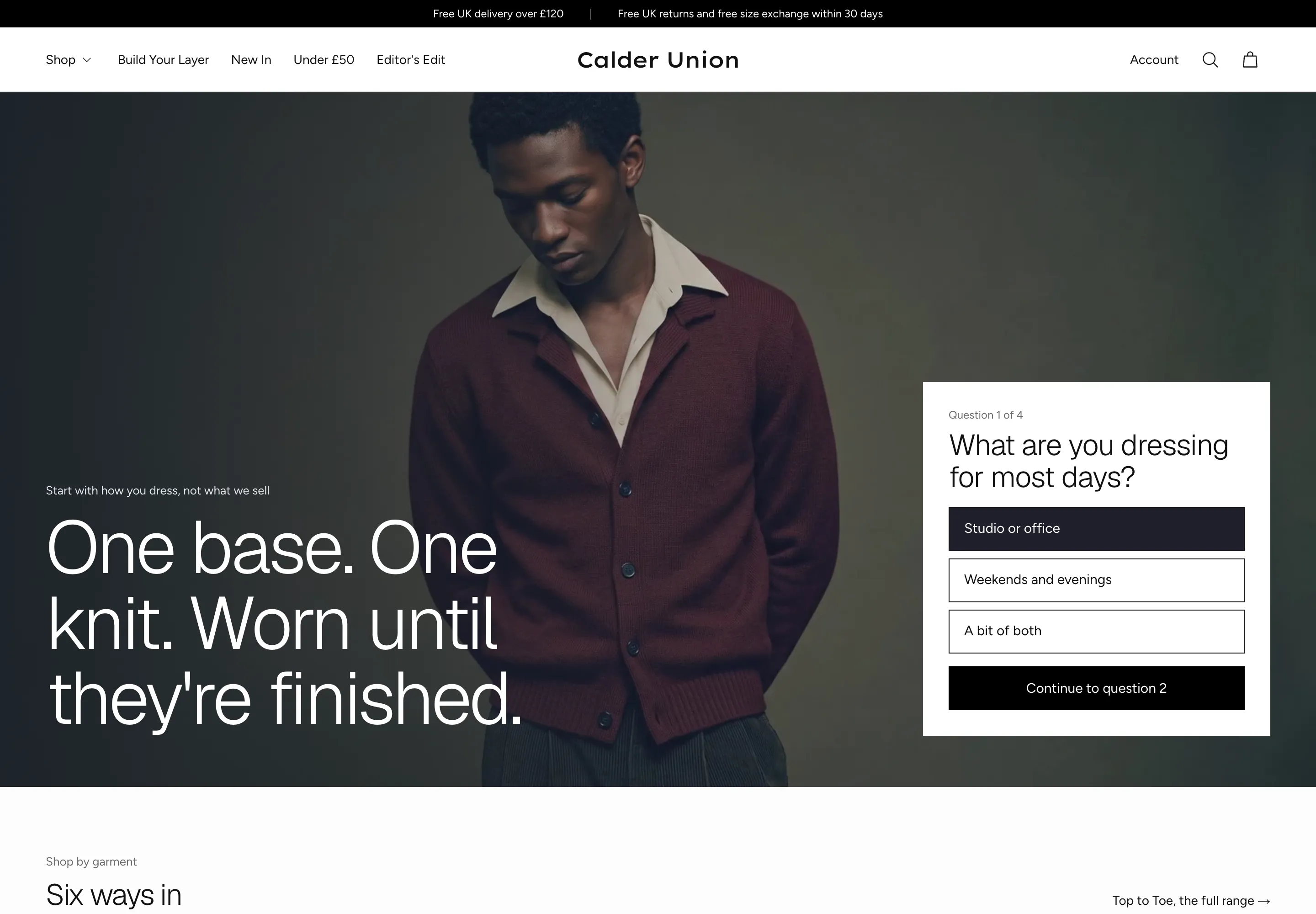
A Layer Finder that asks questions
Shoppers answer a few questions and the finder ends on pieces from the answer-to-product blocks you set. It sends no email and saves nothing to a customer account.
Four product page layouts
The standard page, a stacked gallery with a comparison, an education-led page with garment anatomy and care steps, and a compact page for simple pieces. A gift card page is included.
Quick add and quick view
Shoppers add a piece or look at it from the collection grid, without leaving the page. A compare table sets chosen pieces side by side.
Lookbook and shoppable hotspots
A set of looks with pictures and links, and a photograph with tappable hotspots that open a piece. A journal and long-form editorial pages tell the story.
It should look like your brand, not like everyone who bought the same theme.
Pick the opening that suits your range, then recolour the whole store from one dropdown.
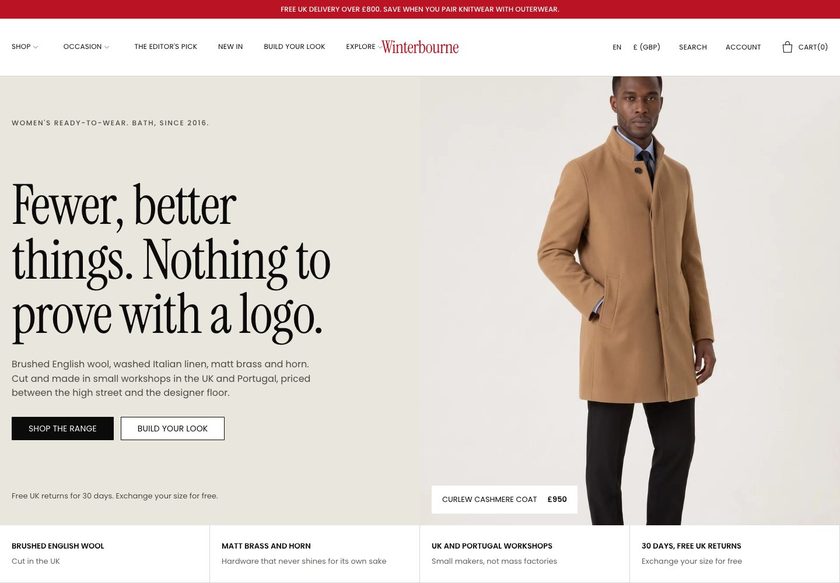
Opens on a hero, then shop by category and need, the weight guide, a Layer Finder teaser and trust. The main homepage template.
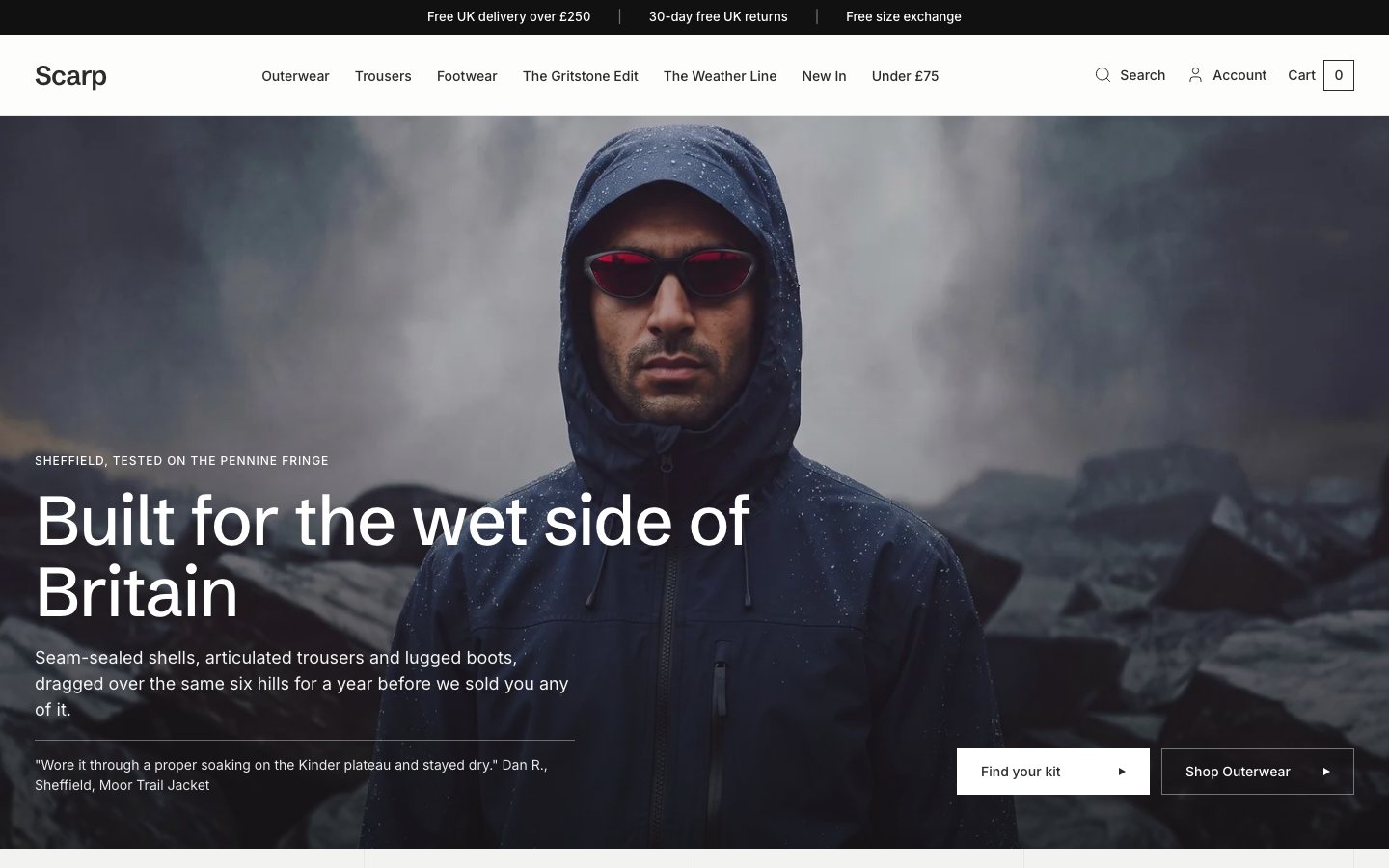
A homepage led by collections, price bands and tabbed products. Suits a wide range.
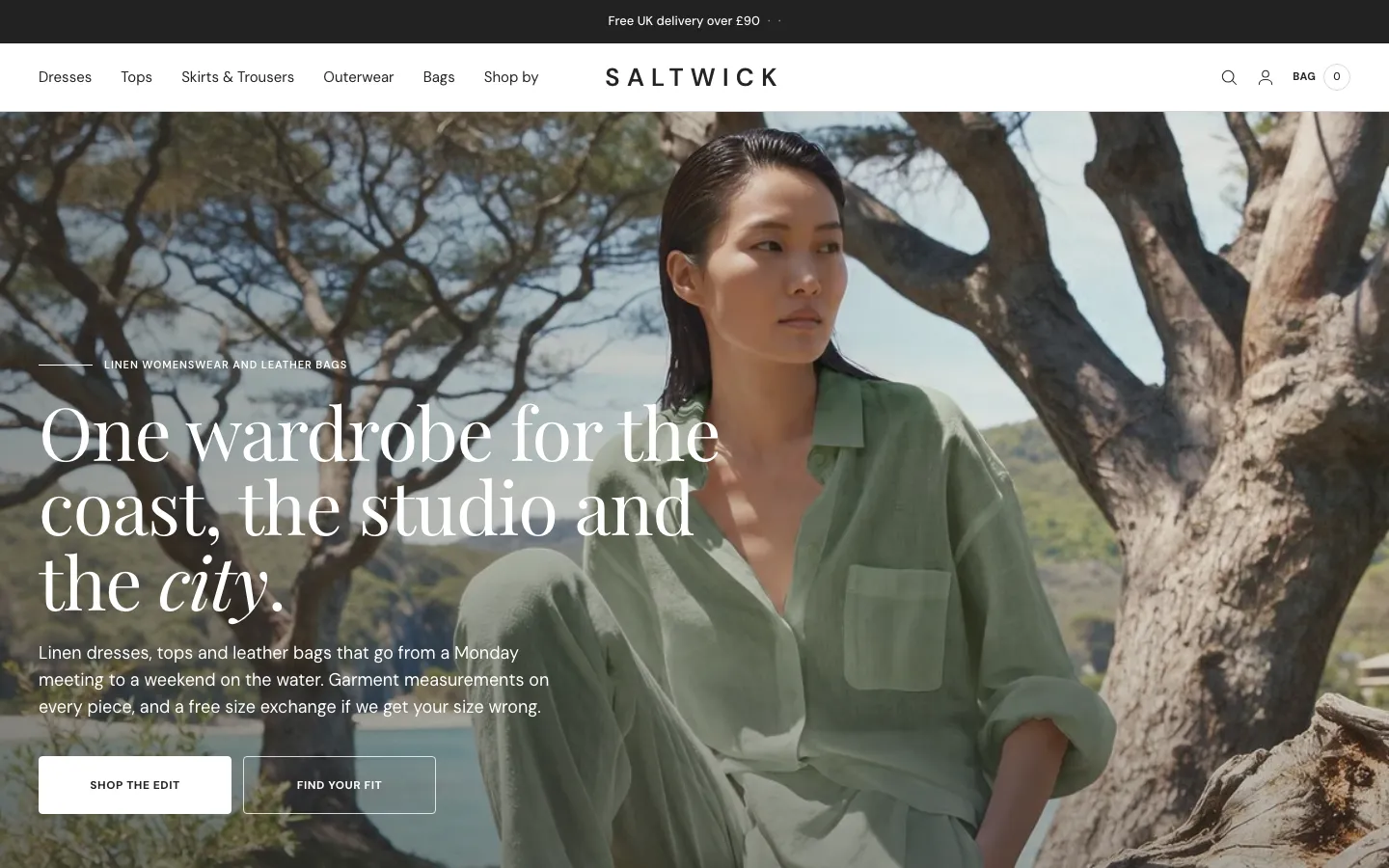
A campaign homepage with a lookbook, shoppable hotspots, a process timeline and customer voices.
Twelve palettes, one click. Bodoni Moda and Plus Jakarta Sans, bundled.
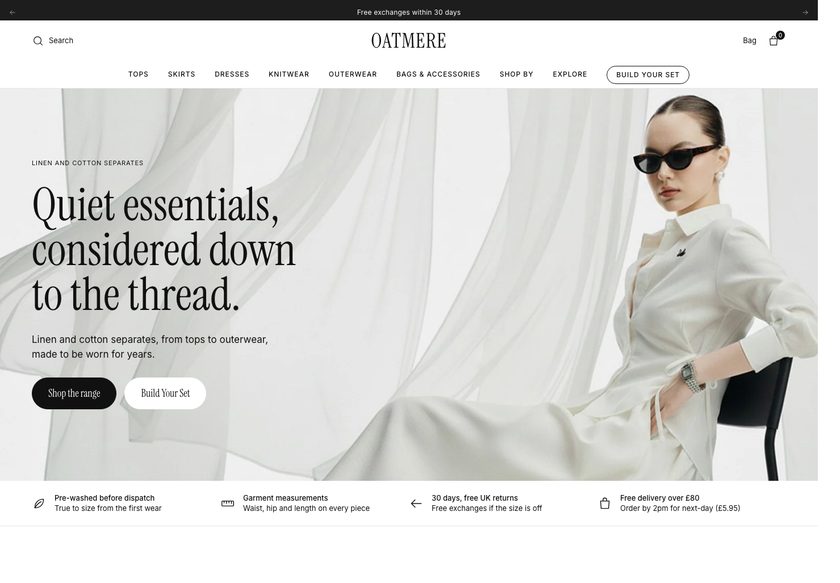
The default Fenwell Paper palette, ten more drawn from a shared library (Rust Linen, Amber Ink, Rust Cream, Apricot Sand, Cobalt Cream, Teal Umber, Crimson Cream, Crimson Sand, Apricot Linen and Crimson Linen) and a Custom option. Pick one in Theme settings and the whole storefront recolours. Both typefaces ship inside the theme, so no font service is loaded. Four general hero banners (text bottom left, bottom right, centred over a picture, over a looping video) join a hero for each homepage, and a Hero variants page shows them side by side.
Everything is a section. Move it, add it, hide it.
You run a store, not a web agency. Fenwell is built so you can change what you need in the theme editor and never touch code. Prefer not to? We can set it all up for you.
- 106 sections you can add to a page, each with its own spacing controls
- 207 settings in 20 groups: colour, type, cards, buttons, cart and more
- Real copy and demo content already in place, so a new store never opens empty
- A Theme Guide that walks you through each step
The parts you can't see, done properly.
Ready to be found
Canonical links, titles, meta descriptions, Open Graph and Twitter tags, and 15 structured-data types for products, collections, articles, questions and your brand. A plain-text page describes your store for machine readers.
Light on third parties
No third-party scripts load unless you enter a Google Analytics ID. Fonts are bundled. Images load lazily with their dimensions set, and the first image on a page loads first.
Built for everyone to use
A skip link, labelled fields, native disclosure elements, live announcements for the bag and reduced-motion styles. No conformance level is claimed.
Honest about what it isn't
The theme draws filters and takes review-app blocks, but the filters are Shopify's and the reviews are your app's. Account pages are hosted by Shopify.
What you would otherwise piece together from apps and custom work.
On many themes each of these is an extra app or a developer's afternoon. In Fenwell they are part of the theme. A few things honestly are not, and we say which.
| Feature | In Fenwell |
|---|---|
| Weight guide and guided collection layout | Built in |
| Layer Finder quiz | Built in |
| Size guide, fit scale and between-sizes tips | Built in |
| Bag drawer (three layouts) with free-delivery bar and add-ons | Built in |
| Quick add, quick view and a compare table | Built in |
| Four product layouts, three collection layouts, three homepages | Built in |
| Twelve colour palettes and four hero banners | Built in |
| Pay-later wording | A switch, off by default. Turn it on only when Shop Pay Instalments is enabled on your store |
| Product reviews | Example comments you replace, or a review app's blocks; no review app included |
| Back-in-stock emails | Not included. A sold-out size opens an email to your address; add an app for automatic emails |
| Collection filters | Shopify's own filters, drawn by the theme; you add them in Search & Discovery |
| Wishlist and subscriptions | Not included, add an app if you want them |
| Customer account pages | Hosted by Shopify |
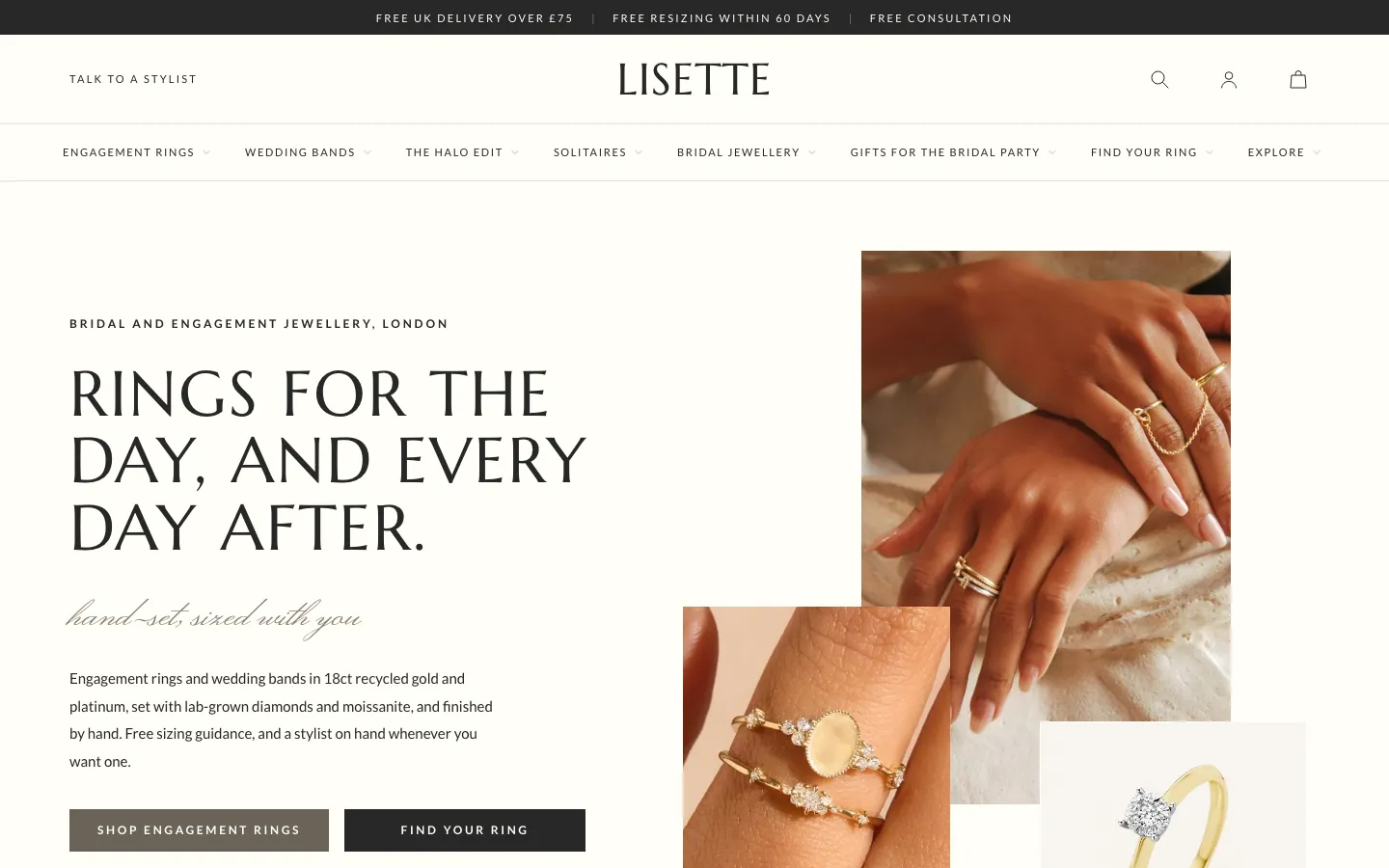
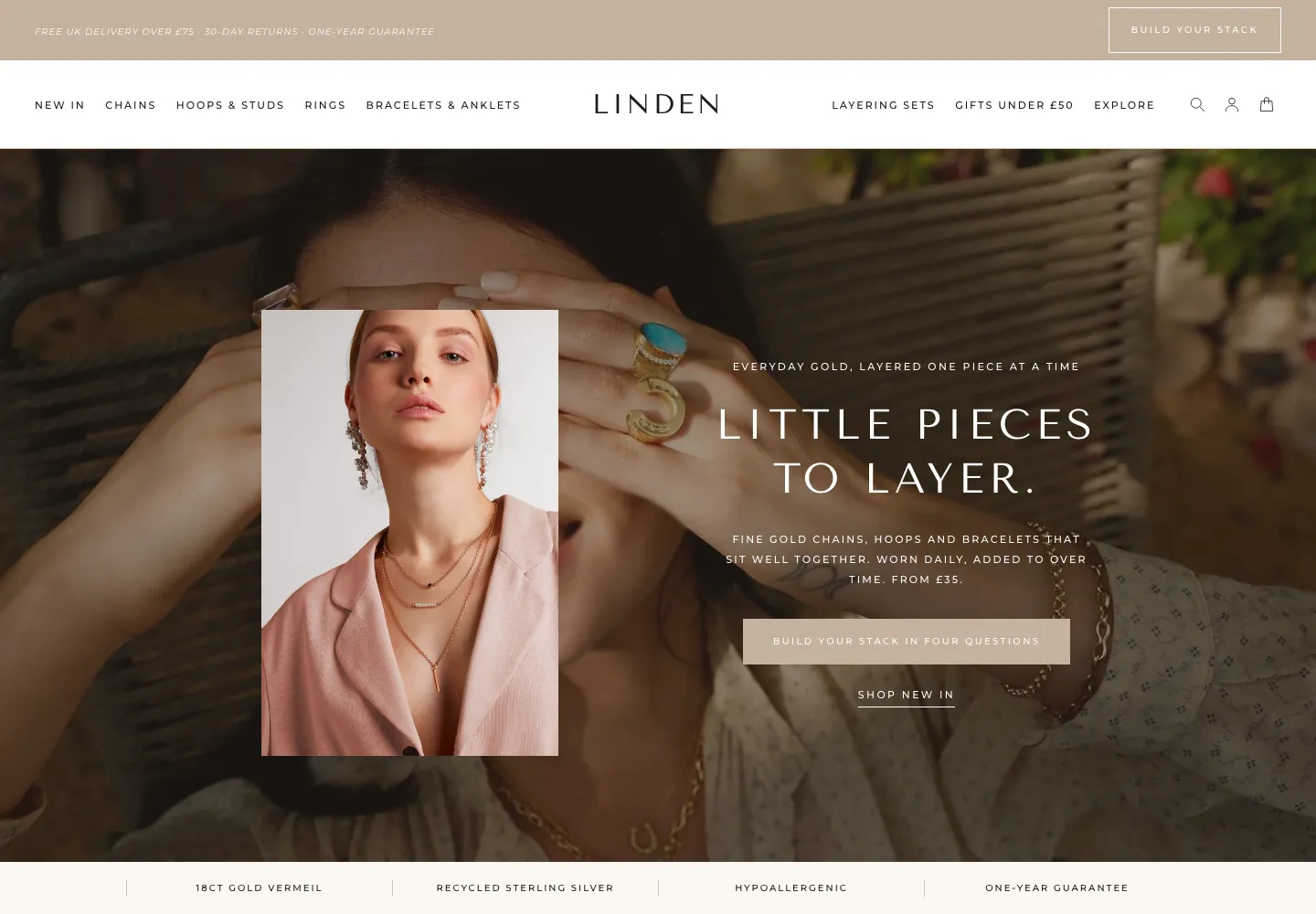
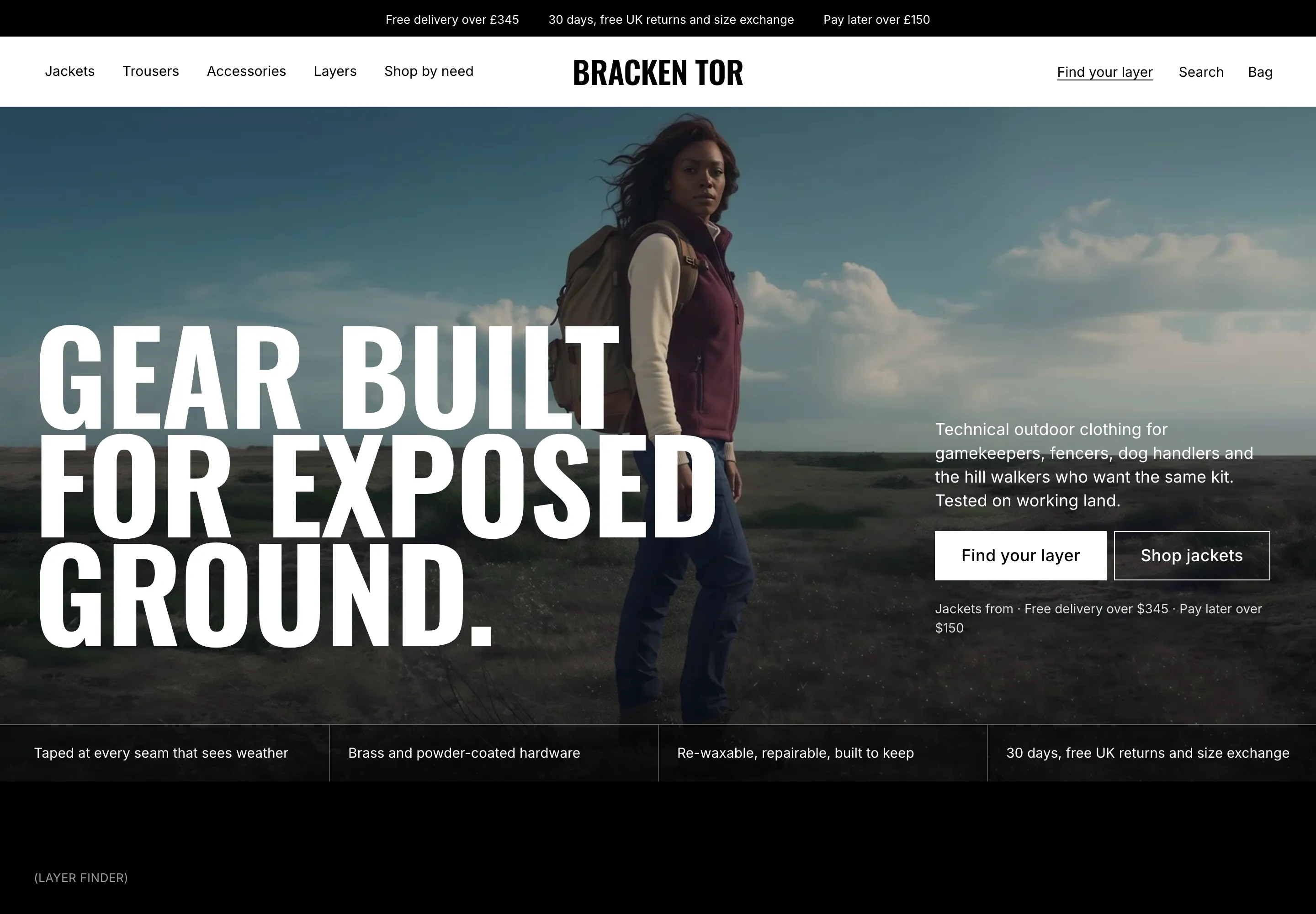
All 30 page designs, shown.
Real captures of the live demo store, at desktop and phone width. Click any screenshot to see the whole page.
- You sell coats, knitwear, tops and trousers from a focused range.
- Your shoppers need help choosing a weight, a size or what to wear it with.
- You want fit, weight and delivery facts beside the button without an app.
- You want a calm, editorial look you can recolour without code.
- Designed customer-account pages. Shopify hosts those.
- More than one language out of the box. Fenwell ships in English.
- A review-collection app out of the box. Reviews are text you write or an app provides.
- A very large mixed catalogue with advanced filtering beyond Shopify's own.
Two ways to get it. Choose how much you want us to do.
Try the live demo first (password convertica). Then download the theme and set it up yourself, or have us set it up on your live store.
You install it and set it up yourself, with the Theme Guide beside you.
- The complete theme: 34 templates, 106 sections you can add
- The Theme Guide with a quick start
- Updates and bug fixes included
- You set up your store, fields and collections
We set Fenwell up on your live store, so it is ready to take orders.
- Everything in the download
- We review your store first
- We create the custom fields your products need
- We create your collections and set up your menus
- Everything else needed to go live
What buyers say about Fenwell
Happy with the switch
We moved our outerwear collection over and the new product pages are much clearer. I especially like the fit guidance right beside the size buttons.
The little details add up
From the notify-me email link for sold-out sizes to the care sections and the free-delivery bar, there are a lot of useful touches here. It feels designed for clothing rather than a generic catalogue.
A solid theme with a few learning curves
The design is lovely and the product templates are useful. It took some trial and error to get our filters configured in Shopify Search & Discovery, but the end result is clean and easy to use.
Perfect for our autumn collection
The weight cards and layered outfit suggestions suit the way we launch seasonal pieces. We can show customers how a coat works with our knitwear rather than leaving them to guess.
Really like the different bag layouts
We tried two of the bag drawer styles before settling on one. Being able to make that choice in the editor was a pleasant surprise.
Useful theme guide
The documentation helped us set up the extra product fields. We needed those for the weight information and outfit pairings. Once configured, it was easy to maintain.
Nice balance of style and practicality
The homepage feels editorial, but the shopping details are still obvious. Fit tips, price, delivery and pairing suggestions all have a place without crowding the screen.
Looks polished out of the box
We replaced the demo images, chose a palette and were pleasantly surprised how quickly the storefront came together.
The comparison table helped
We have two similar jackets with different weights and customers often ask which one to choose. Showing them side by side is much better than asking people to open multiple tabs.
Well suited to a small clothing label
We do not have a huge catalogue, so the theme’s guided browsing and styling suggestions fit us better than endless filtering. The whole experience feels considered.
Clear delivery information
Our old cart only showed a subtotal. This one makes the free-shipping threshold visible and lets us add a small order note. Simple improvements that make the bag feel finished.
Love the lookbook
The shoppable hotspots are a lovely way to show complete outfits. We use them for our seasonal campaign photos.
A few setup details to learn, but worth it
It took us a little while to map our product fields for the fit and pairing sections. Once that was done, the pages looked excellent and editing them has been straightforward.
Great product page options
We use the compact page for plain tees and the education page for more technical coats. Having four layouts means we do not have to squeeze every product into one template.
No extra apps for the basics
The weight guide, fit scale, comparison table and bag delivery bar are already here. We still use Shopify for filtering, but it is nice not to install an app for every little detail.
Collections feel much easier to browse
The guided collection layout works especially well for our coats. Shape tiles and use chips give visitors a way to narrow things down before they have to understand every product name.
Exactly the look we wanted
Simple, warm and polished. The default palette was already close to our brand.
Helpful for selling knitwear
We use the education-led product page to show fabric details and care instructions. It gives the customer useful information without hiding the add-to-bag button.
More flexibility than expected
We started with the main homepage and later moved to the story layout for a campaign. The sections are flexible enough that we could make the change without starting again.
Thoughtful cart details
The delivery progress bar is clear and the gift note option fits our store well. I also appreciate that the instalment message is optional rather than forced into every checkout journey.
Quick view is surprisingly useful
Shoppers can check a piece without leaving the collection grid. We also use quick add for the simpler basics. Both feel like natural parts of the site.
A calm, editorial feel
We wanted our clothes to do the talking. The typography and generous spacing suit our photography, and the journal pages let us tell a bit more of the story behind each collection.
The size guide is excellent
Having inches and centimetres on the same size guide is a relief. We sell internationally and this saves us from maintaining separate charts in product descriptions.
Easy to change without a developer
We changed the palette, rearranged the homepage and updated the free delivery threshold ourselves. The guide was clear enough that we did not have to keep asking for help.
We love the paired looks
Being able to show a coat with a matching knit, including the combined price, makes much more sense for how we sell our collection. It is a small detail but one we were missing before.
Good on smaller screens
The product gallery and buy box both work nicely on my phone. The size information is easy to find too.
A strong starting point for our store
We used the merchandising homepage, then swapped in a couple of editorial sections. It was a lot easier than trying to bend a general-purpose theme into something suitable for outerwear. The built-in weight guide was the deciding factor for us.
Much easier to explain fit
Our relaxed cuts used to need a paragraph of explanation in every product description. The fit scale and between-size guidance put that information next to the size selection. It makes the page much clearer.
Layer Finder is a nice touch
The Layer Finder is genuinely helpful for our smaller collection. We set up the answers around what our customers actually wear and it now points people towards sensible combinations of coats and knits. I like that it does not require an account or an email address.
Lovely clean design
Looks great on mobile and was easy to adapt to our colours.
The weight guide finally makes sense of our coat range
We sell three different coat weights and customers were getting lost between them. The light, mid and heavy cards explain the differences without making the page feel technical. Really useful.
Questions store owners ask
Do I need a developer to set it up?+
No. Everything is changed in the Shopify theme editor. The Theme Guide walks you through the steps, and the demo store shows how each page is set up. If you would rather not, our £1,000 set-up does it for you on your live store.
Will it work with the products I already have?+
Yes. Some features read extra product details, such as fabric, fit and pairings, from product fields. The guide lists them and shows how to fill them in. Where a field is empty, that part stays out of the way.
Can I change the homepage later?+
Yes. All three homepage layouts ship in the theme, and every section can be added to any page, so you can switch or mix them without rebuilding.
Does it include product reviews?+
The theme has no review engine of its own. The product page shows example comments you replace with your own, and it accepts a review app's blocks. No star total or review count is published until a real app supplies them.
Will it sell more for me?+
We will not promise a number, because results depend on your products, prices and traffic. What Fenwell does is remove common reasons buyers hesitate, with a weight guide, a Layer Finder, size and fit help and delivery progress.
What do I need to set up in Shopify?+
Set your store currency, add your filters in Search & Discovery, add your products, collections, menus and policies, and enter your free-delivery amount in the bag settings. Switch on the pay-later wording only if Shop Pay Instalments is enabled on your store.
What does the £1,000 set-up include?+
We review your store, create the custom fields your products need, create your collections and menus, and do everything else needed to go live. The theme is included. The download is instant. If you want installation help, the set-up takes 2 to 3 working days.
Do you write the words and make the images?+
No. Copywriting and image generation are not included in either option. You bring your own words and photos, and we place them in the theme.
Can I use it on more than one store?+
No. One licence covers one Shopify store. It cannot be used on any other store, including other stores owned by the same person or business. If you need Fenwell on another store, buy another licence.
What does support cover?+
Updates and bug fixes are included with both options. Customisation and feature requests are quoted separately. Write to hello@converticastudio.com.
See it with your own eyes, then make it yours.
Tell us where it goes
Send your details and we email you the payment details. Once paid, we send the theme file to install on your store.
Thank you, we have it.
We will email with the payment details. Once you have paid, we send the theme file to install on your store.