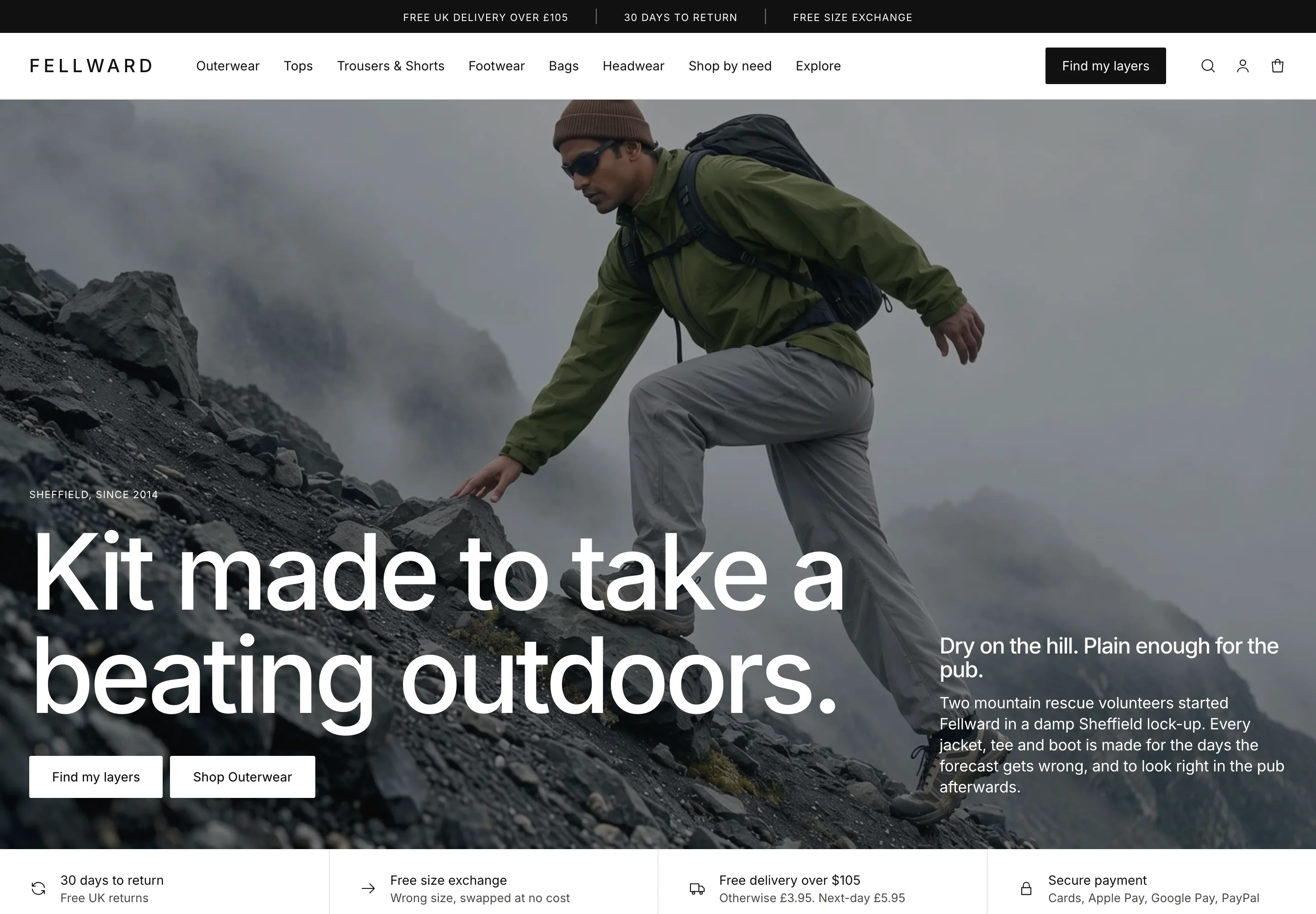
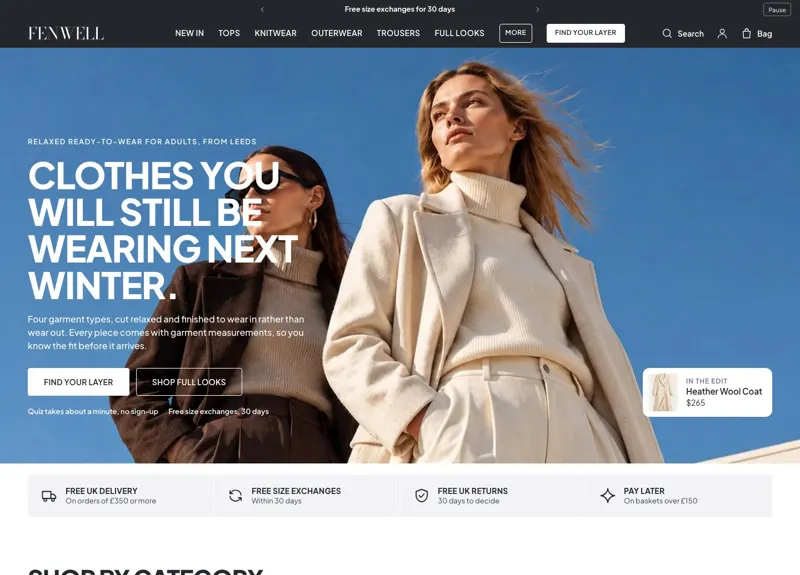
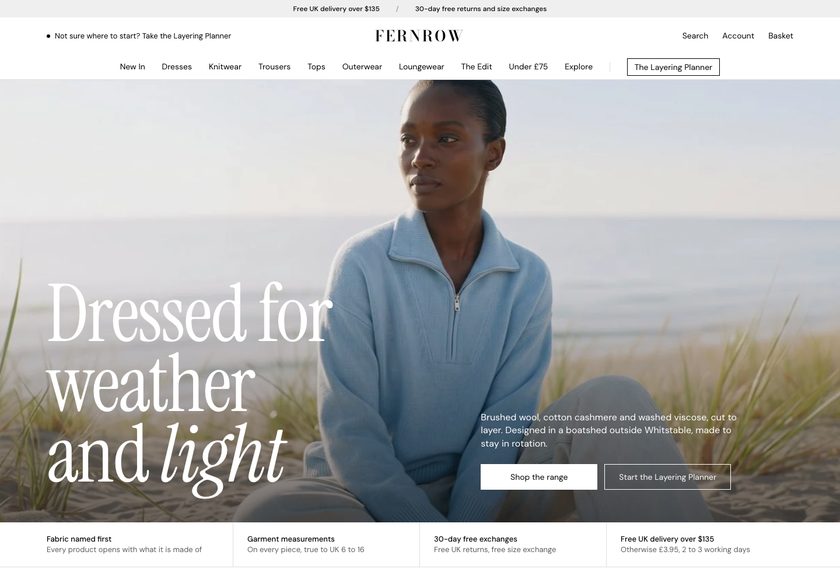
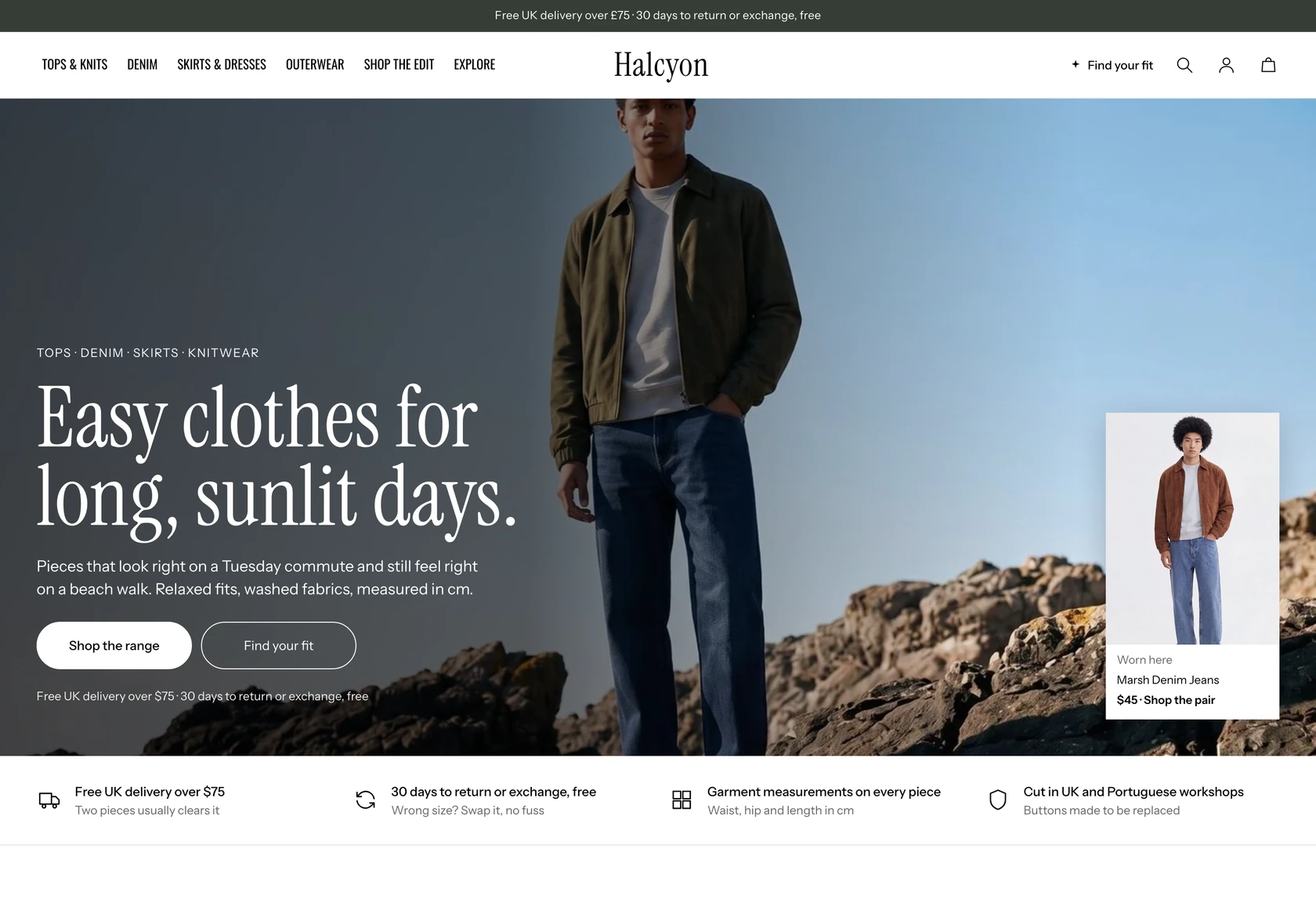
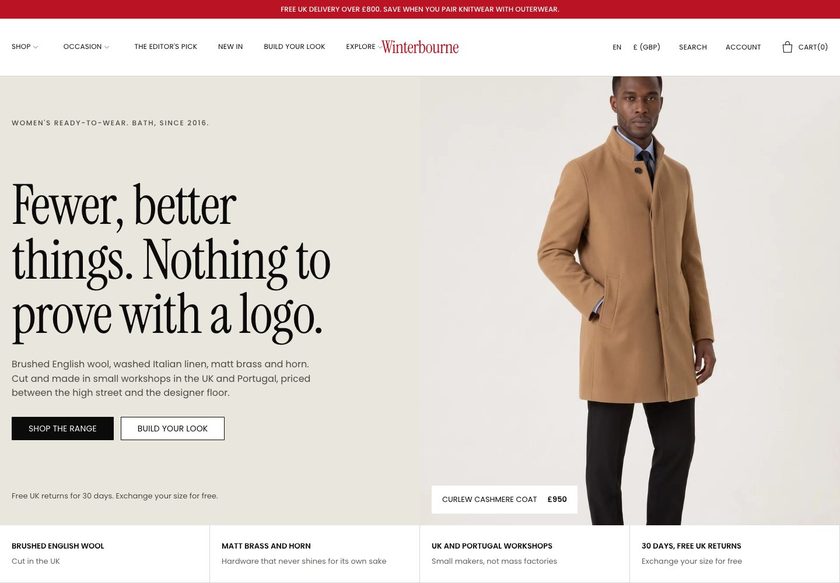
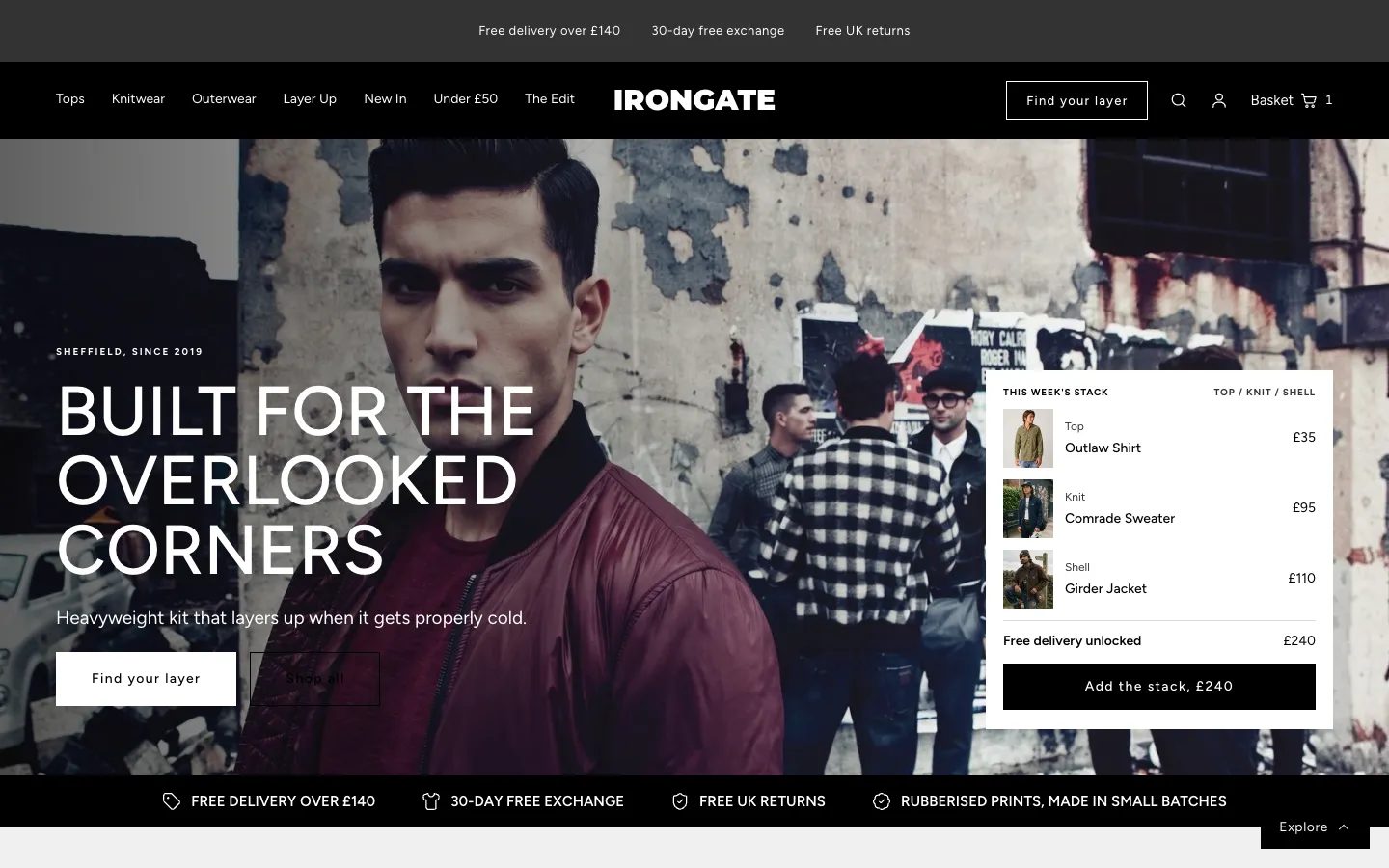
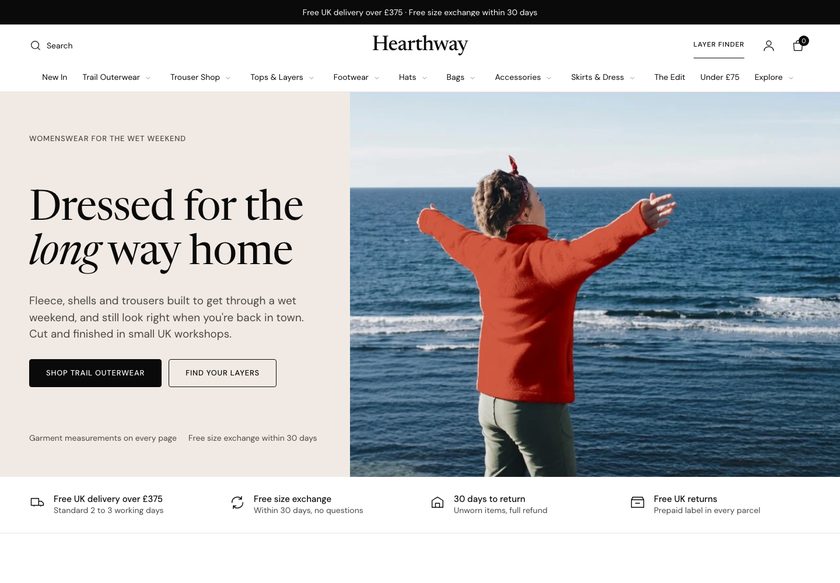
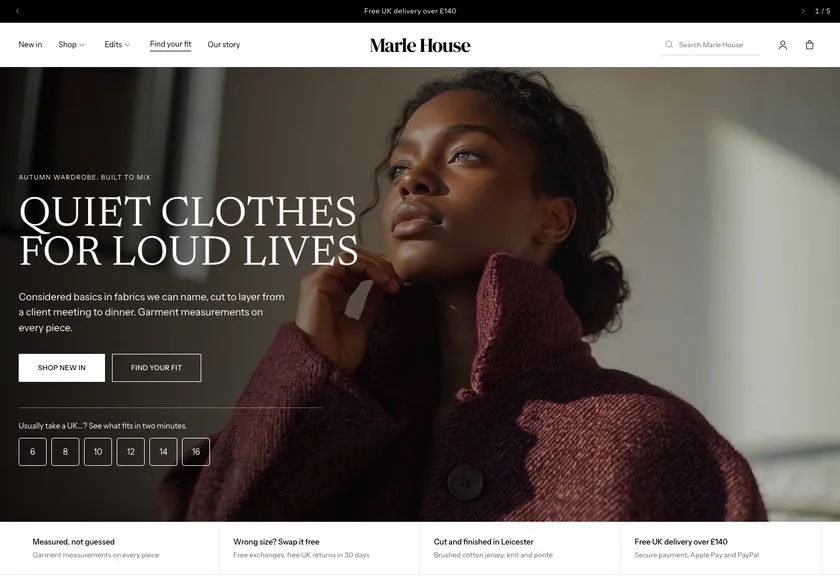
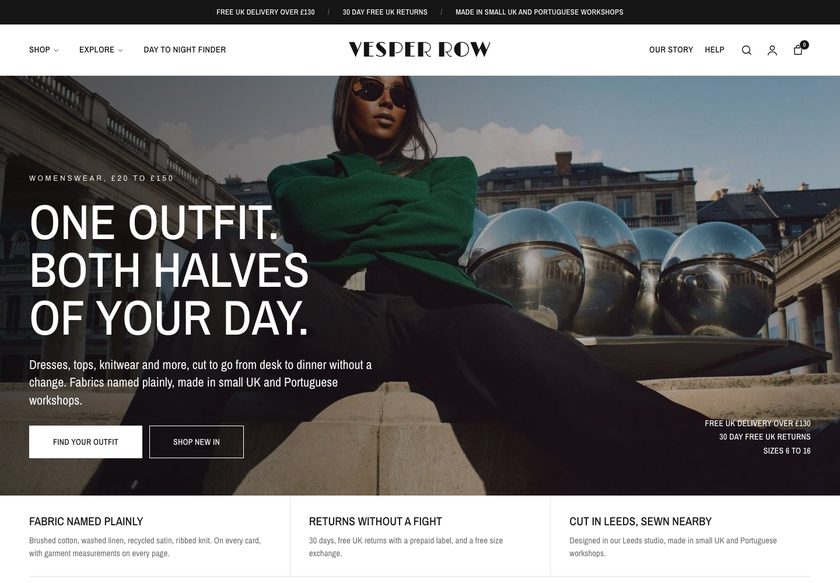
Quiet clothes sell on the cloth. Winterbourne names it.
It answers the questions that stop a clothing purchase, right on the page: what goes with it, what is it made of, will it fit, when will it arrive. Your pieces get the confidence they deserve.
Demo password: convertica · Download from £350 or have us set it up · No monthly theme fee

Nobody buys a coat they will wear for years without checking.
Your customer loves the coat in the photo. Then the questions start, and they do not ask you, they just leave the tab open and drift away.
A theme that only shows products leaves every one of those unanswered. Winterbourne answers all four, in the store, before they leave.
A quiz that builds the outfit.
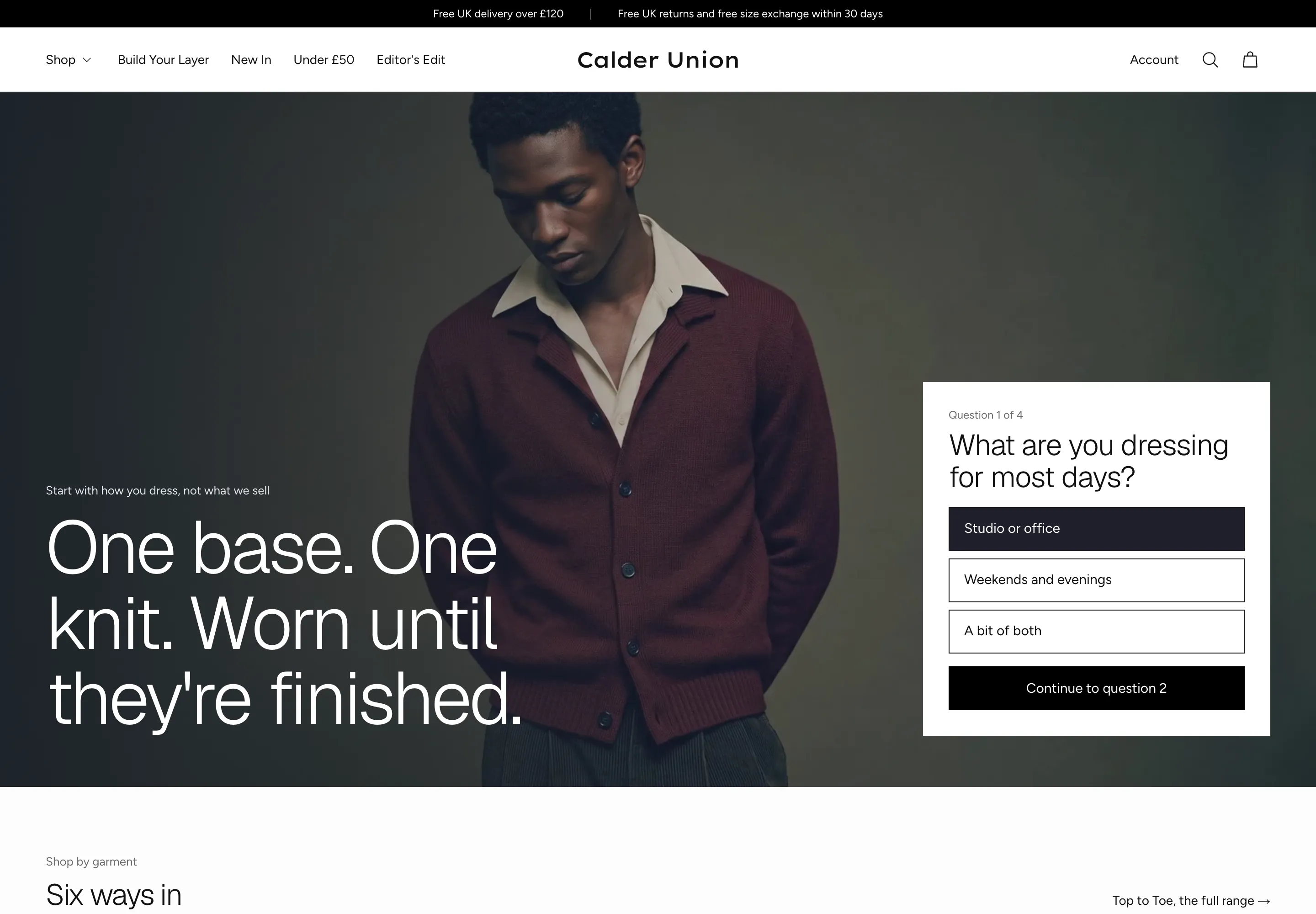
Quiet clothes sell on what goes with what. Winterbourne asks four short questions and builds a look from your own products, in the shopper’s size.
- Build Your Look: four questions (occasion, fit, palette and layering) with a live preview that updates as the shopper answers
- A result of two or three pieces in the shopper’s size, with Add all to the basket
- Entry points on the home pages and in the basket drawer, so the quiz is found where shoppers are deciding
The cloth, named on every card and every page.
Shoppers want the fibre before they commit. Winterbourne prints a fabric line, swatches and the price on each product card, and gives the cloth its own page when a piece deserves it.
- A fabric line, swatches and price on every product card, read from each product’s own fields
- A long product page that teaches the cloth, the fit and the care, with an index, similar pieces and questions
- Story rows on the product page and a band on the home page that shows what the price pays for
Garment measurements, where the shopper decides.
Size labels differ from brand to brand. A tape measure does not. Winterbourne puts the garment’s own measurements in the buy box and on a size guide, so a shopper can compare them with a piece they already own.
- A size guide page with measurement charts, how-to-measure steps and fit words you edit in the theme editor
- A fit table and a size matcher in the buy box, each switched on or off per product page
- Sold-out and low-stock sizes marked from the store’s own stock, a pre-order note and a sticky add-to-basket bar
Delivery and the basket, said plainly before checkout.
Shoppers hesitate when they cannot see what happens next. Winterbourne shows a delivery estimate in the buy box and a free-delivery bar in the basket, and suggests a piece that closes the gap.
- A delivery estimate worked out from your shipping window (fewest and most working days, and a next-day price you set)
- A free-delivery bar with the threshold set once in theme settings, and a piece from a collection you pick that closes the gap
- A basket drawer and a basket page, with a gift option and an instalment line that only appears when Shopify instalments are on
Outfits rarely stop at one piece. Winterbourne shows what goes together.
A knit under a coat. A shirt with the trouser. A second piece for the same week. The theme suggests them where the customer is already deciding.
Wear it with
A band on the product page suggests pieces to wear with the one being viewed, from a collection you pick.
Bought together
A bought-together section pairs the piece being viewed with partners from a collection you choose.
Layering looks
A collection layout shows paired looks, and adds both pieces to the basket in one size.
In the basket
A free-delivery bar, a suggestion from a collection you pick to close the gap, and a gift option, each a setting.
It should look like your brand, not like everyone who bought the same theme.
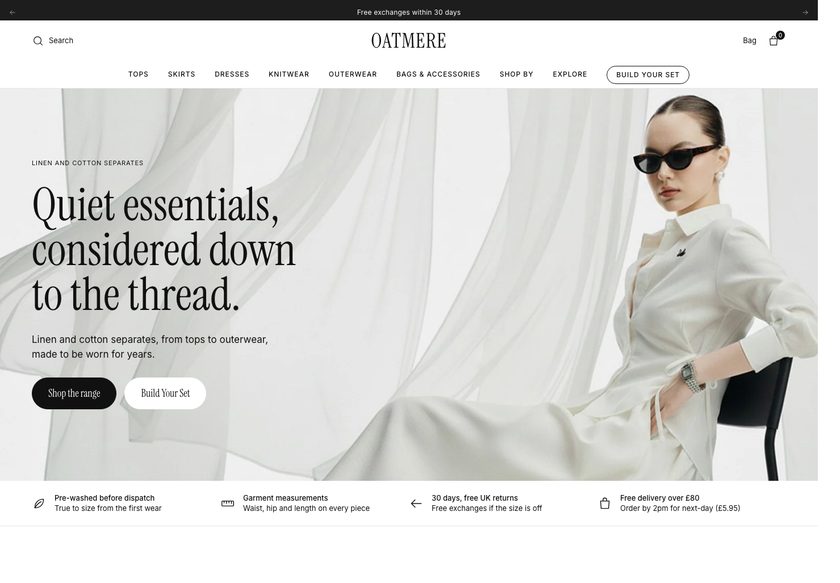
Pick the opening that suits your range, then recolour the whole store from one dropdown.
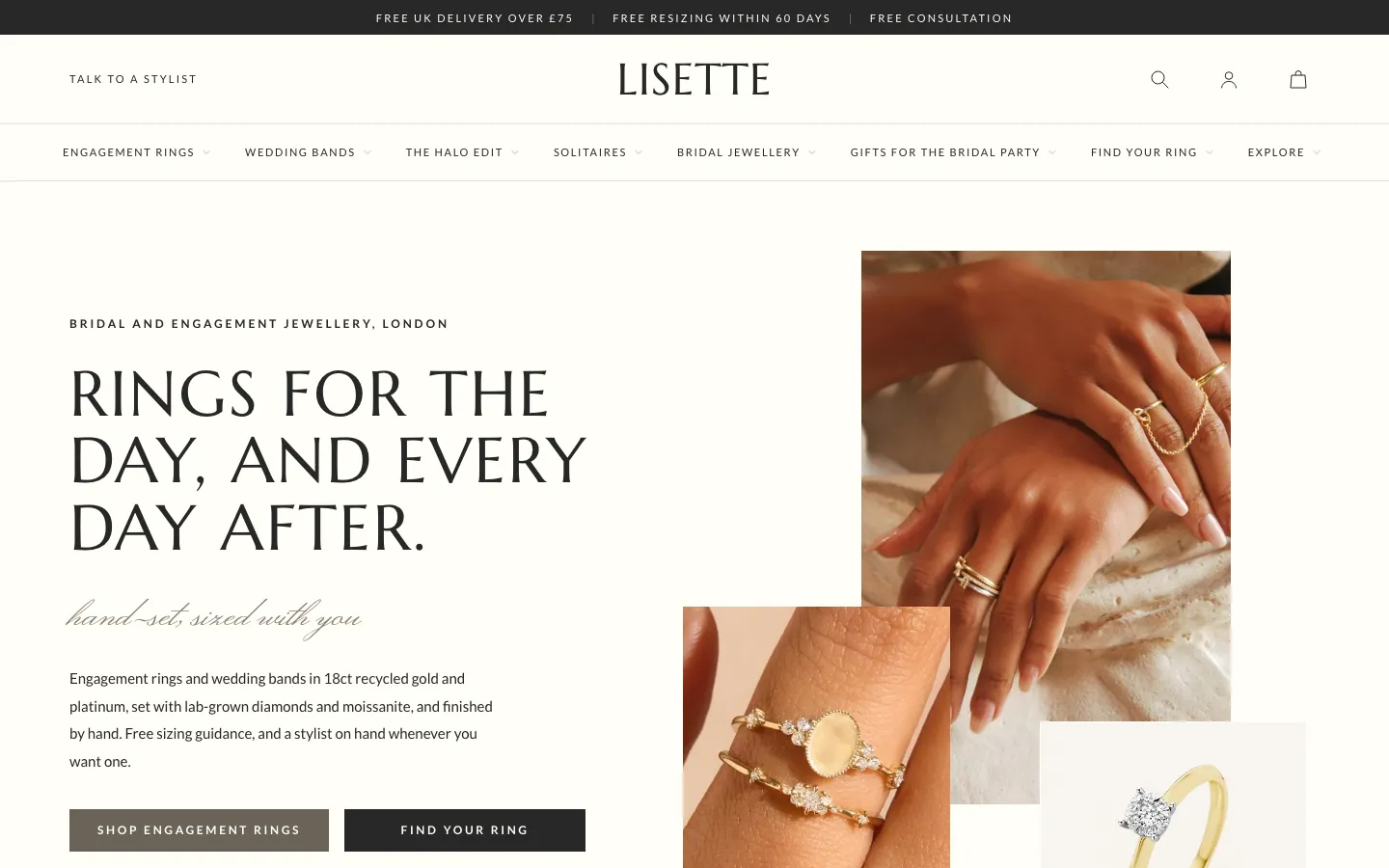
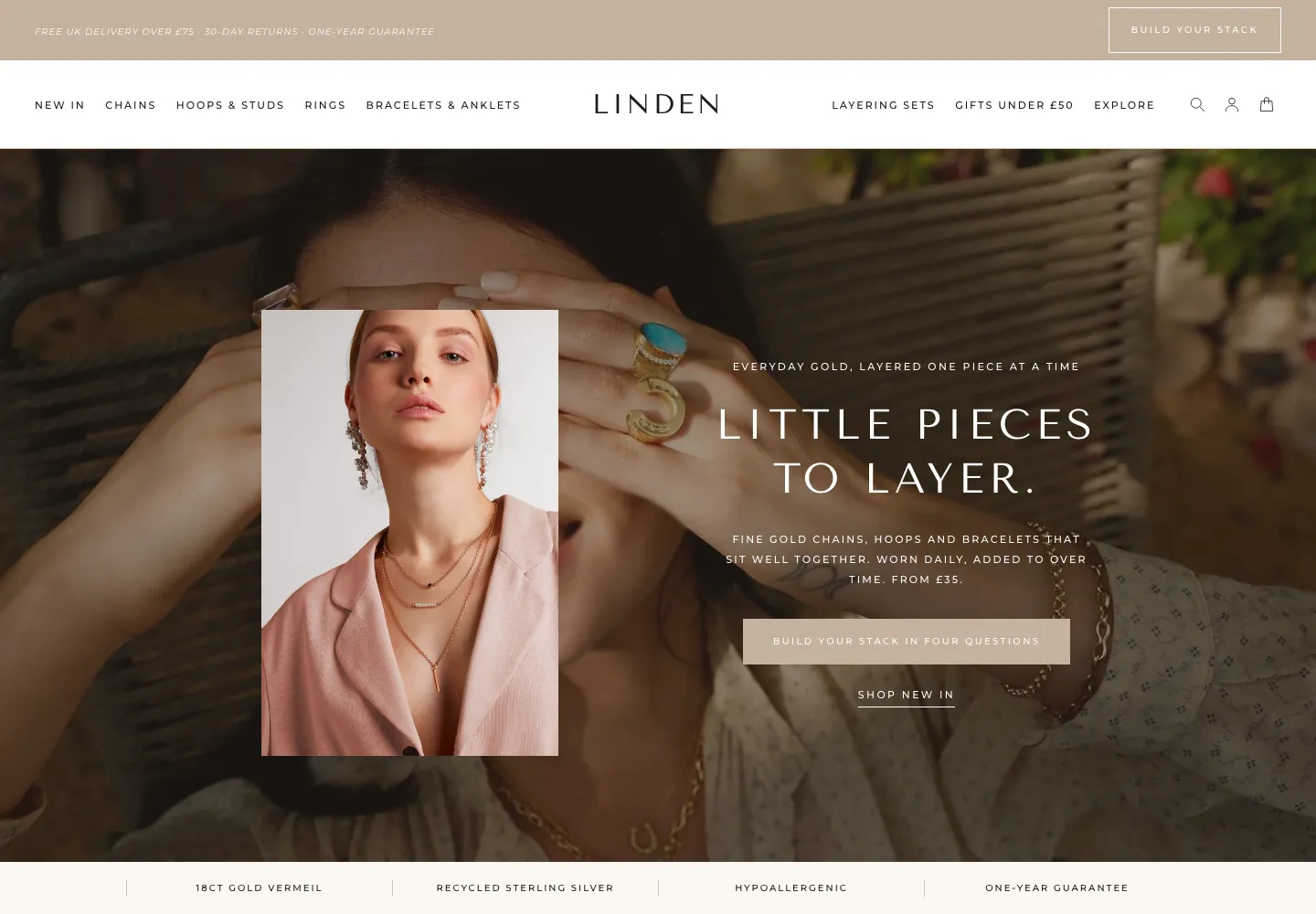
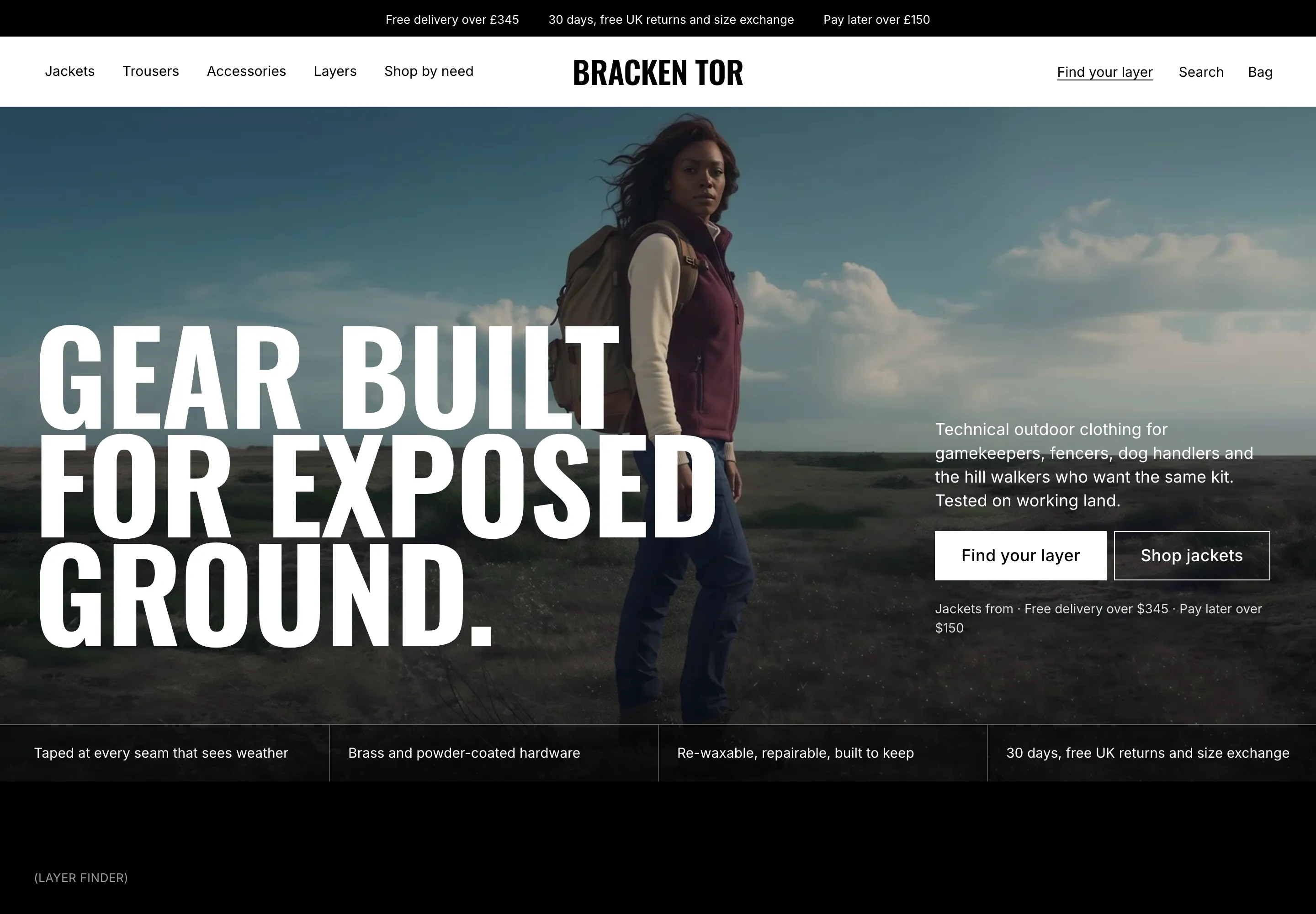
Hero, trust strip, five categories, occasions, Build Your Look, an Editor’s Pick rail, what the price pays for, a price comparison, the story and the promises. Best for most shops.
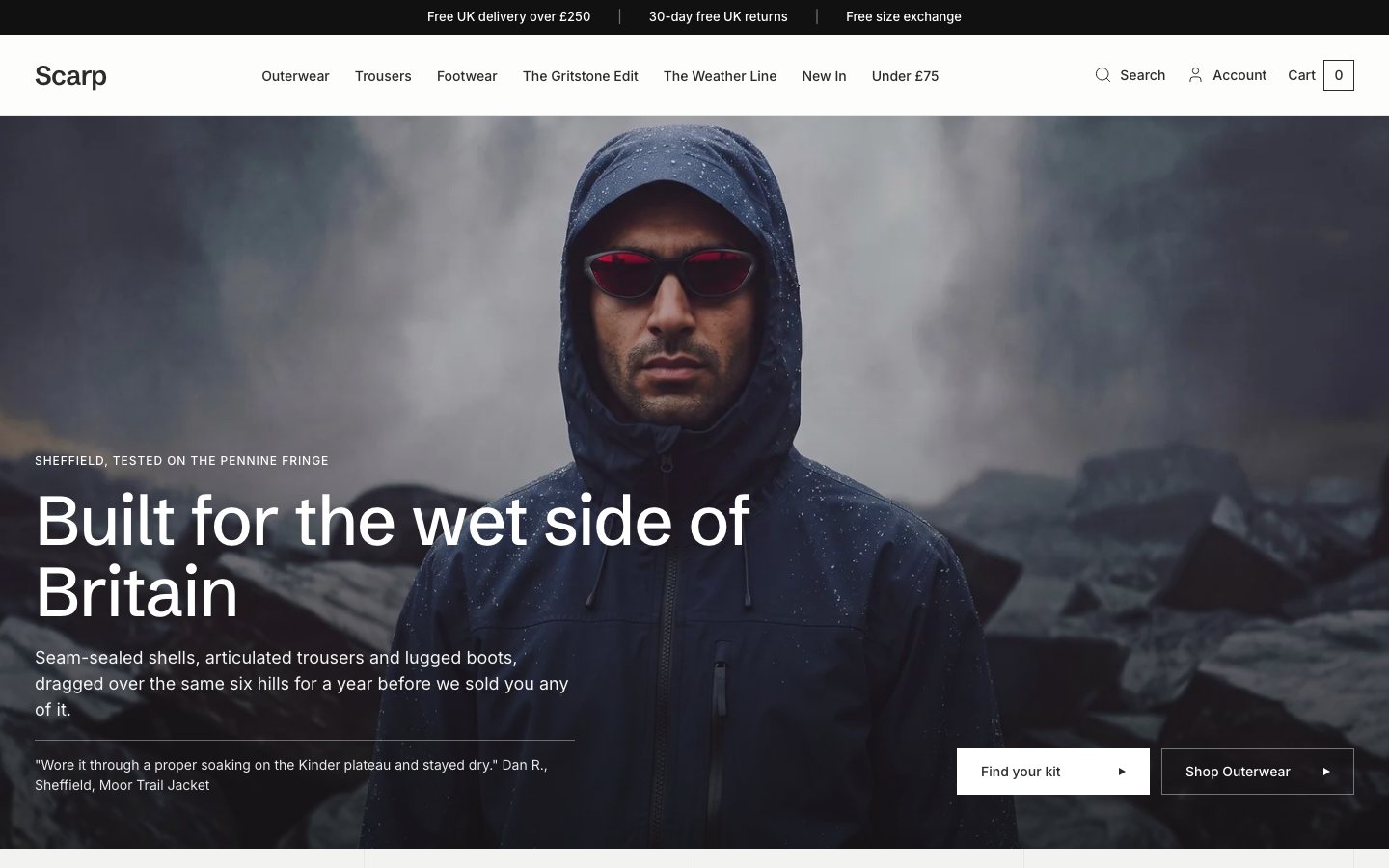
A four-picture mosaic hero, shop by need, category tabs, the layering pair, new in and the promises. Best for a wider range.
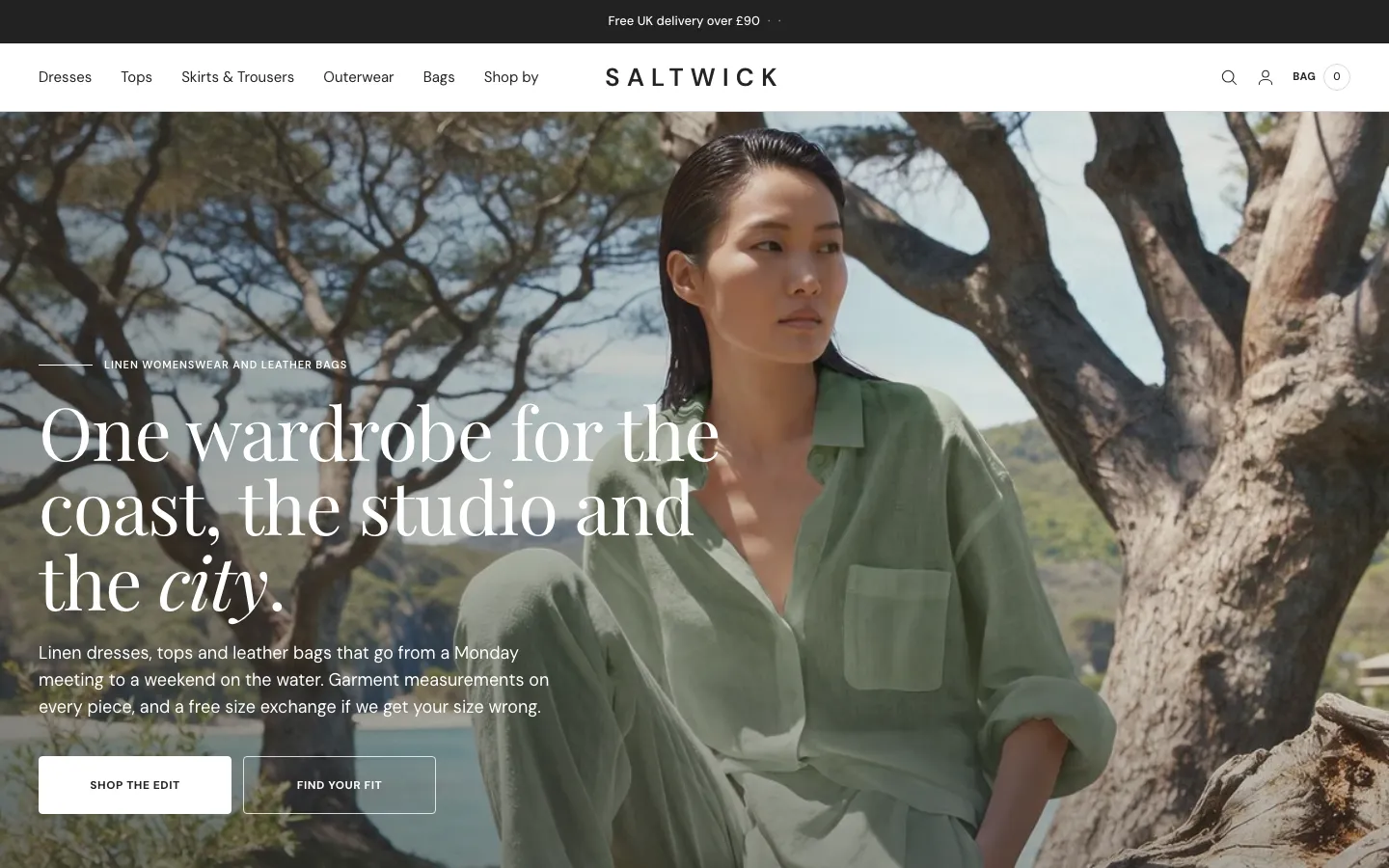
A full-width banner, manifesto, three picture-and-text chapters, four cloths, the journal and a Build Your Look band. Best for a story-led launch.
Twelve palettes, one click
The Winterbourne default, ten alternatives and a Custom option. Fonts are served from the theme itself.
Everything is a section. Move it, add it, hide it.
You are a maker or a small brand, not a web agency. Winterbourne is built so you can change what you need in the theme editor and never touch code. Prefer not to? We can set it all up for you.
- 80 sections you can add to any page, 77 of them with their own padding and background colour controls
- 210 settings in 20 groups: colour, type, basket behaviour, cards, header and more
- Four hero sections (image, video, text bottom left, text bottom right) and a custom section for your own HTML, each with height controls for desktop and phone
- A Theme Guide that walks you through each step
The parts you can't see, done properly.
Ready to be found
Canonical and social-share tags on every page, and 18 kinds of structured data, including Product, Offer, FAQPage and BreadcrumbList, so search engines can read your range.
Light on the page
Plain JavaScript, no library. Fonts and scripts are served from the theme itself, with settings for image loading.
Built for everyone
A skip-link setting, visible focus rings, reduced-motion styles, right-to-left support and 44-pixel minimum tap areas.
Plays well with apps
App-block slots in 74 of the 80 sections you can add, so a review app or any other app block can go where you need it. Google Analytics 4 works with your own ID.
What you would otherwise piece together from apps and custom work.
On many themes each of these is an extra app or a developer's afternoon. In Winterbourne they are part of the theme. A few things honestly are not, and we say which.
| Feature | In Winterbourne |
|---|---|
| Build Your Look quiz with a live preview and a result | Built in |
| Fabric line, swatches and price on every product card | Built in |
| A product page that teaches the cloth, the fit and the care | Built in |
| Size guide with measurement charts | Built in |
| Delivery estimate worked out from your shipping window | Built in |
| Free-delivery bar and a piece that closes the gap | Built in |
| Quick view and quick add | Built in |
| Basket drawer and basket page | Built in |
| Twelve colour palettes, three home layouts, three collection layouts, four product layouts | Built in |
| Product reviews | A customer notes area you write yourself, or your review app in a ready block |
| Collection filters | Shopify’s own Search & Discovery filters, drawn by the theme |
| Layering saving | The theme states the saving; the discount itself is a Shopify automatic discount you create |
| Gift cards | Page and product included, switched on in your store |
| Wishlist and back in stock | Not included, a place is kept for an app |
| Customer account pages | Hosted by Shopify |
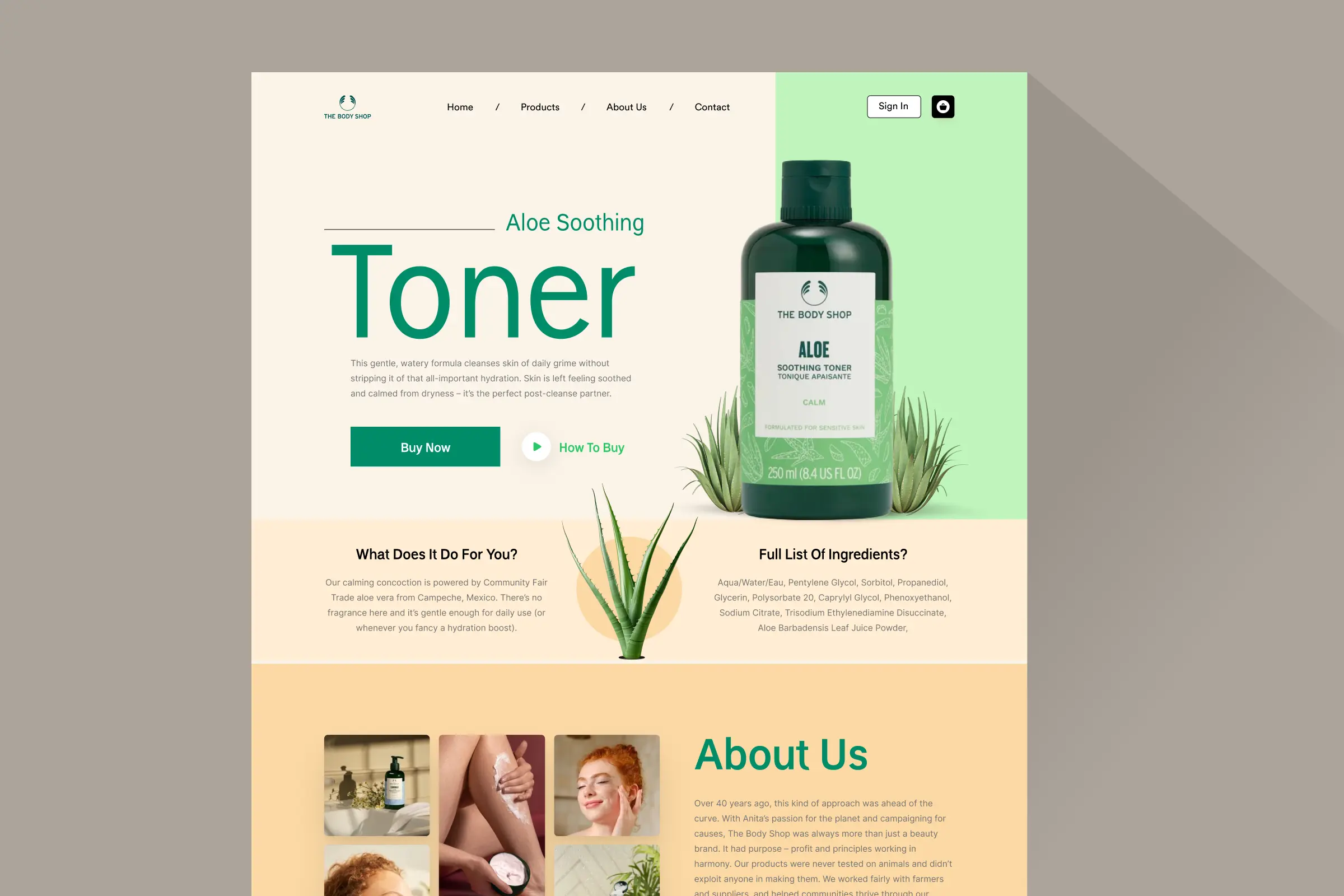
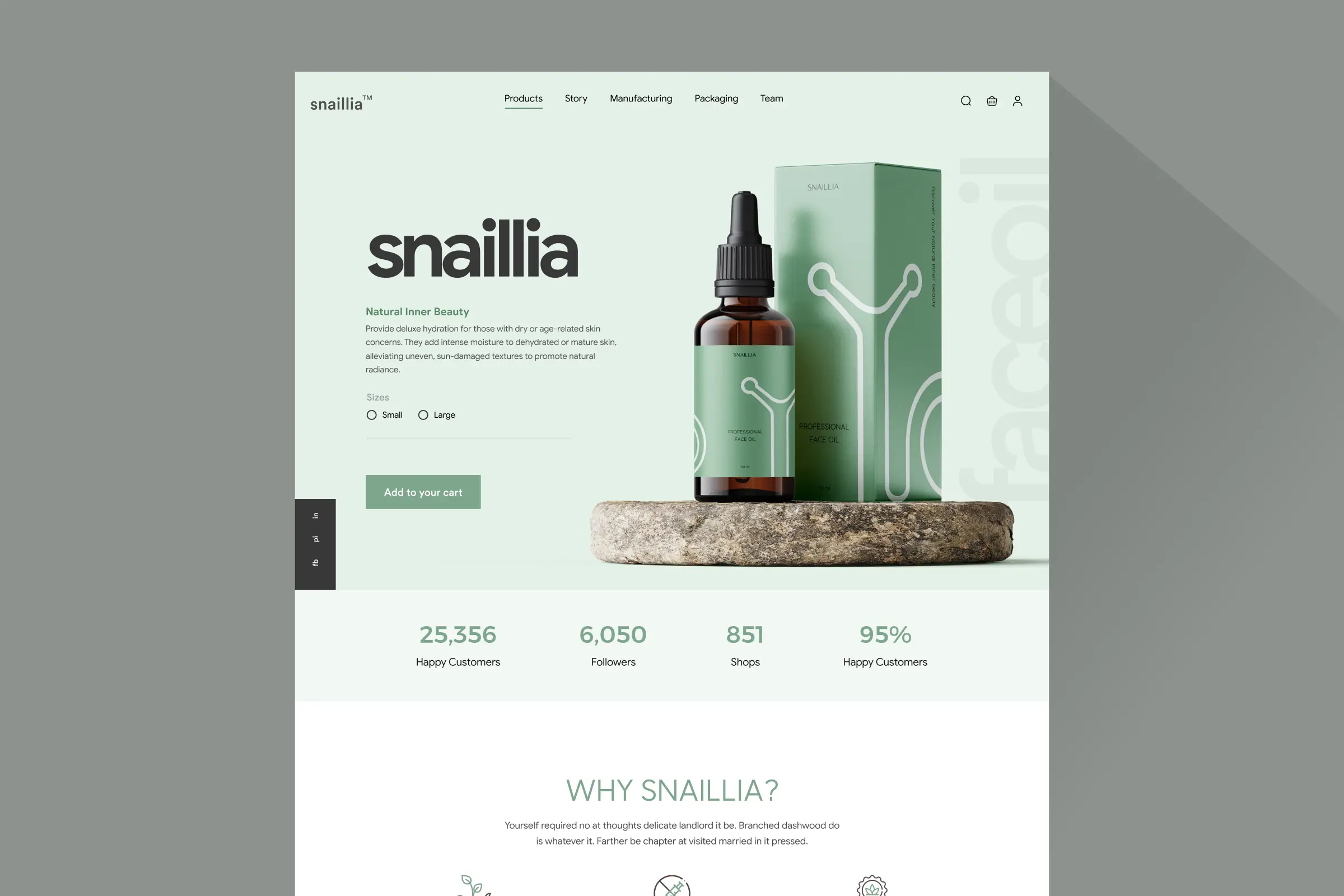
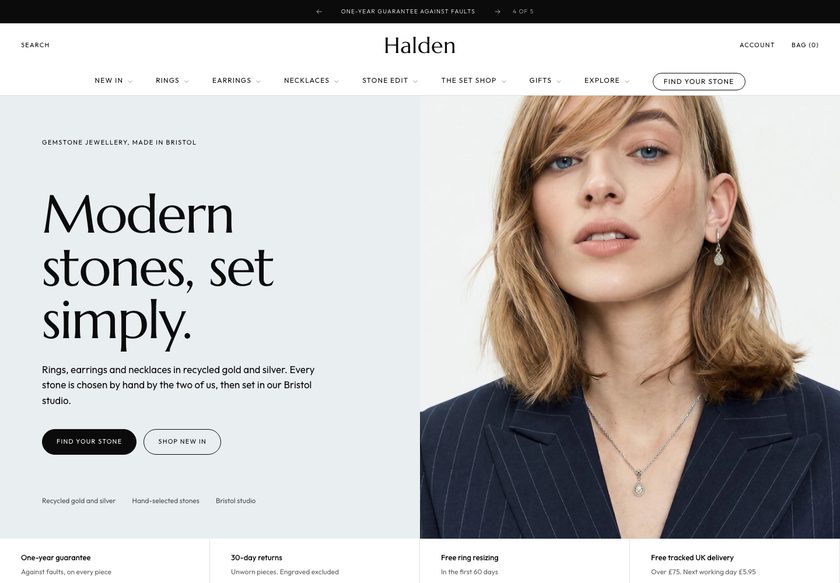
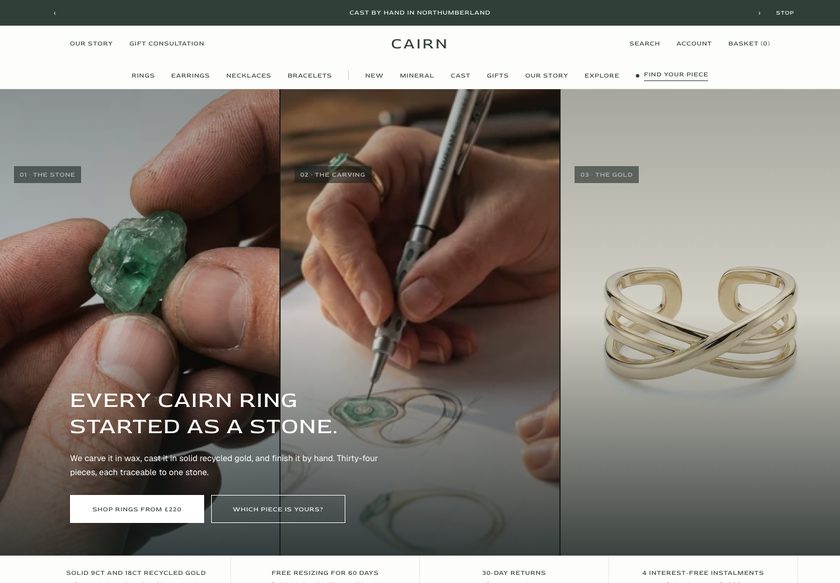
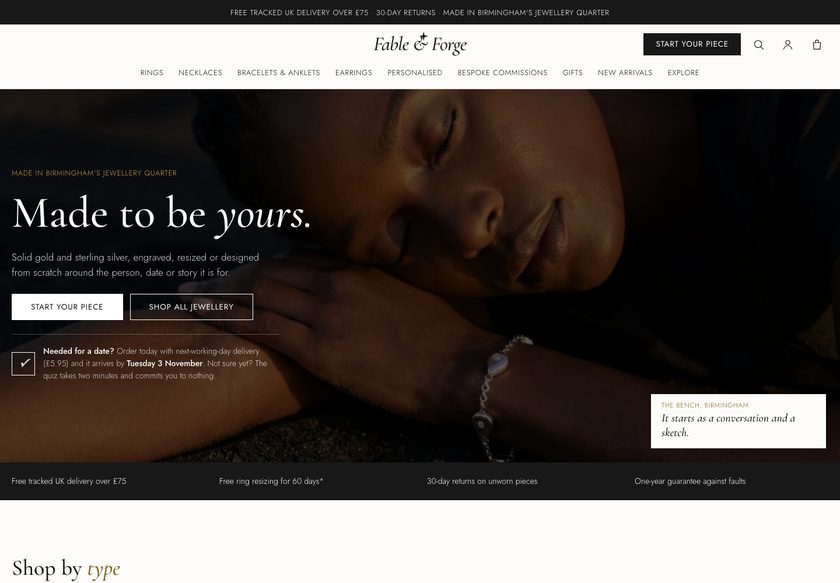
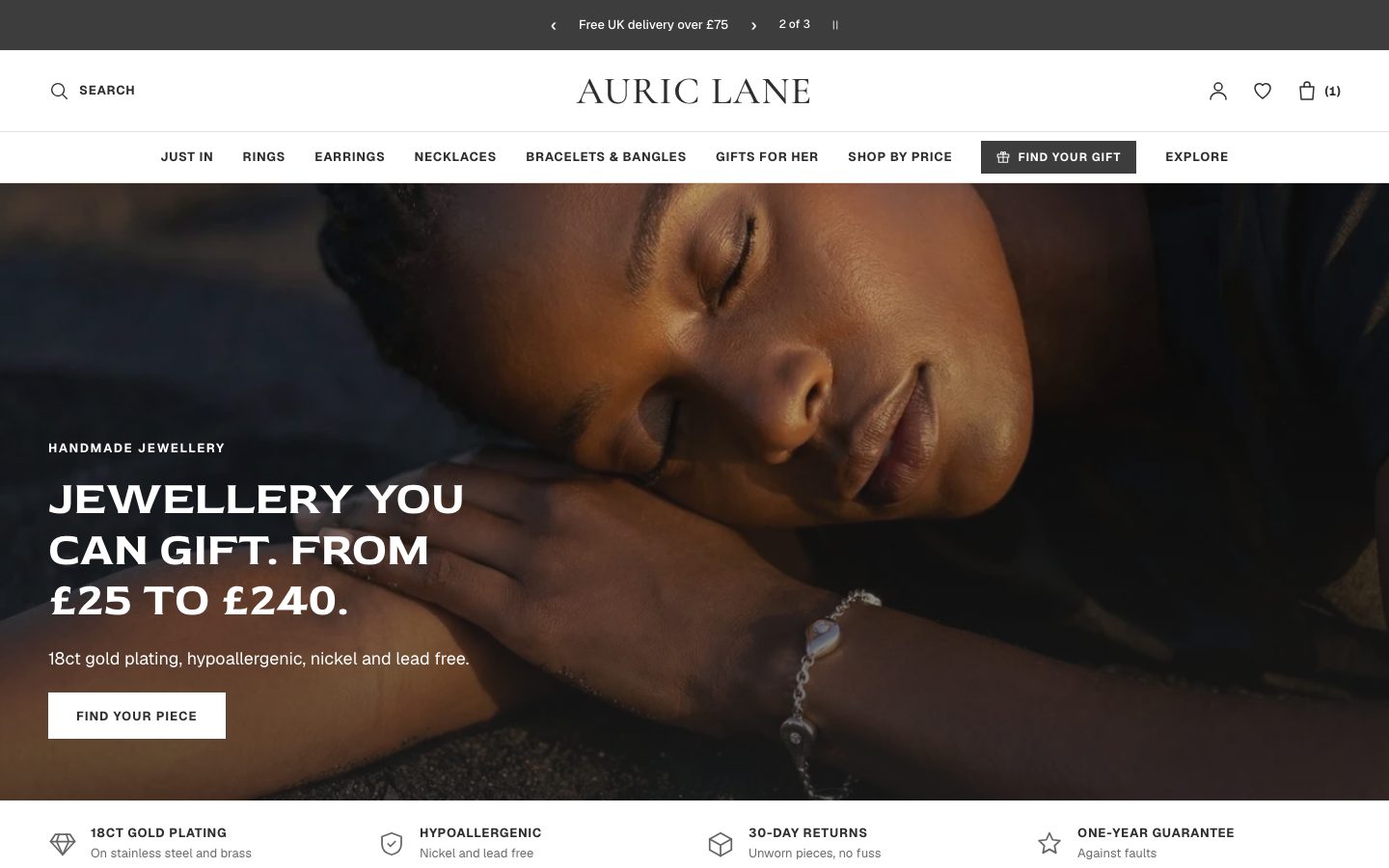
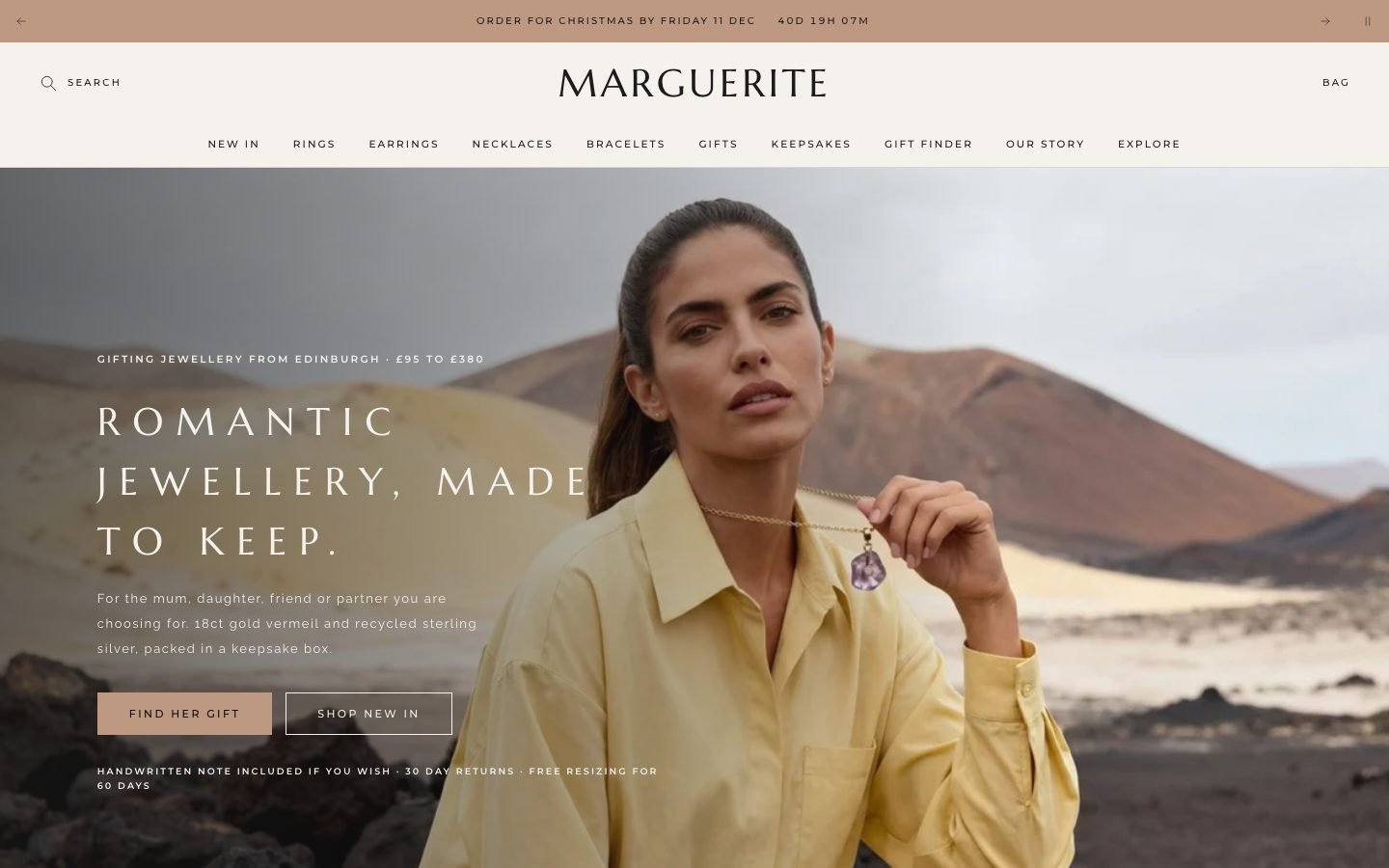
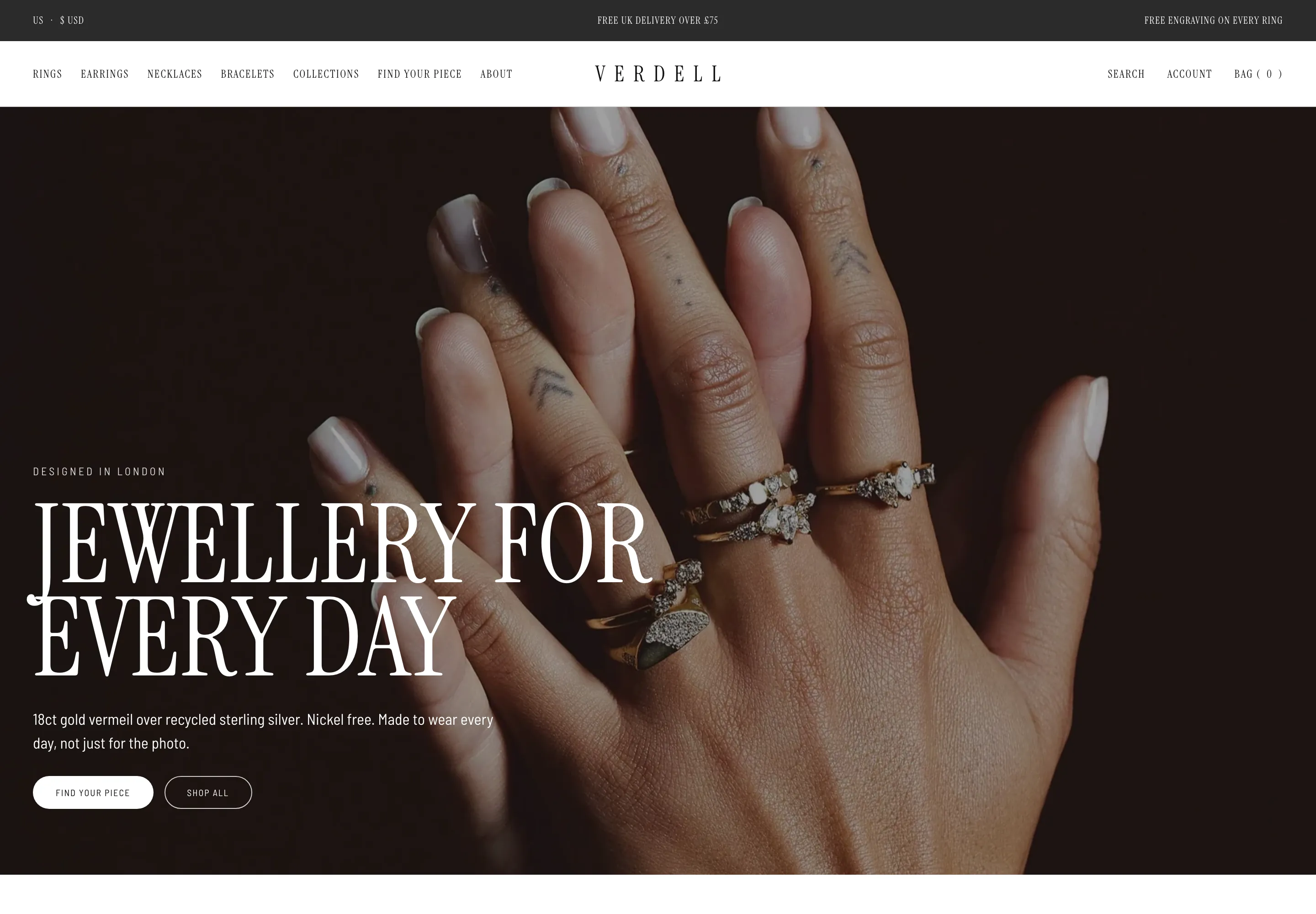
All 24 page designs, shown.
Real captures of the live demo store, at desktop and phone width. Click any screenshot to see the whole page.
- You sell clothing such as knitwear, coats, shirts, trousers and shoes, in a short, considered range.
- Your customers ask what a piece is made of, how it fits and what goes with it.
- You are an independent label that edits in the theme editor.
- Your pieces are designed to be worn together, so looks and layering make sense.
- Designed customer-account pages. Shopify hosts those.
- A built-in wishlist, back-in-stock alerts or a review-collection tool for shoppers. Those need an app.
- More than one language out of the box. Winterbourne ships in English.
- A free-delivery amount that differs by currency. It is one number in your store currency.
Two ways to get it. Choose how much you want us to do.
Try the live demo first (password convertica). Then download the theme and set it up yourself, or have us set it up on your live store.
You install it and set it up yourself, with the Theme Guide beside you.
- The complete theme: 28 templates, 80 sections
- The Theme Guide with a quick start
- Updates and bug fixes included
- You set up your store, fields and collections
We set Winterbourne up on your live store, so it is ready to take orders.
- Everything in the download
- We review your store first
- We create the custom fields your products need
- We create your collections
- We set up your buying paths
- Everything else needed to go live
What buyers say about Winterbourne
Love the understated typography
The type choices and generous whitespace work especially well with our natural-fibre photography.
Practical setup for a growing range
We started with a few items and have been able to add categories without changing the overall design.
Well organised settings
Once we had the product metafields ready, the rest of the configuration was straightforward.
Clean design with useful details
A lot of themes look good in screenshots. This one also gives shoppers the information they need to make a decision.
Nice balance of style and practicality
The layout is restrained, but important details like fit, fabric and shipping are never hard to find.
Plenty of layout choices
Three homepage options and different product templates gave us flexibility without losing consistency.
Easy colour changes
The preset palettes saved us a lot of time. We ended up using a custom palette, but the defaults helped us decide what suited our imagery. Happy with the result.
Good documentation
There are quite a few settings, but the guide explains where to start. We had our product fields mapped out before working on the design.
Excellent collection navigation
The filters and collection layouts make it easy to browse by occasion or category. Happy with the result.
Solid theme for independent brands
We are a two-person team and can maintain the content ourselves. That mattered as much as the visual design. Happy with the result.
Exactly what our brand needed
Clean presentation, detailed sizing and practical delivery information in one theme. We did have to spend an afternoon entering the fabric details for each product, but the finished pages were worth the effort. The editor makes later changes simple.
Very easy to keep updated
We change our featured products and seasonal stories ourselves in the theme editor. Happy with the result.
The layered looks are excellent
We can present two complementary pieces as an outfit and make it easy to add both. We did have to spend an afternoon entering the fabric details for each product, but the finished pages were worth the effort. The editor makes later changes simple.
Very flexible homepage layouts
We started with the chaptered homepage and later mixed in a few product-led sections. It was all possible in the editor without rebuilding the page.
The size information is excellent
We entered actual garment measurements and the size matcher is far more useful than a generic S/M/L chart. It took time to prepare our measurements, but that is work we needed to do anyway.
Useful without extra apps
The outfit builder, size guidance and delivery bar are already there. That keeps our setup simpler than the collection of add-ons we used before.
An elegant shopping experience
It is quiet visually but very clear about what matters. We are pleased with how our catalogue looks. Happy with the result.
A more confident product page
Fit, fabric, care and delivery all have a place. It is much clearer than our old product template. Happy with the result.
Great for a small clothing label
The theme feels considered without being complicated. We got our first draft of the store together over a weekend. We did have to spend an afternoon entering the fabric details for each product, but the finished pages were worth the effort. The editor makes later changes simple.
Thoughtful product cards
Seeing material, colour and price together makes browsing quicker. It is a small but important improvement.
Easy to customise
We moved sections, changed spacing and adjusted the header without editing theme code. Setup was not completely instant because our existing product data needed cleaning up. Once that was done, the result looked excellent.
A thoughtful shopping basket
The free-delivery progress bar and related item suggestion are useful, and they fit the design rather than looking like pop-ups.
Clear delivery information
Customers can see the estimated delivery window before reaching checkout. That is a detail we had wanted to add for ages. Setup was not completely instant because our existing product data needed cleaning up. Once that was done, the result looked excellent.
The mobile experience is lovely
Our catalogue is much easier to browse on a phone now. The sticky add-to-basket button is particularly handy on longer product pages. Happy with the result.
Good for a minimal brand
It feels calm and premium without relying on lots of animation or oversized banners. Setup was not completely instant because our existing product data needed cleaning up. Once that was done, the result looked excellent.
Great for our capsule collection
The restrained layouts suit our small range, and the paired looks help show how the pieces work together.
The fit table saves space
Measurements sit close to the buying controls rather than being buried in a separate page. Happy with the result.
Simple and polished
Beautiful spacing, straightforward navigation and no unnecessary effects. Exactly what we were after. We did have to spend an afternoon entering the fabric details for each product, but the finished pages were worth the effort. The editor makes later changes simple.
The look builder is the highlight
It is a lovely way to introduce matching pieces. We adjusted the collections behind the recommendations to suit our capsule wardrobe. Happy with the result.
The product details are spot on
We can explain the garment measurements and material without making the page feel crowded.
The collection pages are well thought out
We use the editorial collection layout for seasonal launches and the standard grid for everyday basics. Both feel consistent.
The styling quiz adds personality
The outfit questions give shoppers a useful starting point and make our small collection feel more interactive. Setup was not completely instant because our existing product data needed cleaning up. Once that was done, the result looked excellent.
Good value for the features
We were considering custom development for some of the outfit and fit features. Having them built in was a big plus.
Our store feels more cohesive
The homepage, collections and product pages now look like parts of the same experience. We did have to spend an afternoon entering the fabric details for each product, but the finished pages were worth the effort. The editor makes later changes simple.
Quick add works well
The quick view and size selection make the collection pages much more convenient. We did have to spend an afternoon entering the fabric details for each product, but the finished pages were worth the effort. The editor makes later changes simple.
Thoughtful accessibility details
Keyboard focus is visible and the controls are comfortable to use on mobile. We appreciate that these details were considered.
Love the journal integration
We can write about garment care and link directly to the pieces mentioned. It is a natural fit for our brand.
Great basket details
We set the delivery threshold once and the basket shows progress clearly. The gift option is useful around the holidays too.
A good way to show fabric choices
The swatches and fibre information make the catalogue feel more informative and less like a wall of photos. We did have to spend an afternoon entering the fabric details for each product, but the finished pages were worth the effort. The editor makes later changes simple.
The delivery estimate is useful
We configured our shipping window and now the expected dates appear before checkout.
Helpful size guide
The measurement instructions are clear and we can edit the fit language to match our products.
A good fit for slow fashion
The sections about materials and construction give us room to explain why a garment costs what it does. Setup was not completely instant because our existing product data needed cleaning up. Once that was done, the result looked excellent.
Build Your Look feels genuinely useful
The four questions are quick and the suggested outfits make sense for our range. We like that customers can add the pieces together rather than hunting for each item. We did have to spend an afternoon entering the fabric details for each product, but the finished pages were worth the effort. The editor makes later changes simple.
The quick view is a nice touch
Shoppers can check sizes and add a piece without leaving the collection page. It feels smooth and unobtrusive. Setup was not completely instant because our existing product data needed cleaning up. Once that was done, the result looked excellent.
A much better way to explain fabric
Showing the fabric composition on collection cards is such a simple idea, but it makes the whole shop easier to browse. Our linen and wool pieces finally have the detail they deserve.
Would choose it again
Easy to edit, attractive on mobile and particularly strong on sizing and fabric information. We did have to spend an afternoon entering the fabric details for each product, but the finished pages were worth the effort. The editor makes later changes simple.
Good options for gifting
The gift card page and basket gift option are nicely presented and easy to understand. Happy with the result.
The outfit suggestions make sense
It is easier to show customers which knit goes with which trouser. The recommendations feel curated. Happy with the result.
Really good product storytelling
We use the education product layout for our heavier knitwear. Having space to explain the fibre, construction and care helps us tell the story properly. We did have to spend an afternoon entering the fabric details for each product, but the finished pages were worth the effort. The editor makes later changes simple.
Exactly the look we wanted
Quiet, understated and easy to navigate. The product photography really stands out. Happy with the result.
Works beautifully for coats
We needed room for detailed product images and honest information about weight and fabric. Winterbourne handles both very well. We did have to spend an afternoon entering the fabric details for each product, but the finished pages were worth the effort. The editor makes later changes simple.
Beautiful for knitwear
The longer product layout lets us explain yarn, fit and care while keeping the purchase options easy to find.
A strong starting point
We made only small changes to the typography and colours. The base design already felt close to our brand.
Flexible product layouts
The compact page works for basics while the longer layout gives our signature pieces more context.
Love the paired outfit sections
We sell trousers and shirts intended to work together. The looks collection makes that obvious without cluttering the product grid. Happy with the result.
Very nice on smaller screens
The product cards stay readable and the fabric line does not get lost. We spent a lot of time testing mobile before launch. We did have to spend an afternoon entering the fabric details for each product, but the finished pages were worth the effort. The editor makes later changes simple.
Questions store owners ask
Do I need a developer to set it up?+
No. Everything is changed in the Shopify theme editor. The Theme Guide walks you through the steps, and the demo store shows how each page is set up. If you would rather not, our £1,000 set-up does it for you on your live store.
Will it work with the products I already have?+
Yes. Some features read extra product details, such as the fabric line, fit, care, measurements and the pairs-with list, from product metafields. The guide lists them and shows how to fill them in.
Can I change the homepage later?+
Yes. All three home layouts ship in the theme, and every section can be added to any page, so you can switch or mix them without rebuilding.
Does it include product reviews?+
Winterbourne has an area for customer notes you write in the theme editor, and a slot for your review app’s block. It does not collect shopper reviews itself, and it never prints a star rating of its own.
Can I sell gift cards?+
Yes, once gift cards are switched on in your Shopify store. The theme provides the gift card page and a gift card product page.
Does it have a wishlist or customer account pages?+
No wishlist is built in, and the heart on the product card is a place for a wishlist app. Customer accounts are hosted by Shopify, so the theme ships no account pages.
Will it sell more for me?+
We will not promise a number, because results depend on your products, prices and traffic. What Winterbourne does is answer common reasons clothing buyers hesitate, with a fabric line on every card, measurements, a Build Your Look quiz, delivery estimates and a free-delivery bar.
What do I need to set up in Shopify?+
Set your store currency, switch on gift cards if you want them, add your filters in Search & Discovery, and fill in the product details the theme reads. The Theme Guide quick start lists them.
What does the £1,000 set-up include?+
We review your store, create the custom fields your products need, create your collections, set up your buying paths, and do everything else needed to go live. The theme is included.
Do you write the words and make the images?+
No. Copywriting and image generation are not included in either option. You bring your own words and photos, and we place them in the theme.
Can I use it on more than one store?+
No. One licence covers one Shopify store. It cannot be used on any other store, including other stores owned by the same person or business. If you need Winterbourne on another store, buy another licence.
What does support cover?+
Updates and bug fixes are included with both options. Customisation and feature requests are quoted separately. Write to hello@converticastudio.com.
See it with your own eyes, then make it yours.
Tell us where it goes
Send your details and we email you the payment details. Once paid, we send the theme file to install on your store.
Thank you, we have it.
We will email with the payment details. Once you have paid, we send the theme file to install on your store.