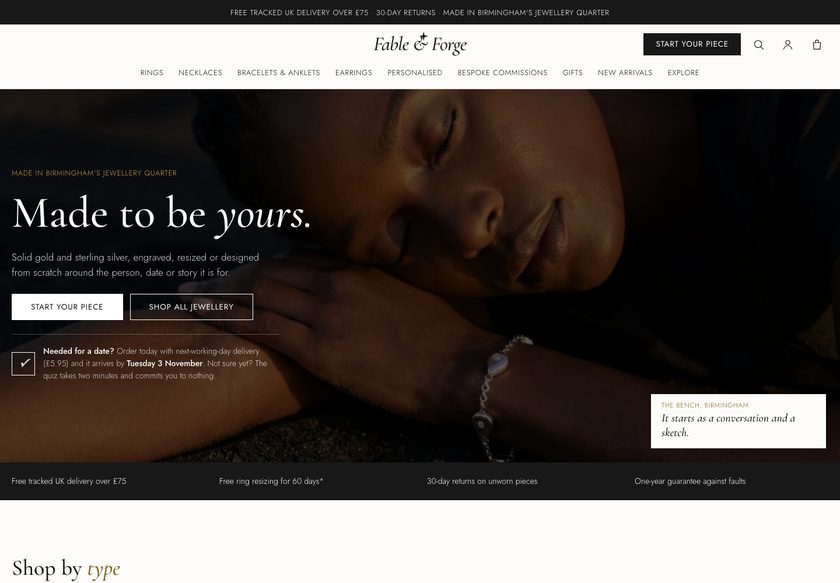
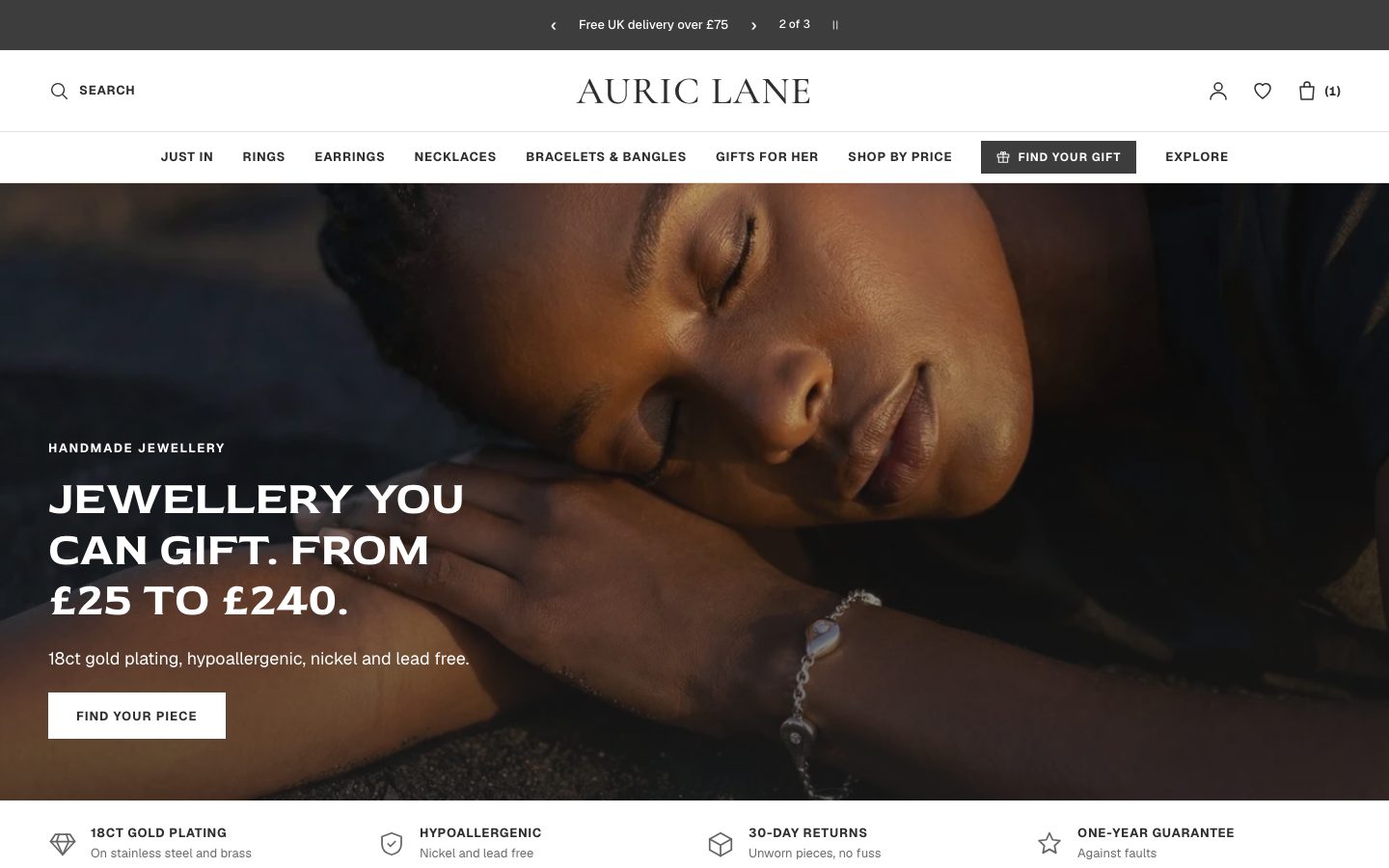
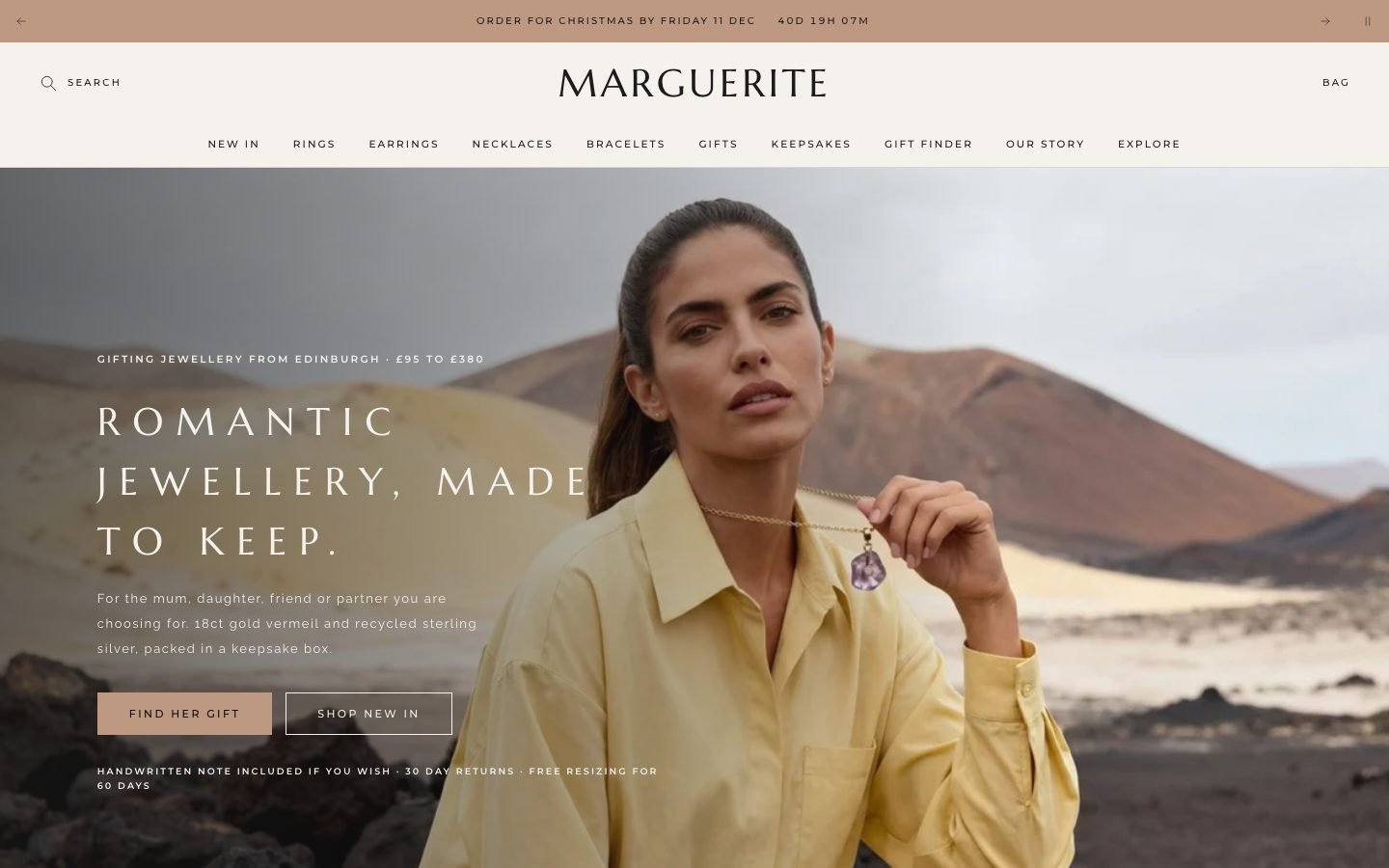
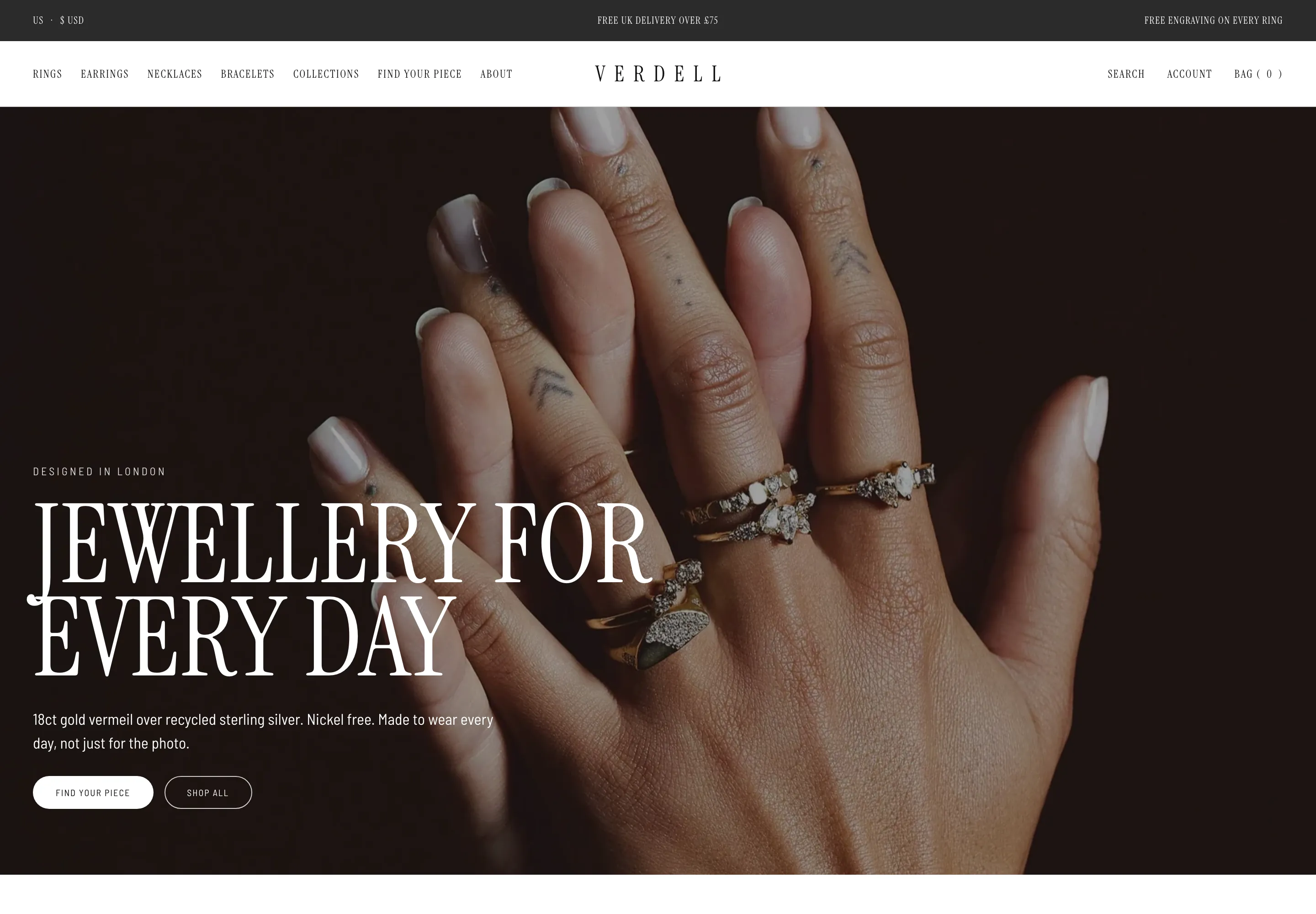
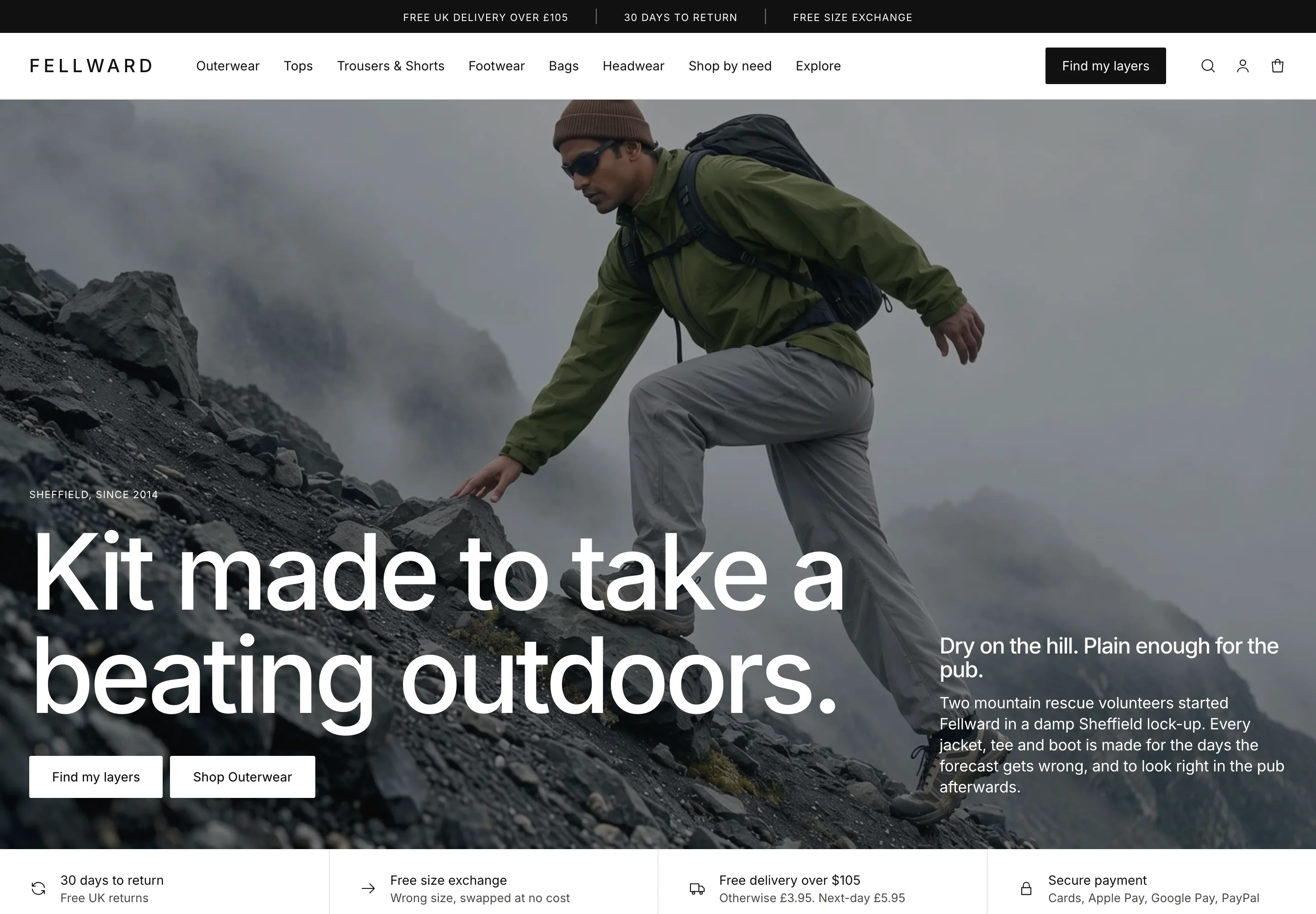
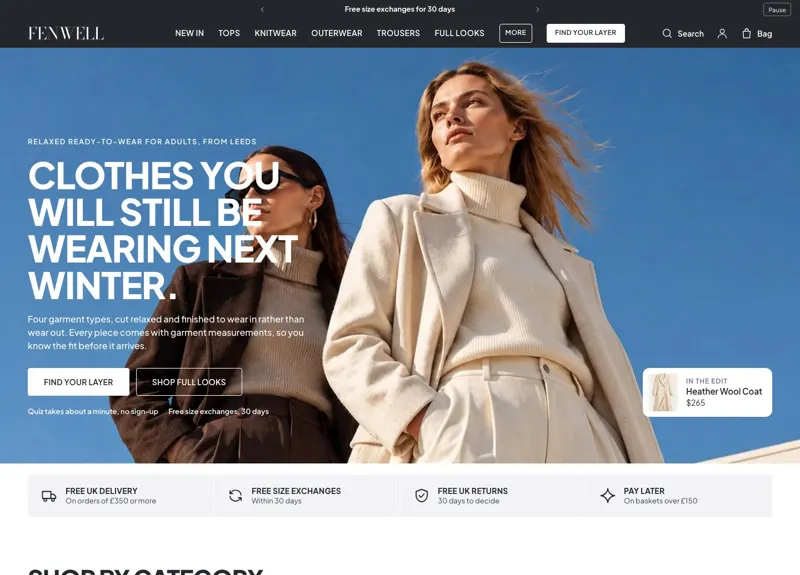
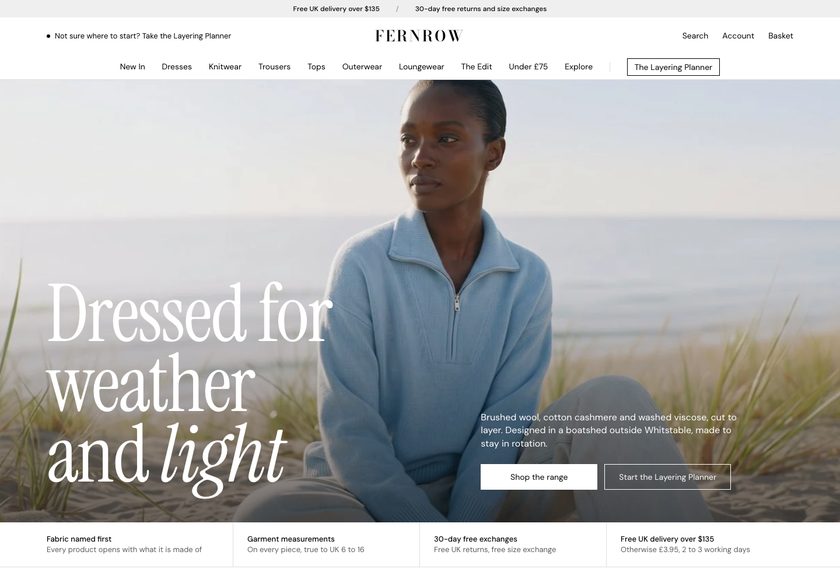
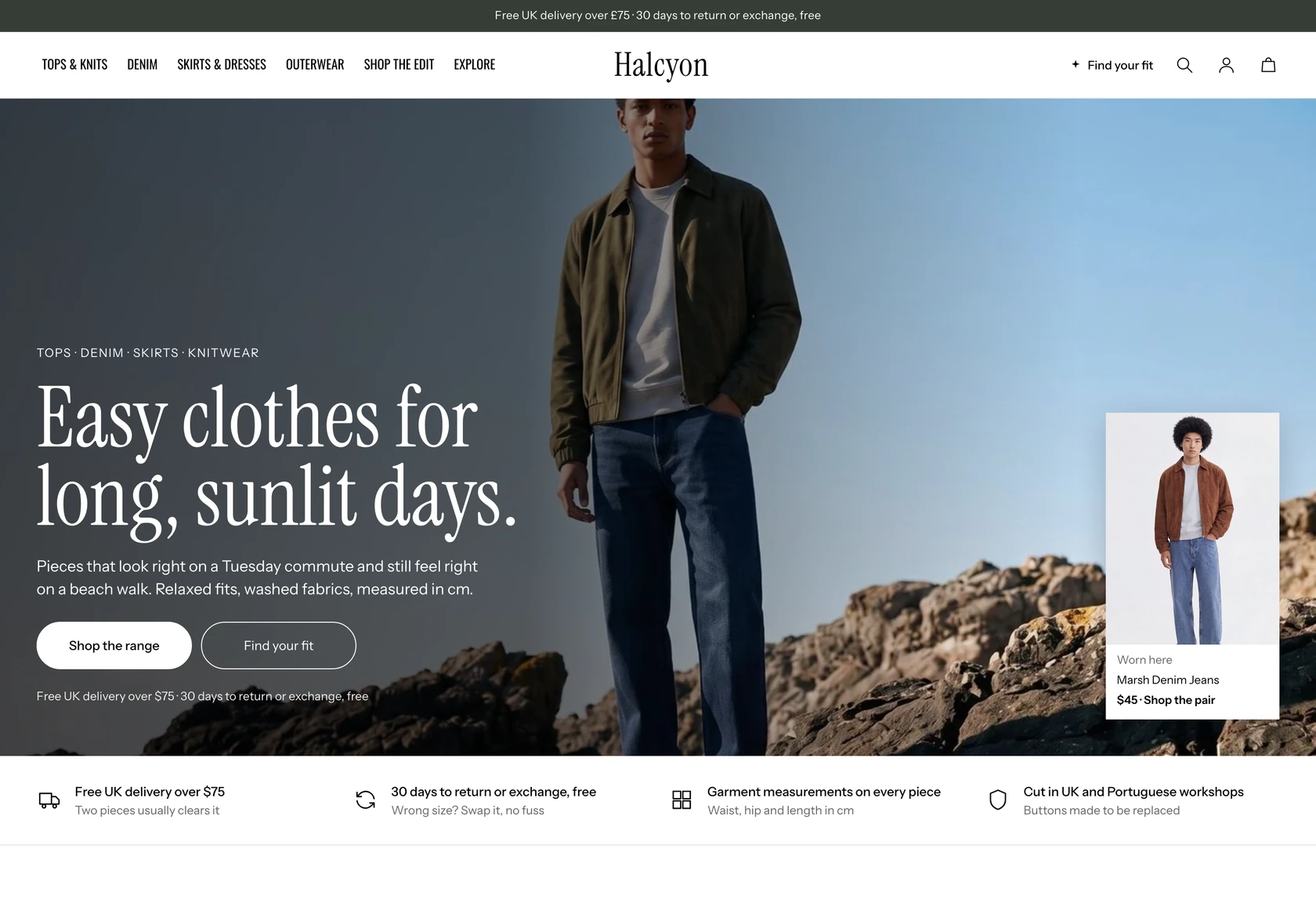
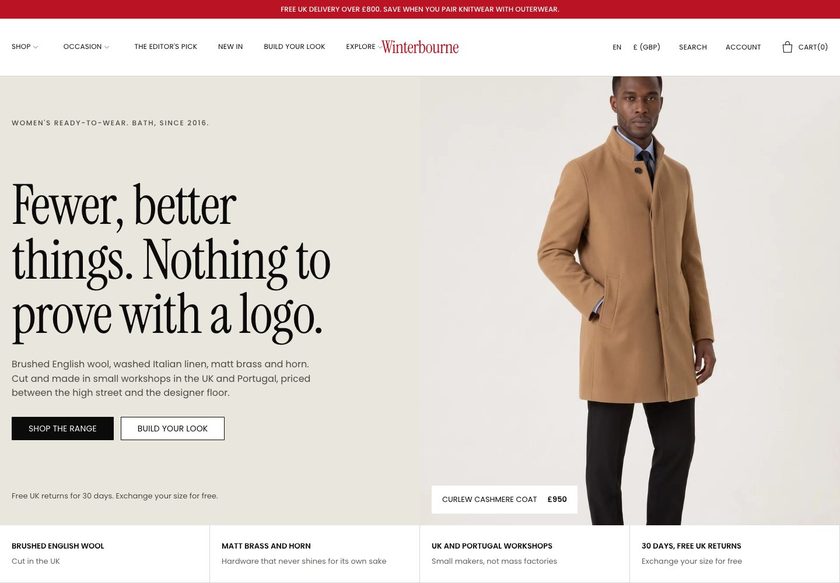
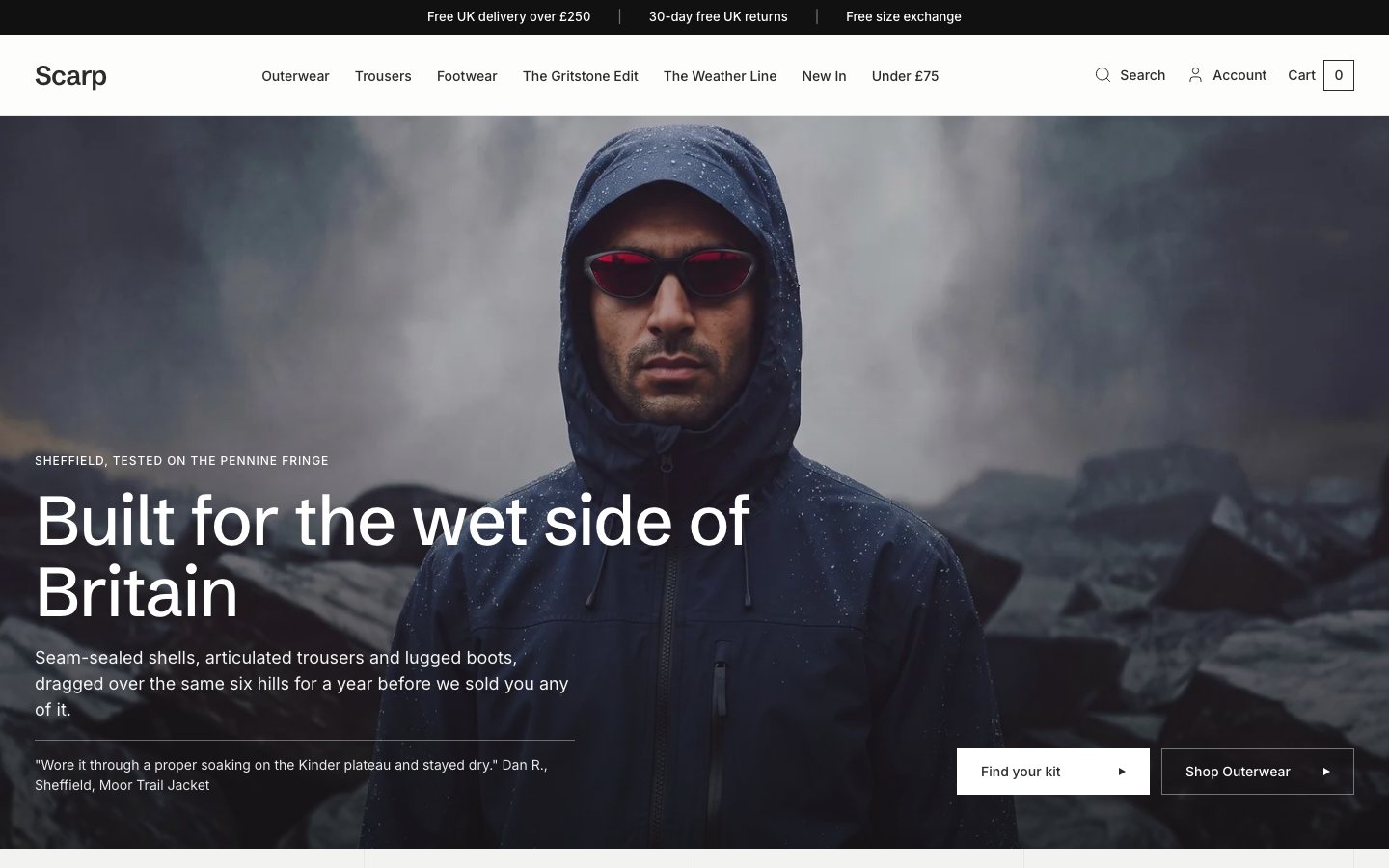
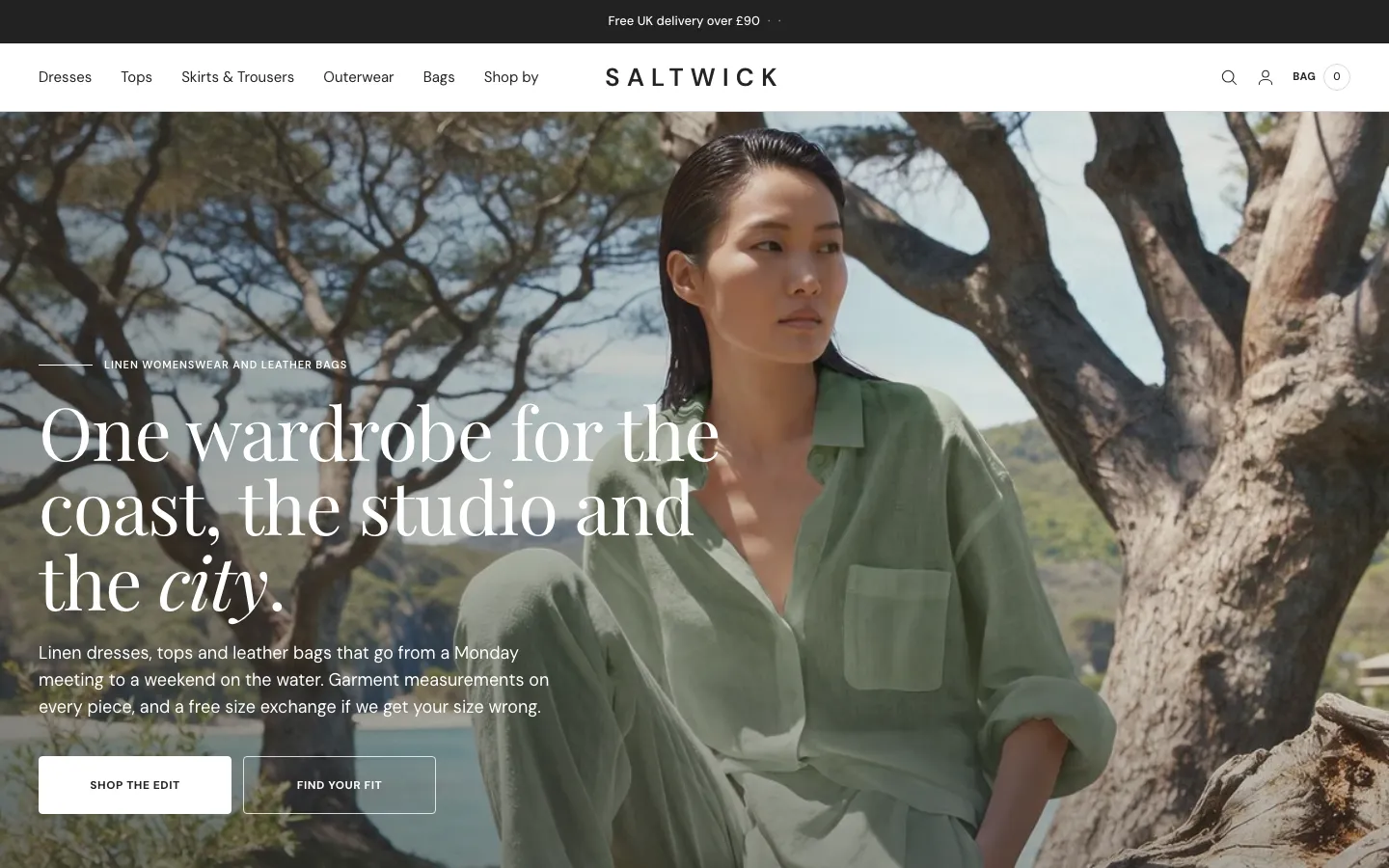
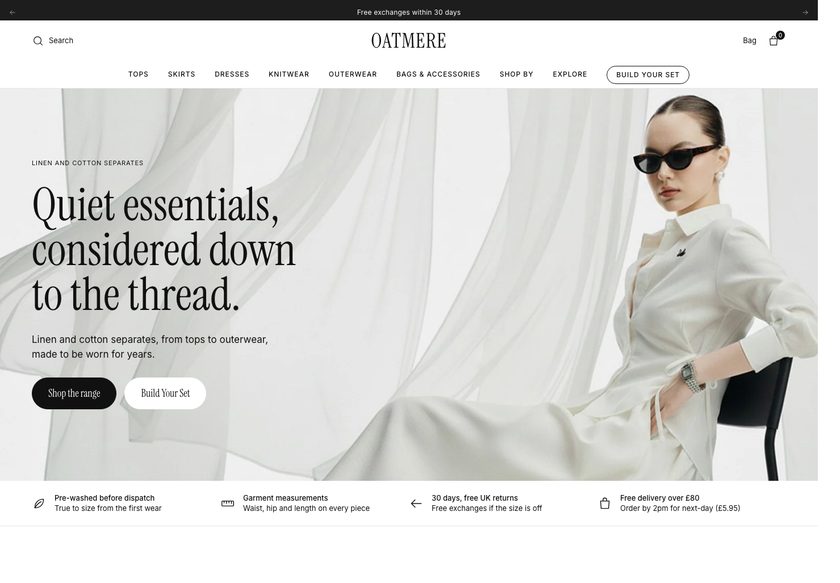
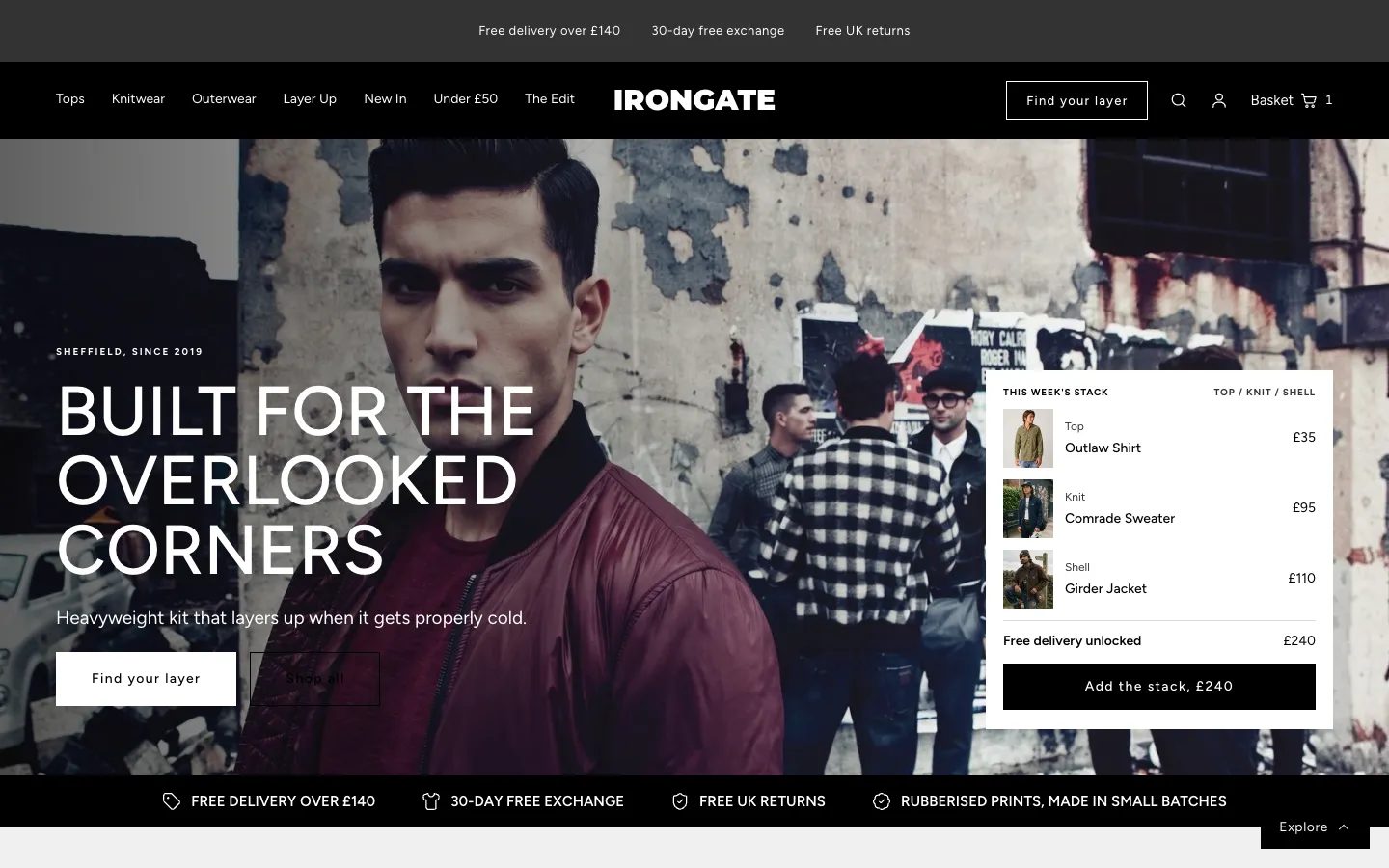
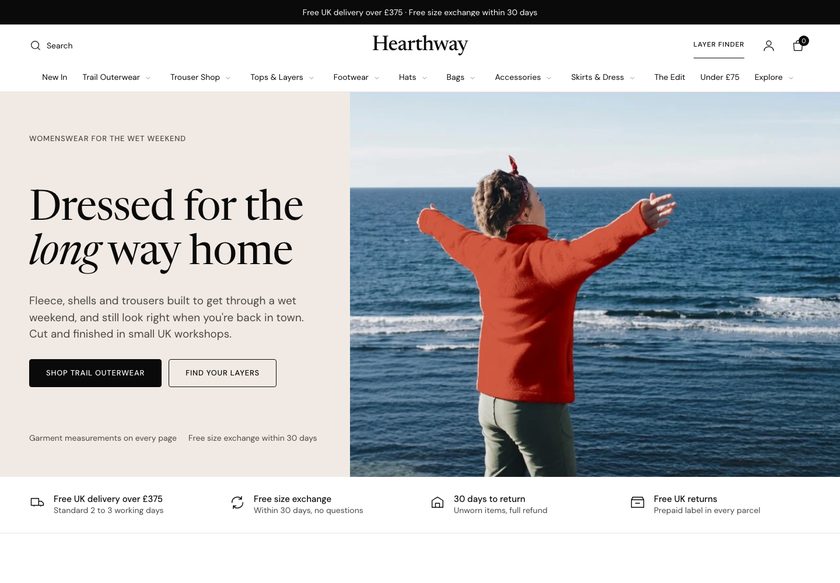
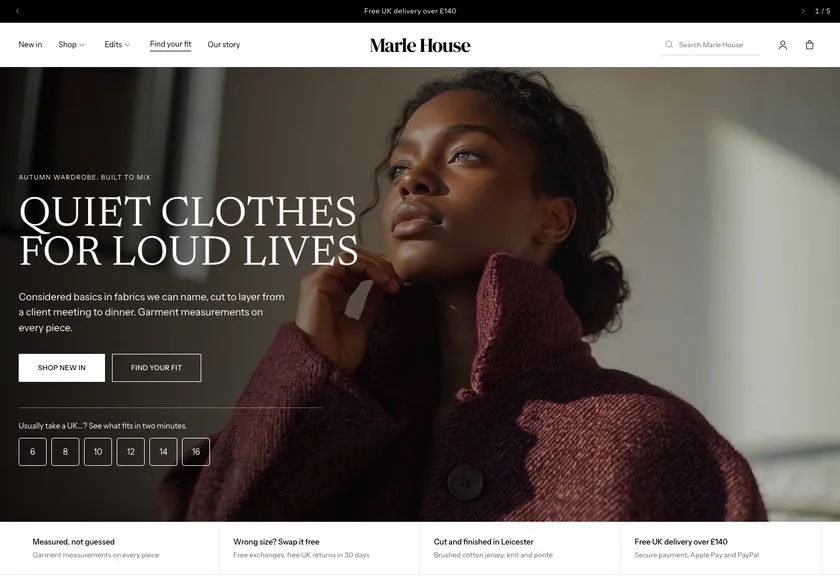
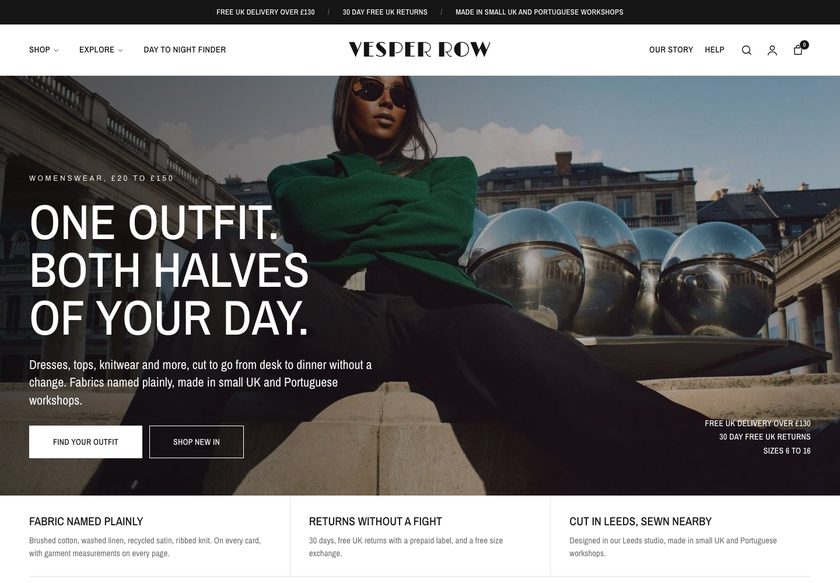
Outdoor clothing is bought against the weather. Scarp answers it.
It answers the questions that stop an outdoor clothing purchase, right on the page: what to wear for this weather, which size, what goes with it, and what delivery will cost. Your shells and layers get the confidence they deserve.
Demo password: convertica · Download from £350 or have us set it up · No monthly theme fee

Nobody buys a shell they will trust on a hill without checking.
Your customer likes the jacket in the photo. Then the questions start, and they do not ask you, they just leave the tab open and drift away.
A theme that only shows products leaves every one of those unanswered. Scarp answers all four, in the store, before they leave.
The Weather Line quiz matches a kit to the walk.
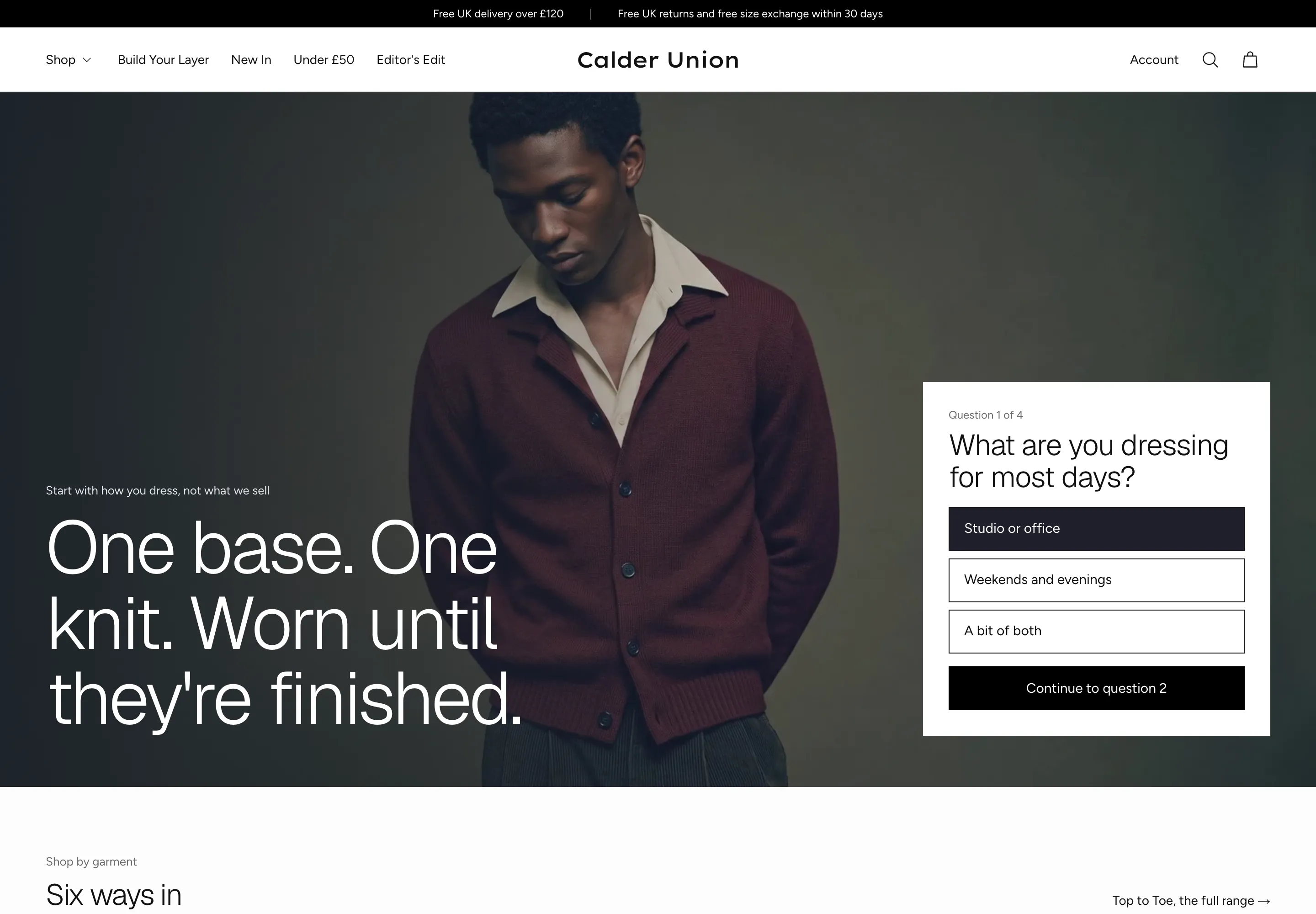
Nobody wants to guess which shell suits a day on the fell. The Weather Line quiz asks four short questions and ends in a kit of pieces you have chosen, with layering advice and a size.
- Four questions: where you are going, what the weather usually does, how heavy your pack is and how you run, each one editable in the theme editor
- A result with the pieces you pick for that answer, a layering note for the warmth chosen, and Add kit to basket
- A Weather Line band on the home page, a quiz panel on the collection page and a link from the basket drawer, so the quiz is found where shoppers are deciding
Size help where the shopper is choosing.
A size label never says how a shell fits over a mid-layer. Scarp puts the help in the buy box and on a size guide page, so a shopper can check before adding to the basket.
- Size charts as buy-box blocks, matched to products by type or tag, with a row that highlights the size the shopper picks
- A Find your size panel and a Check your layering panel on the product page
- A Size it band on the home page, and a size guide page with size charts and how-to-measure steps
Layering and kits, with the sum shown.
Outdoor clothing is worn as a system. Scarp shows what goes under and over a piece, and sells the pieces together as a kit.
- A layering tab on the product page that lists what to wear under and over the piece, which you write
- A kit band that adds the kit pieces in one request and shows the arithmetic of the kit discount; the discount itself is a Shopify automatic discount you create
- Shop by weather and a shoppable lookbook on the third home page, and complete the look on the second
A free-delivery line that moves as the basket fills.
Shoppers hesitate when they cannot see what happens next. Scarp shows how close the basket is to free delivery, and offers a piece that closes the gap.
- A free-delivery progress bar in the basket drawer and on the basket page, with the threshold and the message set once in theme settings
- A closing product chosen from Delivery gap blocks you set up in the basket drawer and on the product page
- A delivery window in the buy box, worked out from your earliest and latest working days; the basket says Calculated at checkout until delivery is free, because Shopify prices delivery at checkout
Kits rarely stop at one piece. Scarp shows what goes together.
A shell with the trouser. A mid-layer under it. A second piece to reach free delivery. The theme suggests them where the customer is already deciding.
Kit band
A band on the product page lists the kit pieces you choose by role, adds them in one request and shows the kit discount arithmetic.
Delivery gap product
A piece you choose is offered in the basket drawer and in the buy box when a shopper is short of free delivery.
Complete the look
The second home page pairs pieces and shows the total.
Shoppable lookbook
The third home page puts hotspots on a picture, each opening a product you choose.
It should look like your brand, not like everyone who bought the same theme.
Pick the opening that suits your range, then recolour the whole store from one dropdown.
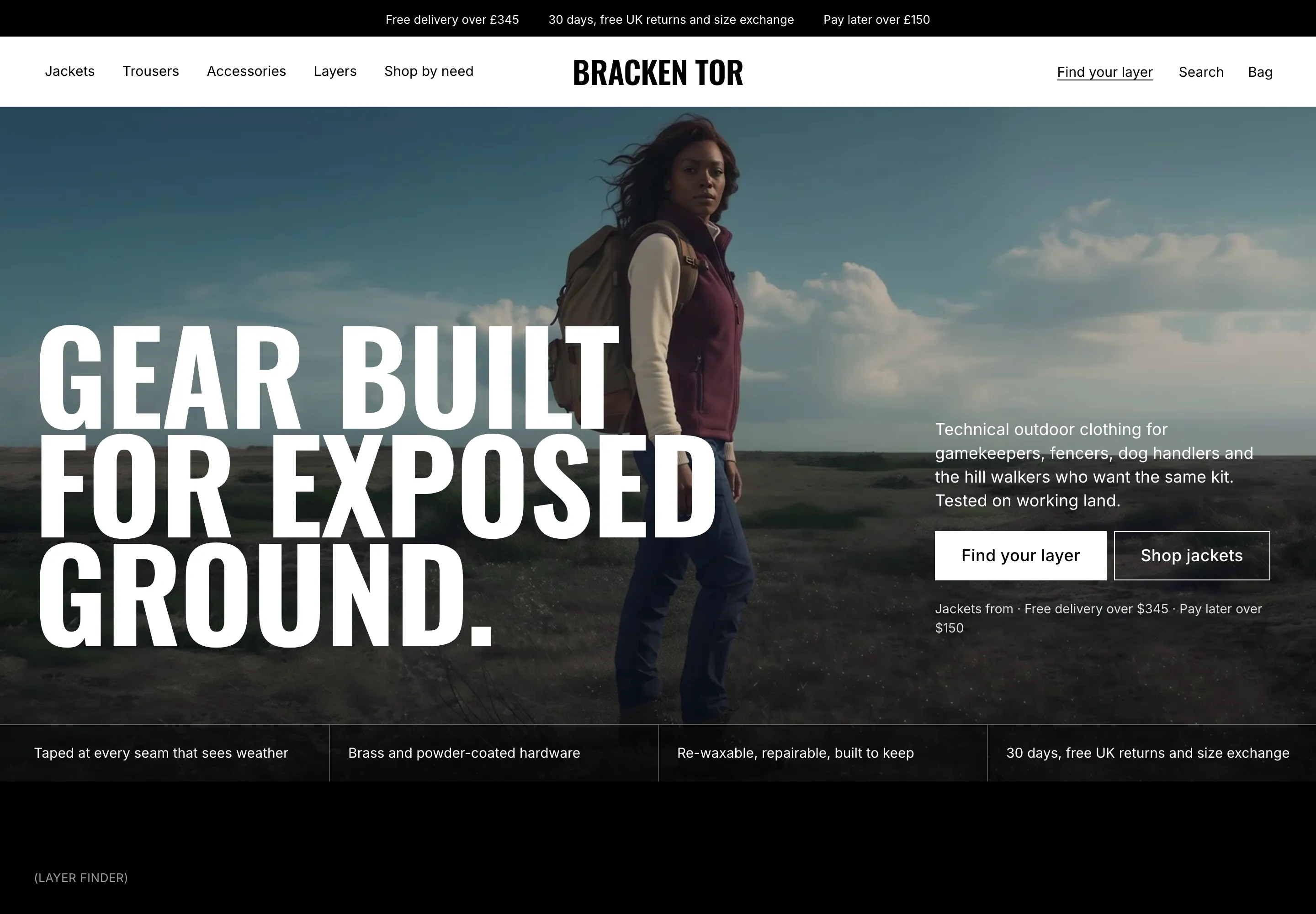
Hero, trust strip, categories, the Weather Line band, size it, shop by need, a regulars rail, the Gritstone edit, the six hills, proof, fabric and story. Best for most shops.
A product-led hero, tabbed favourites, a mosaic with promo tiles, complete the look, a comparison and questions. Best for a wider range.
A hero, shop by weather, a shoppable lookbook, layering, a reviews summary and customer photos. Best for a story-led launch.
Twelve palettes, one click
The Scarp default, ten alternatives and a Custom option. Two bundled typefaces, with a switch to the Shopify font library.
Everything is a section. Move it, add it, hide it.
You are a maker or a small brand, not a web agency. Scarp is built so you can change what you need in the theme editor and never touch code. Prefer not to? We can set it all up for you.
- 87 sections you can add to any page, each with padding and background colour controls, and 83 of them with a container-width control
- 213 settings in 20 groups: colour, type, basket behaviour, cards, header and more
- Four hero banner presets (image, video, text bottom left, text bottom right) and a custom section for your own HTML, each with height controls for desktop and phone
- A Theme Guide that walks you through each step
The parts you can't see, done properly.
Ready to be found
Canonical and social-share tags on every page, and 18 kinds of structured data, including Product, Offer, FAQPage and BreadcrumbList, so search engines can read your range.
Light on the page
Plain JavaScript, no jQuery and no framework. Fonts are served from the theme itself, with settings for image loading and fonts. We publish no speed figure for the theme; your pictures and apps affect speed.
Built for everyone
A skip-link setting, a setting to underline links, adjustable focus rings, reduced-motion styles and right-to-left support. We claim no accessibility conformance level.
Plays well with apps
App-block slots in 85 of the 87 sections you can add, so a review app or any other app block can go where you need it. Google Analytics 4 works with your own ID, once the cookie notice is on.
What you would otherwise piece together from apps and custom work.
On many themes each of these is an extra app or a developer's afternoon. In Scarp they are part of the theme. A few things honestly are not, and we say which.
| Feature | In Scarp |
|---|---|
| Weather Line quiz with a kit result and Add kit to basket | Built in |
| Size charts, a Find your size panel and a size guide page | Built in |
| A layering tab and a kit band on the product page | Built in |
| Free-delivery progress bar and a piece that closes the gap | Built in |
| Delivery window in the buy box, from your working days | Built in |
| Quick view and quick add | Built in |
| Basket drawer and basket page | Built in |
| Four hero banner presets: image, video, text bottom left and bottom right | Built in |
| Twelve colour palettes, three home layouts, three collection layouts, four product layouts | Built in |
| Product reviews | Reviews you write in the theme editor or keep as records in Shopify, or your review app in a ready block |
| Collection filters | Shopify’s own Search & Discovery filters, drawn by the theme |
| Kit discount | The theme states the saving; the discount itself is a Shopify automatic discount you create |
| Gift cards | Page and product included, switched on in your store |
| Wishlist | Not included; the heart on a product card is a place for a wishlist app |
| Back-in-stock emails | A notify-me form sends the request to your store; automatic alerts need an app |
| Customer account pages | Hosted by Shopify |
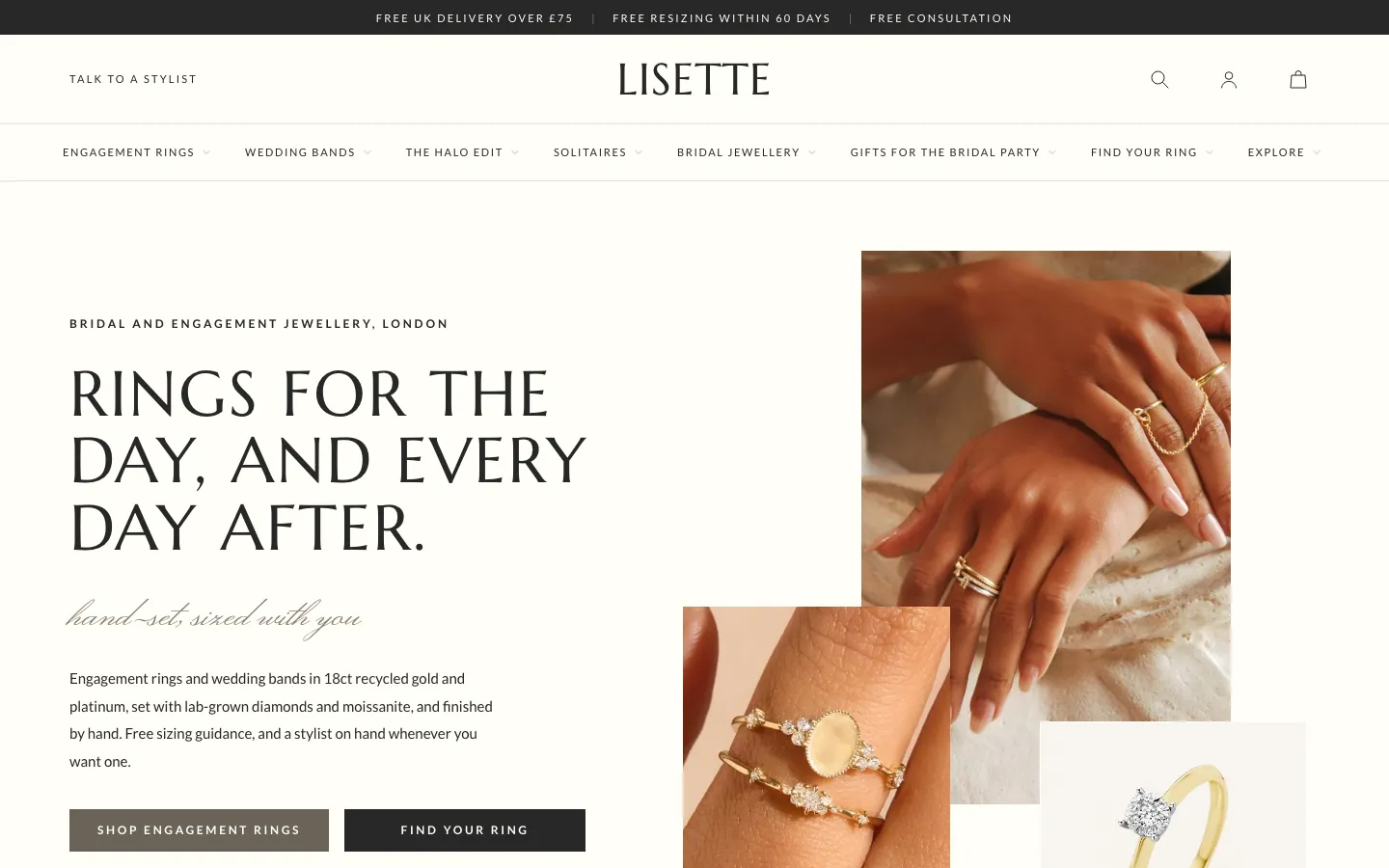
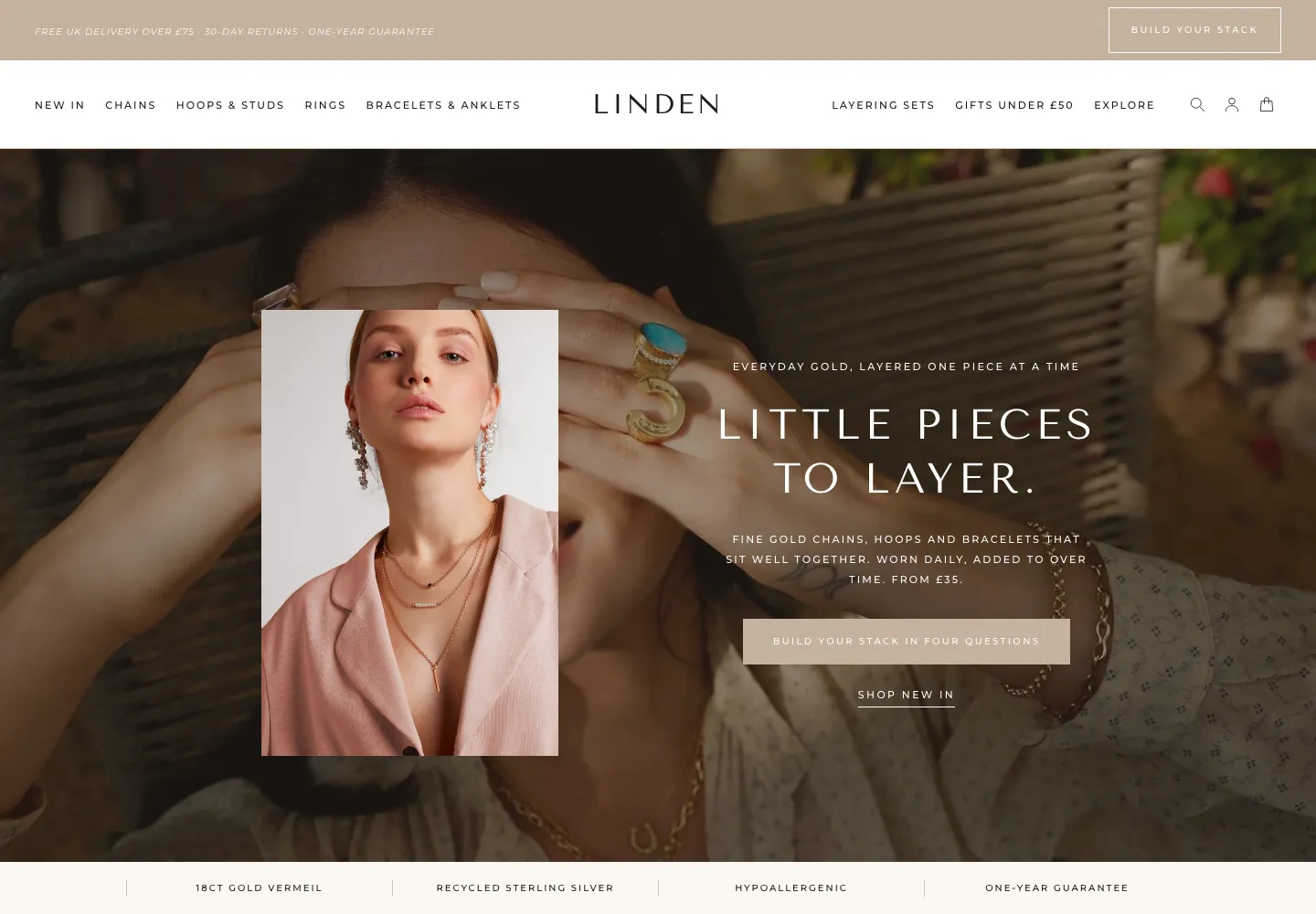
27 page designs, shown.
Real captures of the live demo store, at desktop and phone width. Click any screenshot to see the whole page.
- You sell technical outdoor clothing such as shells, insulation, trousers, base layers and accessories.
- Your customers ask what to wear for the conditions, which size to take and what goes under and over a piece.
- You want to sell kits of several pieces, not only single products.
- You edit in the theme editor and want a choice of home, collection and product layouts in one theme.
- Designed customer-account pages. Shopify hosts those.
- A built-in wishlist, back-in-stock alerts or a tool that collects reviews from shoppers. Those need an app.
- More than one language out of the box. Scarp ships in English.
- An automatic kit discount. The discount is a Shopify automatic discount you create yourself.
Two ways to get it. Choose how much you want us to do.
Try the live demo first (password convertica). Then download the theme and set it up yourself, or have us set it up on your live store.
You install it and set it up yourself, with the Theme Guide beside you.
- The complete theme: 35 templates, 87 sections
- The Theme Guide with a quick start
- Updates and bug fixes included
- You set up your store, fields and collections
We set Scarp up on your live store, so it is ready to take orders.
- Everything in the download
- We review your store first
- We create the custom fields your products need
- We create your collections
- We set up your buying paths
- Everything else needed to go live
Questions store owners ask
Do I need a developer to set it up?+
No. Everything is changed in the Shopify theme editor. The Theme Guide walks you through the steps, and the demo store shows how each page is set up. If you would rather not, our £1,000 set-up does it for you on your live store.
Will it work with the products I already have?+
Yes. A few features read extra product details, such as a card line, a size chart and a fit note, from product metafields. The guide lists them and shows how to fill them in.
Can I change the homepage later?+
Yes. All three home layouts ship in the theme, and every section can be added to any page, so you can switch or mix them without rebuilding.
Does it include product reviews?+
Scarp shows reviews you write in the theme editor or keep as records in Shopify, or your review app’s block. It does not collect reviews from shoppers, and it never types a star rating of its own.
Can I sell gift cards?+
Yes, once gift cards are switched on in your Shopify store. The theme provides the gift card page and a gift card product page.
Does it have a wishlist or customer account pages?+
No wishlist is built in, and the heart on the product card is a place for a wishlist app. Customer accounts are hosted by Shopify, so the theme ships no account pages.
How does the kit discount work?+
The theme shows the kit and the saving as wording and arithmetic. The discount itself is a Shopify automatic discount that you create in your Shopify admin, and you keep the two in step.
Will it sell more for me?+
We will not promise a number, because results depend on your products, prices and traffic. What Scarp does is answer common reasons outdoor buyers hesitate, with the Weather Line quiz, size help, a layering check, kits and a free-delivery line.
What do I need to set up in Shopify?+
Set your store currency, switch on gift cards if you want them, add your filters in Search & Discovery, create your kit discount, and fill in the product details the theme reads. The Theme Guide quick start lists them.
What does the £1,000 set-up include?+
We review your store, create the custom fields your products need, create your collections, set up your buying paths, and do everything else needed to go live. The theme is included.
Do you write the words and make the images?+
No. Copywriting and image generation are not included in either option. You bring your own words and photos, and we place them in the theme.
Can I use it on more than one store?+
No. One licence covers one Shopify store. It cannot be used on any other store, including other stores owned by the same person or business. If you need Scarp on another store, buy another licence.
What does support cover?+
Updates and bug fixes are included with both options. Customisation and feature requests are quoted separately. Write to hello@converticastudio.com.
See it with your own eyes, then make it yours.
Tell us where it goes
Send your details and we email you the payment details. Once paid, we send the theme file to install on your store.
Thank you, we have it.
We will email with the payment details. Once you have paid, we send the theme file to install on your store.